The real test of a whole house audio system is not a quiet Tuesday night with one person in the kitchen. It is the holiday party. Twenty-five people, three rooms, a cold patio, kids running between floors, and someone’s uncle who thinks every song should be louder.
I host Thanksgiving and a December party every year, and my audio setup has failed in most of the classic ways: a room that dropped out of the group, a playlist that ended at 8:40, a guest who connected to a speaker over Bluetooth and broke the whole group, and a living room so loud nobody could talk. This is the setup I use now. It survives a full house without me touching my phone after the first guest arrives.
If you are still choosing the hardware, my best whole home audio systems guide is the place to start. This post is about running whatever you own like a party system.
Think in party zones, not rooms
The first mistake is treating a party like normal listening. On a normal day, every room is its own zone with its own source. At a party, the house is one experience, but not every room should be equally loud.
I split the house into three party roles:
- Talk zones: kitchen and dining room. People stand around food and need to hear each other. Music is background, low and steady.
- Energy zone: the living room or family room. This is where music can carry the mood. Moderate volume, a little more bass.
- Edge zones: hallway, entry, bathroom, patio. Quiet, but present, so the house never feels dead when someone walks between rooms.
Every one of those zones plays the same stream in sync. The only thing that changes is volume. That is the whole trick, and it is why a grouped multi-room system beats a single loud speaker in the corner every time. One loud speaker makes its room unbearable and leaves the rest of the house silent.
If you are not sure how your rooms map to zones, my whole house audio cost per room worksheet walks through zone counting, and the family-friendly control plan covers who should be allowed to change what.
My hardware for a full house
My system is a mix, which is typical. You do not need a matched set to run a good party.
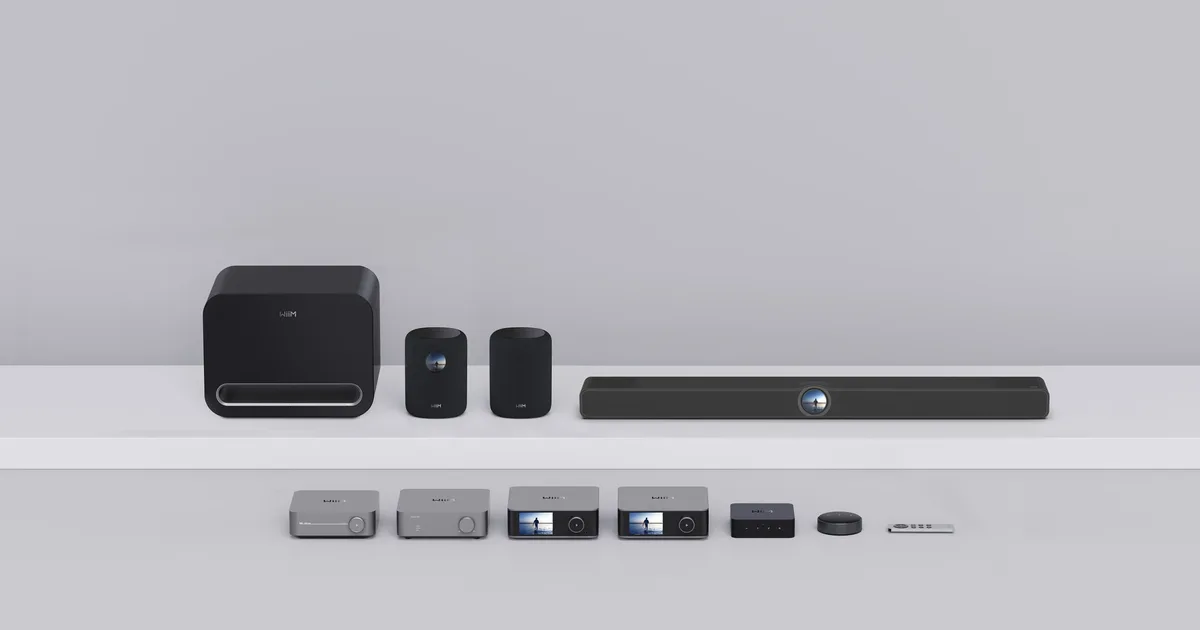
- Living room: a WiiM Pro Plus feeding a stereo amp and bookshelf speakers. This is the group leader, and it is wired to Ethernet.
- Kitchen: in-ceiling speakers powered by a WiiM Amp. Ceiling speakers are perfect for talk zones because the sound is spread out instead of beaming from one spot.
- Dining and office: WiiM Mini streamers feeding small powered bookshelf speakers. Cheap, small, and they join the group like everything else.
- Patio: a pair of weatherproof outdoor speakers on a dedicated amp, set up the way I described in my patio zone guide.
The same approach works on Sonos or HEOS. What matters is that every zone can be grouped from one app and holds sync. If you are choosing between platforms, my Sonos vs HEOS vs WiiM comparison breaks down the trade-offs, and the WiiM whole house audio build shows exactly how my system is wired.
What I keep out of the party group: Bluetooth speakers. They cannot sync with a Wi-Fi group, and the moment a guest pairs a phone to one, it stops following the party stream. If you have a portable Bluetooth speaker, put it on the porch for the smokers with its own phone, or leave it in a drawer.
Step 1: Build and save the party group
Two days before the party, I build the group once and save it.
In the WiiM Home app, I drag every party zone into the living room’s group so the wired Pro Plus is the leader. Then I set each room’s volume inside the group. My starting points, on a 0 to 100 scale, look roughly like this:
| Zone | Party role | Starting volume |
|---|---|---|
| Living room | Energy | 35 |
| Kitchen ceiling | Talk | 22 |
| Dining room | Talk | 18 |
| Hallway and office | Edge | 15 |
| Patio | Edge | 30 (outdoors needs more) |
Your numbers will be different, because amps and speakers vary wildly. The ratios are what matter: the talk zones sit noticeably below the energy zone, and the edges are just loud enough to notice.
Then I walk the house with the group playing at those levels, ideally with a couple of people talking in the kitchen. If I have to raise my voice by the stove, the kitchen is too loud. If the hallway feels like a dead spot, I bump it a few points. This walk takes ten minutes and is the single biggest difference between a party that sounds designed and one that sounds like a dorm.
Sonos lets you save a group as part of a routine, HEOS has saved groups, and WiiM lets you recall groupings and presets. Use whatever your platform offers so you can rebuild the party group in one tap the next time.
Step 2: Set volume caps before anyone arrives
Every party has a person who finds the app on a phone, or the knob on the receiver, and turns it up. Then someone else turns up the next room to compete. Twenty minutes later, nobody can hear anything.
The fix is to set a maximum volume on every zone before the party. WiiM, Sonos, and most current streamers expose a per-device volume limit in their settings. I set each cap about 10 points above the starting volume. That leaves room for the music to come up later in the evening without letting anyone turn the kitchen into a club.
If you run Home Assistant, you can add a safety net on top of that. I have a simple party mode automation: when an input boolean called party mode is on and any party zone’s volume goes above its limit, Home Assistant sets it back down. It is the same kind of automation as the house rules in my WiiM and Home Assistant multi-room guide. It also turns the patio zone off at 10 p.m. so the neighbors stay friendly.
Step 3: Use a playlist that cannot run out
Nothing kills a party faster than silence at 8:40 because an album ended. I do three things.
Use one long playlist. At least four hours, ideally six. Longer than the party, always. Shuffle it once before guests arrive so the first songs are not always the same.
Let guests add, not control. Make the main playlist collaborative on Spotify or your streaming service of choice, and share a link or a QR code on the fridge. Guests add songs to the playlist; they do not get your speaker app. That keeps the stream going when the person who queued a song wanders off, and nobody can accidentally ungroup a room.
Avoid phone casting as the source. If the source is someone’s phone using AirPlay or Spotify Connect from their account, the music stops when they leave or take a call. I start the stream from the streamer itself, logged in to my account, so the source never walks out the door. My Amazon Music vs Spotify for whole house audio post covers which services are easiest to run this way.
Step 4: Harden the network for 25 phones
A house full of guests means a Wi-Fi network full of phones, and many of them will join your guest network the moment they walk in. That extra traffic is the most common reason a room drops out of the group mid-party.
My checklist:
- Wire the group leader. The streamer that leads the group should be on Ethernet if at all possible. Wired leaders make the whole group more stable.
- Keep speakers on your main network. Guests go on a guest SSID; the audio gear stays on the main one. Do not let guest traffic and multi-room sync compete on the same network if you can avoid it.
- Reboot the access points the morning of the party, not an hour before. If something does not come back, you want time to fix it.
- Check that every zone is online in the app the night before and again an hour before guests arrive.
My whole home audio network reliability guide goes deeper on access point placement, and the WiiM multi-room network plan covers wired versus wireless streamers zone by zone.
Step 5: Give one physical control to the kitchen
Phones are terrible party controls. Your phone gets borrowed, buried in a coat, or dies. Guests do not have your app at all.
I keep one physical remote in the kitchen: an IKEA SYMFONISK sound remote paired to Home Assistant over Zigbee. It controls the whole party group: one press to pause for a toast, the plus and minus buttons to nudge the volume, a skip for the song someone added as a joke. Because the volume caps are already set, nobody can use it to blast the house, but anyone can use it to quiet things down for a speech.
If you do not run Home Assistant, most platforms support some hardware remote or a wall keypad. Even a cheap old tablet on the counter with the platform app open works better than everyone fighting over one phone.
The 20 minute pre-party checklist
This is the list on my fridge an hour before guests arrive:
- Recall the saved party group and confirm every zone shows up.
- Start the long playlist from the streamer, not a phone, and shuffle it.
- Walk the house once and adjust volumes for talk, energy, and edge zones.
- Confirm the volume caps are set on every zone.
- Turn on party mode in Home Assistant, which enables the volume guard and the 10 p.m. patio cutoff.
- Put the collaborative playlist QR code on the fridge.
- Test the kitchen remote: pause, play, volume.
- Hide or disconnect any Bluetooth speakers that could hijack a zone.
Twenty minutes, then I forget about audio for the rest of the night. That is the goal.
The Bottom Line
A good party audio setup is not about louder speakers. It is about one synced stream, different volumes per room, and guardrails that keep it that way. Group every zone, set talk zones low and the energy zone higher, cap the volume on every device, play a long playlist from the streamer itself, and keep the network clean.
You can do all of this with almost any modern multi-room platform, and you do not need to replace anything you already own. If you are still building your system, start with my best whole home audio systems guide, then come back here before your first party. Your guests will not notice the audio at all, and that is exactly the point.