I wanted whole-house audio before I wanted a house full of smart speakers. The distinction matters. Smart speakers are convenient rooms with an amplifier and a cloud service inside each box. Whole-house audio is a system: sources, zones, volume, network behavior, and controls that other people can use without asking me where the setting lives.
WiiM is the platform I reach for when I want that system without buying a proprietary speaker for every room. I can drive passive ceiling speakers with a WiiM Amp, add a streamer to an existing receiver, and expose the zones to Home Assistant. My whole-house audio guide compares the larger platform choices; this is the practical WiiM and Home Assistant build.
Choose Zones Before Hardware
Start with rooms that should play together. A kitchen and dining room may be one zone. A living room and patio may sometimes be grouped, but they still need independent volume if people use them separately. Count zones, not speaker cones.
For each zone, write down the source, amplifier, speakers, network connection, and control method. This simple inventory prevents the classic mistake of buying a streamer first and discovering that the room still needs an amp, cable, wall plate, and speakers.
My default zone types are straightforward:
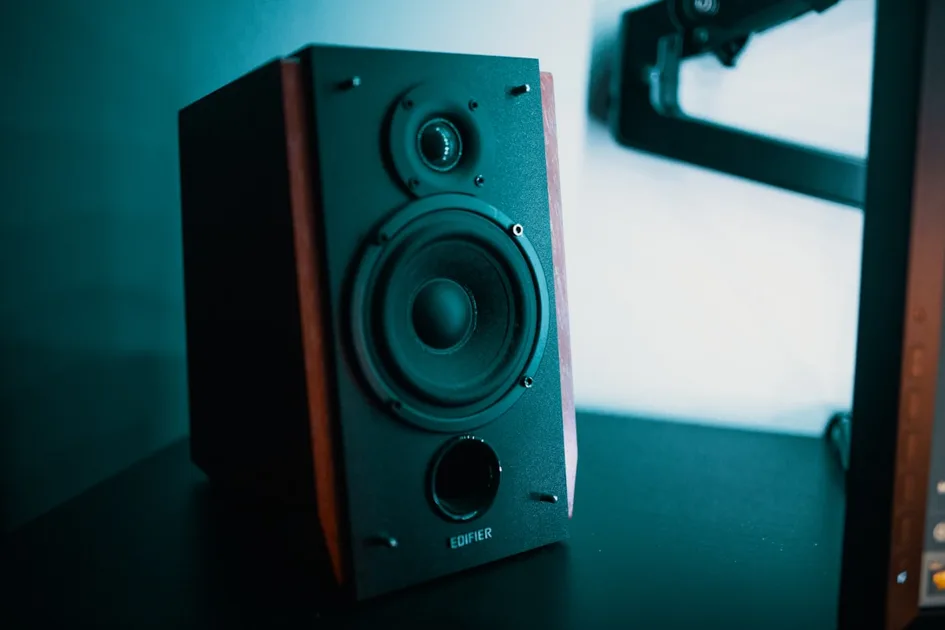
- Passive stereo zone: WiiM Amp plus a pair of bookshelf or in-ceiling speakers.
- Existing amplifier: WiiM Pro Plus feeding a line input.
- Powered speakers: WiiM Mini or another line-level streamer feeding the speakers.
- Announcements and casual rooms: a compatible network speaker or a small existing audio endpoint, kept separate from critical listening.
The WiiM Pro Plus makes more sense when an amplifier already exists. Buying a WiiM Amp for a room that already has a good receiver duplicates amplification. Conversely, a bare streamer cannot directly power passive speakers.
Wire the Rooms That Reward It
WiiM makes a hybrid installation practical. Wire rooms that are accessible during a remodel, sit below an unfinished attic, or matter for sound quality. Use a streaming amplifier at the endpoint and let the passive speakers disappear into the room.
A WiiM Amp is attractive here because the streaming electronics are replaceable while the speaker wire and passive speakers remain useful. Run appropriately rated cable back to an accessible cabinet, label both ends, and leave service slack. Do not bury a power supply where it cannot be replaced.
For ceiling speakers, plan the listening area instead of putting both speakers beside the wall. A stereo pair should cover the room evenly, and bathrooms or narrow hallways may be better served by a mono arrangement or a small independent zone. Keep speaker placement and electrical code requirements separate from the software project.
My wired versus wireless comparison covers the retrofit trade-off. In a finished room, a wireless or powered setup can be the correct engineering choice simply because avoiding drywall damage is part of the budget.
Build the Network First
Synchronized audio is a network workload. Every player needs reliable connectivity, and the system is less forgiving of a marginal WiFi edge than a phone that can retry a web page. Put fixed equipment on Ethernet when the room or rack makes that easy. Use wireless players only where coverage is genuinely good.
Give the audio devices predictable IP addresses or DHCP reservations. This is not mandatory, but it makes troubleshooting and Home Assistant discovery less mysterious. Keep the players on a network that can reach Home Assistant and the phones that control them. Guest-network isolation is a frequent reason discovery appears broken.
I test each endpoint alone before grouping anything. Play a familiar track for ten minutes, change volume, pause, resume, and switch sources. Then test two zones together. Finally test the largest group I expect the household to use. This separates a bad endpoint from a group timing or WiFi problem.
Do not assume that a stronger mesh node fixes everything. Roaming behavior, multicast handling, and client isolation can affect discovery and grouping. If one zone drops only when grouped, inspect the access point path and wired backhaul before replacing the amplifier.
Add WiiM to Home Assistant
Install the official WiiM integration through Home Assistant’s normal integration flow. Let it discover players, then rename each device according to the room and function rather than the model. Kitchen Audio is useful; WiiM-1234 is not.
After discovery, check what the integration exposes on your installed Home Assistant version. Playback, volume, source selection, grouping, and media metadata are the pieces I use most. Entity names and available services can change, so I build automations from the current device page instead of copying an old YAML snippet blindly.
Keep routine controls simple. A dashboard card with play, pause, volume, and a few favorite sources covers most household use. Add one scene for background music and another for an all-house group. The point of Home Assistant is not to make somebody navigate three menus to start a song.
For voice or button control, use human phrases and room context. A hallway button can start a low-volume favorite in the nearby zone. A bedtime scene can pause every zone, but it should not reset equalizer settings or destroy a carefully chosen group. Small, explicit actions are easier to debug than one enormous automation.
Groups Are Temporary, Not the Architecture
I treat groups as a playback state, not a permanent wiring diagram. The kitchen and living room may join for a party, then separate when somebody watches television. Home Assistant should be able to create or remove that state without changing the underlying rooms.
Create named scenes for common combinations: Morning downstairs, Dinner, and Patio. Set volume explicitly in each scene. Otherwise the last late-night volume in one room can become the next morning’s surprise. Explicit volume also makes automations repeatable after a restart.
When a group behaves strangely, dissolve it and test each player alone. Check that every endpoint is online, on the expected network, and running compatible firmware. Recreate a two-player group before trying the whole house. This is faster than repeatedly pressing a group button and guessing.
Announcements Need Restraint
Announcements are useful for doorbells, timers, and safety events, but music systems are not automatically intercom systems. A spoken alert can interrupt a song, change the source, or fail when a player is busy. I reserve announcements for events where the interruption is worth it.
Use a dedicated alert zone when possible. For a doorbell, I want an immediate local notification from the device that heard it, followed by a separate text or voice description if an AI step is involved. Music playback should not be the only path for a critical alert.
Test announcements while each zone is playing different sources. Confirm what happens to the original playback and volume. Document the behavior for the household. A reliable automation is one whose side effects are expected.
Local Playback and Outages
Before installing a dozen zones, test the sources your family actually uses. AirPlay, Chromecast, Spotify Connect, DLNA, and a local music library each have different discovery and availability requirements. A cloud service working during setup does not prove that local playback will work during an internet outage.
I keep the distinction clear in Home Assistant. A music scene can start a known online source, while a fallback scene targets a local source if one exists. Do not promise offline operation based on a product bullet point. Pull the internet, test the exact source, and write down the result.
The same principle applies to updates. Firmware changes can improve a player, but I do not update every room during a party or while debugging a group. Change one variable, test one zone, then roll forward.
Cost the Complete Room
A passive zone includes more than the WiiM box. Price the amplifier, speakers, speaker wire, wall plates, cable management, and any labor. A wireless zone includes the player, power, and network coverage. Compare complete rooms, not product stickers.
WiiM’s flexibility usually wins as the number of rooms grows or when speakers already exist. Sonos remains easier for a household that wants identical self-contained units. My WiiM Amp review covers the amplifier in isolation; for a whole-home decision, the installation and control costs matter more than a small feature difference.
Keep the Household Interface Small
The final test is not whether I can control every WiiM property from Home Assistant. It is whether somebody else can start music without learning the implementation. Put the common actions on one dashboard, expose the same room names in voice assistants, and leave advanced grouping controls behind the scenes.
I also keep a manual fallback. The WiiM app and the physical volume control should still work if an automation is edited or Home Assistant is restarting. Automation should make the system easier, not turn ordinary playback into a dependency on one server.
The Bottom Line
WiiM works well with Home Assistant when you design the audio system as zones first and products second. Use WiiM Amp for passive wired rooms, a WiiM streamer for existing amplifiers, and wireless endpoints only where the network is strong. Wire the rooms that are easy to reach, reserve addresses for fixed players, and test every endpoint before grouping.
Keep Home Assistant controls explicit: named rooms, fixed scene volumes, temporary groups, and announcements used sparingly. Test the exact sources and outage behavior you care about. That produces a whole-house system the family can operate, rather than another elaborate dashboard that only its builder understands.