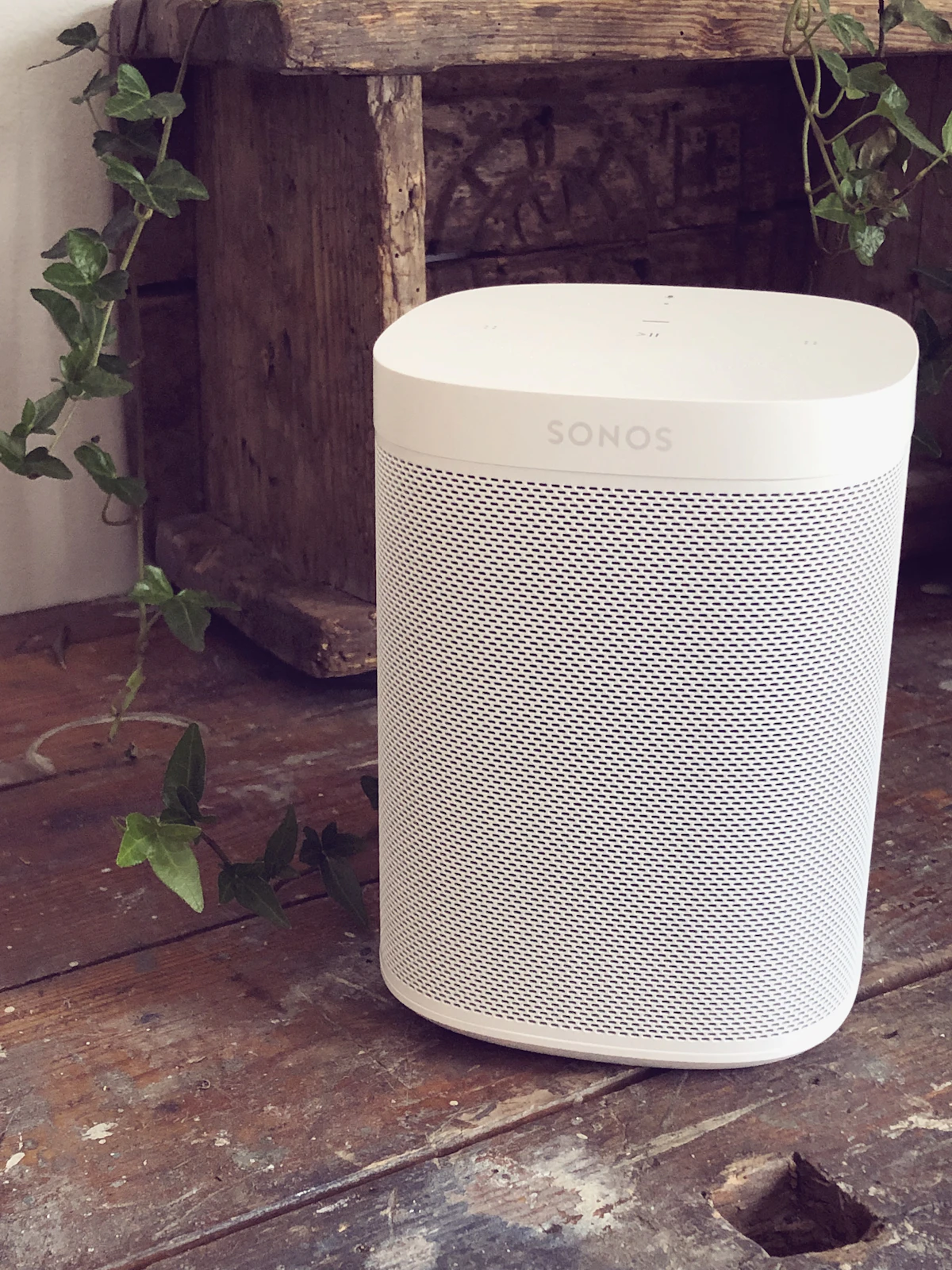
Whole home audio is usually sold as a speaker problem. In practice, it is a network and household-control problem with speakers attached. A player can sound excellent and still become useless if it disappears from discovery, loses its group, or requires three different apps to do the one thing the family wants.
The reliable version starts with a boring network plan. Fixed players get a dependable path, discovery traffic is allowed where it needs to go, Home Assistant is an optional control layer rather than a single point of failure, and the system is tested without internet access. My WiiM room-by-room build covers amplifiers and speaker placement. This post focuses on the infrastructure that keeps the rooms available.
Design Around Rooms, Not Gadgets
Before buying an amplifier, list the rooms and the actions people actually need. A kitchen may need volume and play controls. A living room may need television audio and a separate music source. A patio may be grouped with the kitchen for a party but should remain independently addressable the rest of the time.
I write each room as a stable endpoint with four fields: player, network path, default controller, and fallback behavior. “Kitchen Audio” is a useful name. A model number or a name based on its IP address is not. Stable names matter when a device is replaced and when a family member is trying to find the right room from a phone.
Then define groups as temporary playback state. The kitchen and dining room can play together without becoming one permanent object. If the group disappears after a reboot, each room should still be available on its own. That distinction prevents a party mode from becoming the foundation of every automation.
Put Fixed Players on the Reliable Part of the Network
If Ethernet is already near a rack, media cabinet, or amplifier shelf, use it. A fixed audio endpoint has no reason to consume wireless airtime, and a wired connection makes troubleshooting more concrete. I prefer wiring the main living-room player and any central multi-zone equipment first, then using Wi-Fi in rooms where running cable would require opening finished walls.
A WiiM Amp is a useful building block because it combines a streamer and amplifier for a passive zone. A WiiM Pro Plus makes more sense when an existing receiver already powers the speakers. Whichever hardware you use, reserve its address in DHCP and label the switch port or wall jack.
A reservation is not the same as a static address configured inside the player. I normally let the network assign the address and use a DHCP reservation in the router. That keeps the device’s network settings simple while making leases predictable for diagnostics.
Do not hide the power supply behind a wall just to make the installation look clean. Leave access for the player, network cable, and power. A whole-house system is an appliance system, not a sealed architectural feature.
Discovery Is the Part People Forget
Many audio systems rely on local discovery. AirPlay, Google Cast, vendor discovery, and Home Assistant integrations may use multicast DNS or related broadcast traffic. A player can have internet access and still be invisible to a controller if the network separates them too aggressively.
The classic failure is a speaker on the guest network. The phone may see it through a vendor cloud service, or the app may use a special path that Home Assistant does not. The player then looks healthy in one app while the rest of the house cannot discover it.
Keep controllers and players on networks that are allowed to communicate. If you use VLANs, explicitly configure the multicast reflection and firewall rules required by the exact protocol. Do not copy a generic “allow all mDNS” rule and assume the job is done. Verify discovery from the Home Assistant host, from a family phone, and from a second client on the network.
Client isolation is another frequent culprit. It is useful on a guest network, but it can prevent devices from talking to each other. I keep audio endpoints off isolated guest networks unless I have tested the required exceptions and accepted the maintenance cost.
Test One Room Before Building Ten
Install one player in its final location and test the complete path. Play music, pause, resume, change volume, switch sources, and let it sit for ten minutes. Restart the player and confirm it returns. Then test from the Home Assistant host and a normal household phone.
Only after the single room is stable do I add a second. Test independent playback, then grouping, then ungrouping. A group that works for thirty seconds is not proof. Leave it playing long enough to expose wireless roaming, multicast loss, or a source that cannot feed multiple endpoints reliably.
I use a small test script for every new zone:
- Discover the player from the native app.
- Discover it in Home Assistant.
- Start local or network playback.
- Change volume from both control surfaces.
- Stop and resume after five minutes.
- Reboot the player and repeat discovery.
- Group it with one known-good zone, then separate it.
This creates a baseline before a second device makes the symptoms ambiguous.
Keep Home Assistant Useful but Optional
Home Assistant is a good household control surface because it can put rooms, scenes, and automations in one place. It should not be the only way to operate the audio system. The native app must remain available for diagnosis, firmware updates, and the day when Home Assistant is restarting.
Install the integration and rename devices by room. Expose only the controls the household needs: play, pause, volume, source, and perhaps grouping. A dashboard with twelve low-level controls is not more powerful if nobody can understand it.
Scenes should set volume explicitly. Otherwise a Morning scene may inherit the loud level from a party and become an unpleasant alarm. Keep source selection conservative too. A scene that asks a player to join a group, change source, start playback, and announce a message all at once creates timing problems that are difficult to reproduce.
I also avoid making every automation depend on a group. A doorbell announcement can target the rooms that should hear it individually. A morning routine can start in the kitchen without assuming that the patio player is online. Stable room endpoints make automations resilient when a temporary group is dissolved.
Treat Audio as a Shared Resource
Music, television, announcements, and alerts compete for the same endpoint. Decide which use cases are allowed to interrupt others. A doorbell announcement may take priority in the entry and kitchen, while a timer should perhaps use a phone notification instead of interrupting the living room.
For a doorbell, I want a fast local notification first and any longer spoken description afterward. The audio system is a convenience channel, not the only safety channel. If a player is paused, offline, or in a firmware update, the household still needs to know what happened.
Test what happens after an announcement. Does playback resume? Does the volume return to its old value? Does a grouped set stay grouped? Write down the result. Products differ, and an automation that assumes perfect restoration can be worse than no automation.
Plan for the Internet to Disappear
Cloud streaming is not the same as local audio. Spotify, Tidal, and other services may require the internet even when the players and controller are on the same LAN. A local music library, DLNA source, or downloaded playlist may continue to work, but the exact behavior depends on the player and source.
I test an outage intentionally after the system is stable. Disconnect the internet upstream while leaving the LAN running. Check whether Home Assistant can still see every player, whether local playback starts, whether an existing stream continues, and whether groups remain synchronized. Restore the connection and confirm the system recovers without manual re-pairing.
Do not advertise “works offline” from a product specification. Verify the specific source and control path. If offline operation matters, keep one local source and one simple fallback scene documented for the family.
Avoid the Maintenance Traps
The first trap is updating every player at once. Firmware updates can change grouping, discovery, or integration behavior. Update one endpoint, run the room test, and then continue. Never begin an update during a party or while diagnosing a network problem.
The second trap is putting the audio system on a network nobody owns. A guest SSID may be convenient, but it often blocks local control. A separate media VLAN can be excellent when it is documented and maintained. It is not excellent when the person who built it cannot explain which discovery protocols cross the boundary.
The third trap is hiding the wiring. Label both ends of every speaker wire, leave service slack, and document which amplifier feeds which room. If a player fails, replacement should be a short maintenance job rather than a search through ceilings and cabinets.
The fourth trap is assuming that more bandwidth solves every problem. Audio streams use modest bandwidth. Discovery, multicast handling, interference, power state, and endpoint software are usually more important than buying a faster internet plan.
A Failure Checklist I Can Hand to Someone Else
When a room disappears, I want a checklist that does not require my memory:
- Is the player powered and showing its normal status light?
- Does it have the expected DHCP lease?
- Can the Home Assistant host reach it on the LAN?
- Can the native app discover it from the same network?
- Is the room on an isolated or recently changed VLAN or SSID?
- Does one-player playback work before group playback is tested?
- Does restarting only the player restore discovery?
- Did a recent firmware, router, or multicast setting change?
If the player works alone but not in a group, dissolve the group and test a two-room group. If it is missing everywhere, solve power and network reachability first. If the native app works but Home Assistant does not, inspect integration logs and discovery rules rather than factory-resetting the speaker.
Keep the old working configuration until the new one is proven. A clean rollback is more valuable than a clever one-shot fix.
Cost the Infrastructure Honestly
The audio hardware is only part of the project. Include speaker wire, wall plates, network cabling, a switch with enough ports, power distribution, mounting or shelving, and time for testing. In a retrofit, the cost of opening walls can exceed the difference between a wired and wireless endpoint. In a remodel, adding cable while the walls are open is usually the cheaper decision.
I also budget a spare network port and outlet in the central location. Systems grow one room at a time. A little capacity prevents the next endpoint from being placed somewhere that compromises serviceability.
The best choice is rarely identical hardware in every room. Use an amplifier-streamer where passive speakers make sense, a streamer with an existing receiver where one already exists, and a powered endpoint where wiring is impractical. Standardize the names and control model instead of forcing every room into the same box.
The Bottom Line
Reliable whole home audio is built on stable rooms, predictable discovery, and simple recovery. Wire fixed players when it is easy, keep audio endpoints off isolated networks, document multicast requirements, and test one room before adding the next.
Home Assistant should make the system easier to use, not make it impossible to use when the dashboard is restarting. Keep native controls available, set scene volumes explicitly, treat groups as temporary state, and test local playback during an internet outage.
A WiiM Amp can be an excellent room endpoint, but the amplifier cannot repair a broken network plan. The system people enjoy is the one that is discoverable, understandable, and still usable when one player, one switch port, or the internet has a bad day.