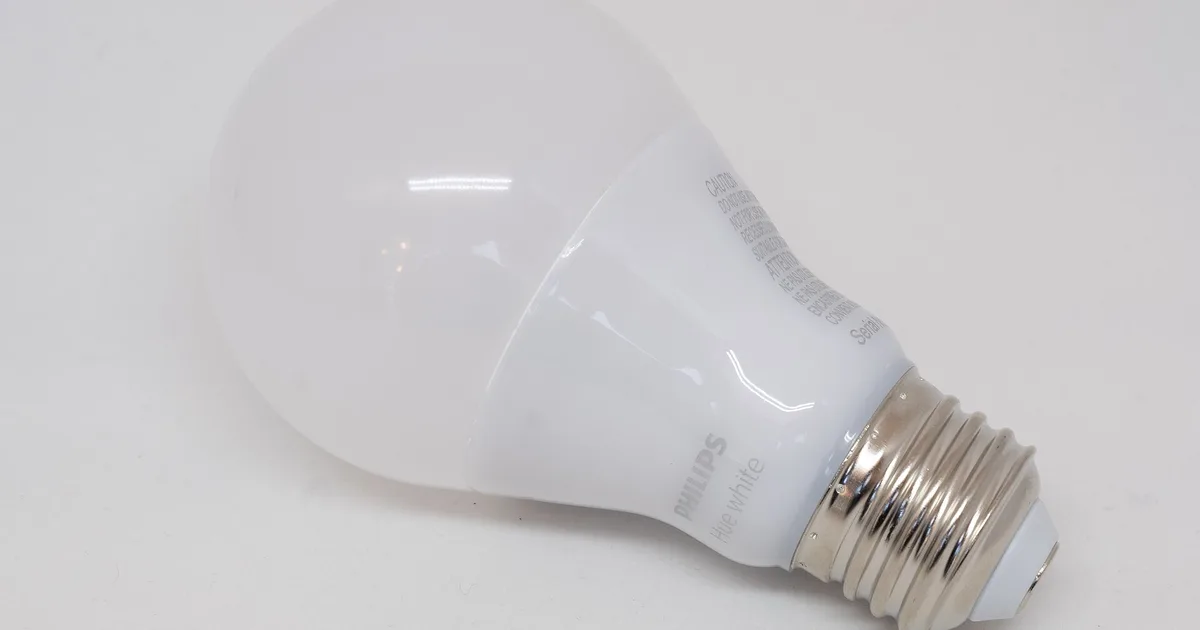
I have a rule in my house that I break constantly: no smart bulbs where there is a wall switch. My best Zigbee devices for Home Assistant guide says it. My wife has heard it. And yet I own 31 Zigbee bulbs, because lamps, pendants, and the porch fixture have to be something.
The trouble is not that bulbs are bad. It is that bulbs are routers, and routers that lose power take a piece of your mesh with them. One guest flips the bathroom switch off and, three minutes later, the leak sensor under the sink is unavailable. Nothing is broken. The sensor was talking through the bulb.
This post is what I have learned running Zigbee bulbs alongside about 70 other Zigbee devices: which bulbs route well, which never route at all, how a wall switch quietly breaks things, and how I keep bulbs and sensors from fighting each other.
Why bulbs are a mesh problem, not just a lighting problem
Zigbee devices come in two kinds. End devices are usually battery powered: contact sensors, motion sensors, buttons, leak sensors. They sleep most of the time and talk to exactly one parent. Routers are mains powered: plugs, in-wall switches, and most bulbs. They stay awake and pass traffic for everyone else.
When you pair a battery sensor, it picks the parent with the best link at that moment. If you are standing in the living room with the sensor in your hand, the nearest awake device is often a lamp bulb. That bulb becomes the sensor’s parent, and the sensor will stay attached to it long after you mount the sensor somewhere else.
Now somebody turns off the lamp at the wall. The bulb vanishes. The sensor’s next check in fails, and it has to go looking for a new parent. Well behaved sensors do that in seconds. Plenty of cheap ones take minutes, and a few just sit there unavailable until you press their button or pull the battery. Meanwhile the mesh routing tables still point at the dead bulb until they age out, so traffic for other devices also takes detours.
None of this shows up as an error. It shows up as “the motion sensor is flaky” or “the button works most of the time.” I chased those symptoms for months before I opened the Zigbee2MQTT network map and saw that four of my sensors hung off one bedside lamp.
The fix is not “never buy bulbs.” It is three rules:
- Know which of your bulbs route and which do not.
- Never let a routing bulb lose power because of a wall switch.
- Give the mesh a backbone that does not depend on bulbs at all.
Which bulbs route, and how well
Here is how the bulbs I have actually run behave in my house, on a SONOFF coordinator with Zigbee2MQTT, and on a second test network running ZHA.
IKEA TRADFRI: cheap, solid, pick the newer models
The IKEA TRADFRI white spectrum bulbs are my default lamp bulb. They are around ten dollars, they pair to any coordinator with a six times power toggle, and they route. The color temperature models cover warm to cool white, which is what you want 90 percent of the time.
The catch is history. Some older TRADFRI firmware was a poor router and had a habit of flooding the network with traffic. Current firmware is much better, and both Zigbee2MQTT and ZHA can push IKEA OTA updates. Update every IKEA bulb the day you pair it. If you have a drawer of old TRADFRI bulbs from 2019, update them before you trust them as routers.
Innr: the bulb I buy for color
Innr Zigbee bulbs are what I use when color accuracy matters, like the kids’ rooms and the TV backlight. They pair directly to Home Assistant without a hub, route reliably, and dim smoothly down low without the flicker some cheap bulbs show at one percent. They cost more than IKEA and less than Hue, which is about where they belong.
Philips Hue: the best bulbs, with a decision attached
Philips Hue White Ambiance bulbs have the best light quality and the smoothest dimming I have used. They also route well. The decision is whether to pair them to your own coordinator or keep them on a Hue Bridge.
I do both. Bulbs that live in rooms with wall switches stay on the Hue Bridge, which Home Assistant controls locally through the official integration. If one loses power, only the Hue network notices; my sensors never route through it. Lamps that never lose power join my main coordinator, where they help the mesh and can be bound to Zigbee buttons.
Sengled: never a router
Sengled Zigbee bulbs are a special case. They are end devices. They take power from the wall, but they do not route traffic for anyone. That is a downside if you wanted free mesh coverage, and a real upside for any socket on a switched circuit. A Sengled bulb losing power hurts nobody but itself.
If I must put a smart bulb in a fixture where people will hit the wall switch, and I cannot change the switch, it is a Sengled. Check the current model in your integration’s device list before buying, because brands can change radios between generations.
The wall switch problem, and three ways to fix it
Every routing bulb on a switched circuit is a time bomb for your mesh. You have three real fixes, in the order I prefer them.
Fix 1: a switch with smart bulb mode
The cleanest answer is a smart switch that keeps power flowing to the bulb and sends its button presses to Home Assistant instead. The Inovelli Blue Series does exactly this. Turn on smart bulb mode and the relay stays closed permanently; the paddle just generates events. You can then bind the switch directly to the bulbs, so on, off, and dim keep working even if Home Assistant is rebooting. My Inovelli Blue 2-1 review has the setup details.
This is the right answer for any room where you want color or color temperature control from a bulb and a normal looking switch on the wall. It needs a neutral for the full feature set, and it costs more than the bulbs it protects. It is still cheaper than replacing a chandelier with smart fixtures.
Fix 2: a cover over the toggle
For a standard toggle switch, the Lutron Aurora clamps over the lever so it stays on, then gives you a rotary dimmer knob that is itself a Zigbee device. It pairs to Zigbee2MQTT and ZHA and works great for renters. Even simpler: a switch guard that physically blocks the toggle, plus a Zigbee button on the wall next to it. It looks less elegant. It works.
Fix 3: let the bulbs be end devices
If you cannot change the switch, put a non-routing bulb in that socket. A Sengled on a switched circuit is invisible to the rest of your mesh when it is off, which is exactly what you want. You lose nothing except the routing you were never going to be able to count on.
What does not work is a sticky note that says “please leave this on.” I tried. Guests ignore it, kids ignore it, and I ignore it at 2 a.m.
Build the backbone out of plugs, not bulbs
Bulbs are fine routers when they are always powered. They should still not be your backbone. A lamp gets unplugged when someone vacuums, and a bulb inside a metal fixture has worse range than a plug on an open wall.
My mesh backbone is one Zigbee smart plug used as a router per floor area, plus every in-wall switch. Bulbs are bonus coverage on top. When I lay out a new room, I place plugs first, then sensors, then bulbs last, so sensors attach to something that will never disappear.
If you already have sensors parented to bulbs, you can move them. In Zigbee2MQTT, look at the network map, find any battery device whose only link is a bulb, then take that sensor near a plug and press its pairing button briefly. Most sensors will rejoin through the closest strong router. In ZHA, the device page shows the current parent and the visualization tab shows the same picture. My Zigbee mesh health check walks through the full audit.
One more trick: if your mesh is crowded with bulbs, keeping Hue on its own bridge is a clean split. My Hue network runs on a different Zigbee channel from my main coordinator, so its 14 bulbs cannot get in my sensors’ way at all. My Zigbee channel plan covers how to pick channels that also stay clear of Wi-Fi.
Pairing tips that save an evening
A few things I wish I had known before pairing 31 bulbs:
- Pair in place. Screw the bulb into its final socket before pairing, so its first neighbor table reflects where it lives. Pairing on the desk and moving it works, but the first hour after the move is messy.
- Pair one at a time. If three bulbs are in reset mode when you open permit join, they all join, and figuring out which entity is which lamp means flipping each one off and on. Name each bulb immediately after it joins.
- Reset recipes differ. IKEA is six power toggles. Innr is usually six as well, but check the leaflet. Hue bulbs that were on a bridge are easiest to reset from the Hue app (delete them there first, which factory resets them) or with a Hue dimmer held close using the touchlink reset.
- Turn on OTA right away. Zigbee2MQTT shows an update check per device, and ZHA has an update entity once you enable OTA providers. Bulb firmware fixes are often routing fixes.
- Set a power on behavior. Most bulbs let you choose what they do when power returns: on, off, or previous state. I set every lamp to “previous” so a power blip does not light the whole house at 3 a.m. In Zigbee2MQTT it is the
power_on_behaviorsetting; in ZHA it is a configuration entity on the device page.
Keep bulbs useful when Home Assistant is down
The other reason I keep some bulbs on my main coordinator is binding. A Zigbee button bound directly to a bulb group keeps toggling and dimming that group even when Home Assistant is mid update, because the traffic goes button to bulb without the coordinator.
Hallway and stair lamps are bound this way in my house. My Zigbee direct binding guide shows how to set it up in both integrations, and my Zigbee buttons guide covers which buttons send which press types. Binding is also where mixing brands can bite: IKEA remotes bind most happily to IKEA bulbs, and a bound group works best when every member supports the same color modes.
The Bottom Line
Zigbee bulbs are not the problem. Routing bulbs that lose power are. My setup, after a lot of flaky sensor nights:
- IKEA TRADFRI white spectrum for always powered lamps, updated the day they join.
- Innr where color matters.
- Philips Hue on its own bridge for anything near a wall switch I cannot change.
- Sengled for switched sockets, because a bulb that never routes can never break a route.
- Inovelli Blue in smart bulb mode wherever I want bulbs and a real wall switch together.
Build the backbone from plugs and in-wall switches, add bulbs last, and check your network map once after every batch of new devices. If a sensor’s only link is a lamp, move it before someone flips that lamp off. For the rest of the device list, go back to my best Zigbee devices for Home Assistant roundup.