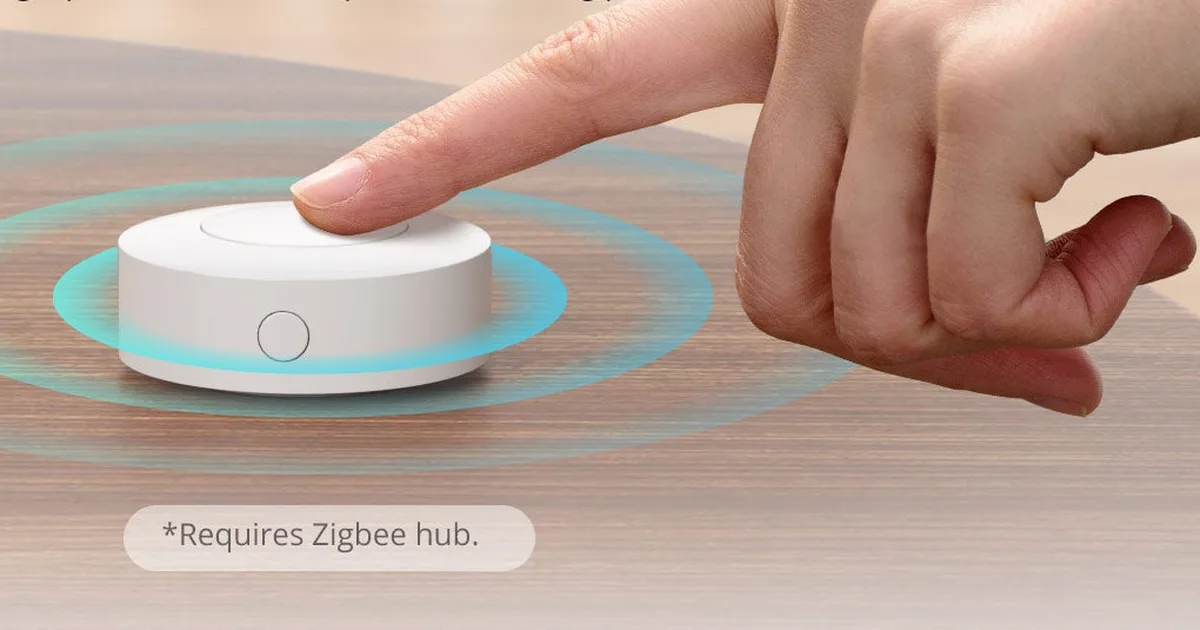
My kids do not use dashboards. My wife does not open an app to turn off the porch light. Guests definitely do not. The thing in my house that gets pressed most often is not a screen at all. It is a two dollar plastic disc with a coin cell in it, stuck to the side of a cabinet.
Zigbee buttons are the most underrated device in a Home Assistant setup. They are cheap, they last years on a battery, and a single one can run three different actions: one press, two presses, hold. The catch is that the third part is where buttons quietly differ. Some report double press. Some report long press as two separate events. Some only ever send “pressed,” no matter what your finger does.
This post is what I learned putting buttons in nine places around the house: which ones report what, how I set them up in Zigbee2MQTT and ZHA, the timing trap that makes buttons feel laggy, and the automations my family actually uses. For the wider device list, start with my best Zigbee devices for Home Assistant guide. This is the deep dive on the button section.
Why press types matter more than the button
A button with one action is a light switch you can stick anywhere. Useful, but limited. A button with three actions is a tiny control surface. On my kitchen button, one press toggles the under cabinet lights, two presses start the “cooking” scene with the range hood fan and brighter overheads, and a long press announces “dinner is ready” on every speaker in the house.
That only works if the button actually reports three distinct events. Here is what you will run into:
- Single only. The button sends one event per press, period. Fine for a doorbell style trigger, useless for anything richer.
- Single, double, long. The ideal. Three clean events with distinct names.
- Hold and release. Instead of one “long” event, the button sends
holdwhen you start holding andreleasewhen you let go. This is better for dimming, because you can ramp brightness while the finger is down, but you need to pick one of the two for simple actions. - Multi button remotes. Two or four buttons, each with its own press types. A four button remote with three press types is twelve actions, which is more than any human in my house will remember.
The honest rule: the button is only as good as the actions your integration exposes. The same hardware can show different actions in Zigbee2MQTT and ZHA, and firmware updates occasionally add or rename them.
The buttons I actually use
I have tested a lot of buttons. These are the ones still on walls.
SONOFF SNZB-01P: the default pick
The SONOFF SNZB-01P (code JPK, or on Amazon) is the button I buy when I do not have a reason to buy something else. It is about fourteen dollars direct, it reports single, double, and long press cleanly in both Zigbee2MQTT and ZHA, and it runs on a CR2477 coin cell that SONOFF rates for years of use. It pairs in seconds and has a satisfying, deliberate click that nobody mistakes for a touch surface.
It is round, slightly larger than a bottle cap, and comes with an adhesive pad. That is it. No magnets, no wall plate. For most spots that is exactly right.
Aqara Wireless Mini Switch: the small one
The Aqara Wireless Mini Switch is smaller and squarer, and it is the one I use where size matters: the side of a nightstand, the inside of a closet door frame. It reports single, double, long press and release in Zigbee2MQTT. Aqara devices have a reputation for being picky about which routers they stay attached to, so I keep mine close to a router I trust. Newer firmware is better about this than the early units were.
IKEA SOMRIG: two buttons, cheap
The IKEA SOMRIG shortcut button gives you two buttons in one long slim body, each with single, double, and long press. It is a great bedside remote: top button for the bedroom light, bottom button for “everything off, goodnight.” IKEA remotes historically had shorter battery life than their spec, so I watch the battery entity for the first month.
Philips Hue Dimmer Switch: the guest friendly remote
The Hue Dimmer Switch looks like a light switch, sits on a magnetic wall plate, and pops off to become a remote. It is the only button I put in the guest room, because a visitor understands it without explanation: on, brighter, dimmer, off. It pairs directly to Zigbee2MQTT or ZHA without a Hue bridge and exposes press, hold, and release for each of its four buttons.
Aeotec Zigbee button: when looks matter
The Aeotec button costs more than the others, but it is compact, well made, and it is the one I put in the living room where my wife would veto anything that looks like a gadget. It reports the usual press types.
Setting them up in Zigbee2MQTT
Pair the button like any other Zigbee device: permit join, press and hold the pairing button until the LED blinks, wait for the interview to finish. Then open the device in the Zigbee2MQTT frontend and go to the Exposes tab. You should see an action field. Press the button a few ways and watch the value change: single, double, long for the SONOFF, or names like on_press, off_hold for the Hue dimmer.
Write down the exact strings. That list is the entire contract between your button and your automations.
In current Zigbee2MQTT releases, Home Assistant gets an event entity for the button, named something like event.kitchen_button_action. Its event_type attribute holds the last action. That is the cleanest thing to trigger on:
alias: Kitchen button
mode: queued
triggers:
  - trigger: state
    entity_id: event.kitchen_button_action
    attribute: event_type
    to: single
    id: single
  - trigger: state
    entity_id: event.kitchen_button_action
    attribute: event_type
    to: double
    id: double
  - trigger: state
    entity_id: event.kitchen_button_action
    attribute: event_type
    to: long
    id: long
actions:
  - choose:
      - conditions: "{{ trigger.id == 'single' }}"
        sequence:
          - action: light.toggle
            target:
              entity_id: light.under_cabinet
      - conditions: "{{ trigger.id == 'double' }}"
        sequence:
          - action: scene.turn_on
            target:
              entity_id: scene.kitchen_cooking
      - conditions: "{{ trigger.id == 'long' }}"
        sequence:
          - action: script.dinner_is_ready
One gotcha: if you press the same action twice in a row, a plain state trigger on event_type may not fire the second time, because the attribute did not change. Triggering on the event entity’s state (its timestamp) and then branching on trigger.to_state.attributes.event_type avoids that. I use the timestamp approach for buttons that get the same press repeatedly, like a “next track” button.
Setting them up in ZHA
ZHA handles buttons through device triggers, and for buttons with a known quirk it is honestly the nicest experience in Home Assistant. Create a new automation, pick Device as the trigger, choose the button, and the dropdown lists the press types ZHA knows about: “Short press,” “Double press,” “Long press,” per button.
If the dropdown only shows one or two options for a button that clearly supports more, ZHA does not have a quirk that maps the rest. You can still catch the raw commands with a zha_event trigger and filter on the command field. Open Developer tools, Events, listen to zha_event, press the button each way, and copy the command names you see.
This is the biggest practical difference between the two stacks for buttons: Zigbee2MQTT tends to support new buttons sooner, and ZHA tends to present supported ones more nicely. I covered the broader trade-offs in Zigbee2MQTT vs ZHA.
The timing trap: why double press makes single press feel slow
Here is the thing nobody tells you until you live with it. When a button supports double press, it cannot know a single press is a single press until the double press window closes. So it waits, usually a few hundred milliseconds, before sending single. Your light turns on a beat late.
For most buttons that is fine. For a light you hit walking into a dark room, that beat is noticeable, and my kids decided the hallway button was “broken” within a day.
Three ways I deal with it:
- Put the urgent action on a button that only does single press. For the hallway, I use a button with double press ignored entirely, bound directly to the lights.
- Use hold for the time sensitive action. Long press fires the moment the hold threshold is crossed, with no extra wait for a second tap.
- Use a hold and release remote for dimming. The Hue dimmer sends
holdrepeatedly while you keep your finger down, so arepeatloop that steps brightness feels immediate.
Separately, check mode on the automation. I use queued for buttons so a fast single then double press does not get dropped by an automation still running from the first press. single mode silently ignores the second trigger and logs a warning, which looks exactly like a flaky button.
Where buttons earn their spot
After two years, these are the placements that stuck:
- Kitchen, side of the upper cabinet. Lights, cooking scene, dinner announcement. The most pressed device in the house.
- Each kid’s nightstand. Single toggles the lamp, double runs “reading mode,” long press turns off everything in the room and starts white noise. This replaced a nightly argument.
- Front door, inside. Single turns on the porch and entry lights, long press runs “leaving”: lights off, thermostat setback, alarm arm reminder.
- Garage, by the car. Single opens or closes the garage door, with a confirmation flash on the garage light. No phone fumbling with groceries.
- Couch, under the coffee table lip. The Aeotec button. Movie scene on single, lights back up on double.
- Guest room wall. The Hue dimmer, because guests understand it.
The pattern: buttons live where hands already are, and every button in a room does the same kind of thing. One press is always “the obvious light.” Long press is always “this whole room off.” Consistency is what makes them usable by people who did not set them up.
Keep the important ones working without Home Assistant
A button that only works through Home Assistant stops working during an update or reboot. For hallway, stair, and bathroom lights, I bind the button straight to the bulbs or a Zigbee group so the radio traffic goes button to bulb without the coordinator in the middle. My Zigbee direct binding guide covers how to do that in both Zigbee2MQTT and ZHA.
Binding only gives you on, off, and dimming, not scenes or scripts. That is fine. You can bind single press to the light and still let Home Assistant handle double and long press for everything fancier.
Also, buttons are battery devices and they sleep. A healthy mesh with mains powered routers nearby is what makes them reliable. If a button works perfectly next to the coordinator and fails in the bedroom, the fix is a router like a Zigbee smart plug between them, not a new button.
The Bottom Line
Zigbee buttons are the best value in a Home Assistant house, but only if you buy for press types. My default is the SONOFF SNZB-01P: cheap, clean single, double, and long press in both Zigbee2MQTT and ZHA, and a battery that outlasts my memory of installing it. The Aqara Mini Switch wins where space is tight, IKEA SOMRIG is the best two button bedside remote for the money, and the Hue dimmer is the one guests understand.
Before you buy any button, look it up in the Zigbee2MQTT device list and confirm the exact actions it exposes. After you install it, keep press meanings consistent across rooms, set automations to queued, and bind the lights that must always work. Do that, and your family will use the buttons more than every dashboard you ever built.