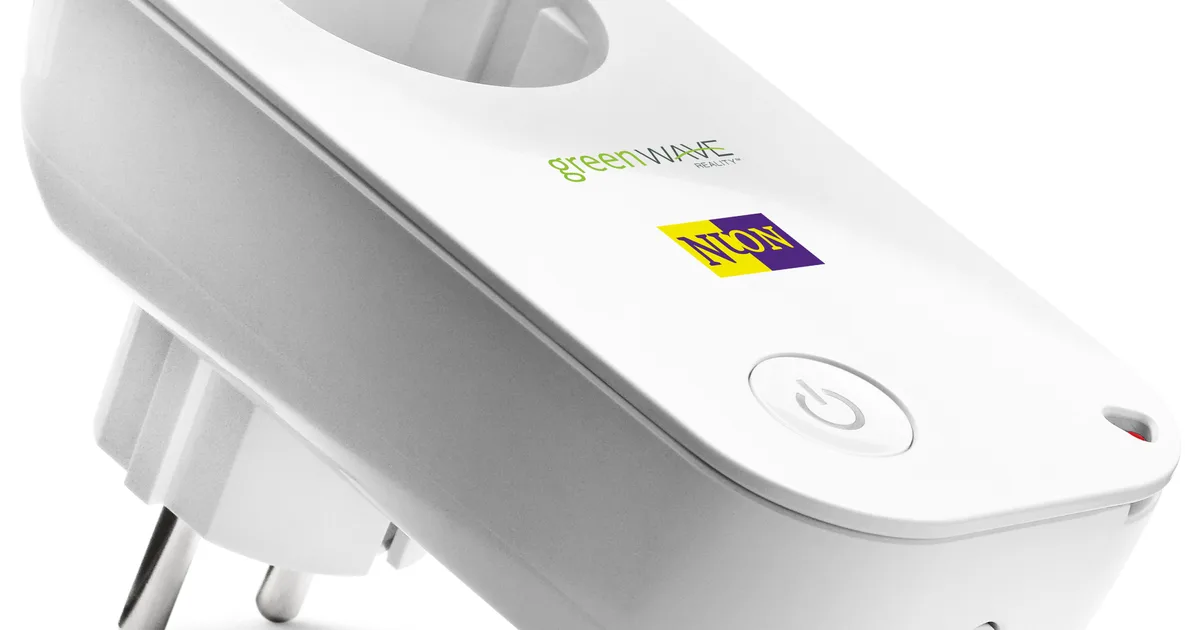
The single most effective Zigbee upgrade I ever made cost me about $40. It was not a new coordinator, a better antenna, or a Zigbee2MQTT migration. It was four plain smart plugs, put in four specific outlets, doing nothing except staying powered on.
Before that, my Home Assistant setup had the classic flaky-mesh symptoms. A leak sensor in the basement would go unavailable for a day. A door sensor on the back porch reported “open” ten seconds late. The garage motion sensor dropped off every couple of weeks and needed a re-pair. I blamed the sensors. The sensors were fine. They simply had nobody close enough to talk to.
This post covers why plugs fix that, which ones I trust as routers, how I decide where they go, and how I prove the mesh actually got better instead of just hoping. If you are still picking hardware, my best Zigbee devices for Home Assistant guide is the starting point; this is the deep dive on the boring part that makes everything else work.
Why a smart plug is secretly the best Zigbee router
Zigbee is a mesh, but not every device is part of the mesh backbone. There are three roles:
- Coordinator: the USB or Ethernet stick that runs the network. Exactly one.
- Routers: mains-powered devices that stay awake and relay packets for others. Plugs, wired switches, most bulbs, some sirens.
- End devices: battery sensors and buttons. They sleep most of the time, and each one picks a single parent (the coordinator or a router) to hold its messages while it naps.
That last point is the whole story. A battery sensor does not hop across the mesh looking for the best route on every message. It talks to its parent. If its parent is two walls and a refrigerator away, every report is a marginal link, and every retry burns battery. When that link degrades, the sensor goes quiet and Home Assistant marks it unavailable.
The fix is to give every cluster of sensors a strong, nearby, always-on parent. A plug is perfect for this job for three reasons. It is always powered, as long as you choose the outlet carefully. It sits at outlet height, which is close to where sensors usually live: under sinks, near doors, beside the water heater. And it costs about the same as a dedicated repeater while also giving you a switchable outlet and, on most models, power monitoring.
Smart bulbs are routers too, but I do not count on them. People turn bulbs off at the wall switch, and a router that vanishes every evening is worse than no router at all. The same goes for any plug in a switched outlet. If you have bulbs behind dumb switches, my Zigbee direct binding guide and a smart switch are the better path.
The plugs I trust as routers
I have run a lot of Zigbee plugs over the years. These are the ones that earned a permanent outlet. All of them pair cleanly with both Zigbee2MQTT and ZHA.
| Plug | Why I use it | Watch out for |
|---|---|---|
| SONOFF S31 Lite ZB (also on Amazon) | Cheap, compact, solid router, never drops children | No power monitoring on the Lite |
| SONOFF iPlug S60 Zigbee (also on Amazon) | Adds energy metering, good for appliances you also want to watch | Bigger body can block the second outlet |
| Third Reality Zigbee plug | Very reliable router, energy monitoring, often sold in multipacks | Firmware updates are slow over Zigbee OTA |
| IKEA INSPELNING | Excellent radio, power metering, IKEA devices are known as strong routers | Availability in the US varies; buy local if you can |
If you only want one model across the house, buy the SONOFF S31 Lite ZB for pure routing duty and an S60 or Third Reality where the plug also powers something you want to measure, like a sump pump, dehumidifier, or freezer. Use code JPK on SONOFF’s store.
What I avoid: no-name Tuya plugs from marketplace listings that do not name the chipset. Some are fine. Several I tested would accept children and then silently stop relaying after a power blip, which is exactly the failure you are trying to eliminate. The money saved is not worth a mesh you cannot trust.
Where to put them: my four-outlet rule
Placement matters more than brand. I place plugs using a simple rule: every battery device should be within one room of a router, and every router should be within one room of another router or the coordinator. Concretely, in my house that meant four outlets:
- Basement, near the water heater and sump. Leak sensors live down there, surrounded by concrete and ductwork. This plug gave them a parent ten feet away instead of a floor above.
- The far end of the first floor. My coordinator sits in an office on one side of the house. The back porch door sensor was at the opposite corner, with a kitchen full of metal appliances in between. One plug in the mudroom fixed the late “door open” reports.
- Upstairs hallway. A central, always-on outlet on the second floor that every bedroom sensor can reach.
- The garage side of the house. Garages are usually behind an exterior-grade wall and a metal door. A plug just inside the house on that wall became the bridge. If your garage is detached, read my Zigbee in a detached garage write-up, because a plug alone may not reach.
A few placement rules I learned the hard way:
- Keep plugs off the floor behind metal. An outlet behind a refrigerator, a filing cabinet, or a rack is a terrible router location. Pick the outlet on the other side of the room.
- Do not cluster them. Five plugs in the living room do not help the basement. Spread them out along the path between the coordinator and the problem sensors.
- Avoid switched and appliance-controlled outlets. No outlets on a wall switch, no power strips that get flipped off, no UPS outlets that shed load during an outage unless you want the mesh to shrink then.
- Mind the label. Put a small “Zigbee router, do not unplug” sticker on each plug. My kids once unplugged one to charge a tablet and I spent an evening chasing a “broken” sensor.
For deeper placement theory, including how far apart routers can be and why the coordinator should not sit next to your NAS, see my Zigbee router placement guide.
Adding them without wrecking the existing mesh
Pairing a router is easy. The part people skip is letting the mesh reorganize around it. Here is the order I use:
- Pair the plug where it will live. Do not pair it next to the coordinator and then move it. In Zigbee2MQTT, enable “Permit join” on the specific router nearest the target outlet if you have one, otherwise on the coordinator. In ZHA, use “Add device” from the integration page.
- Name it by location, not model.
plug_router_basementbeatssonoff_s31_3. When you read a network map later, you want to see geography. - Wait. Sleepy end devices only re-evaluate their parent when they lose the current one or occasionally on their own schedule. Give it 24 to 48 hours before judging.
- Nudge the stubborn ones. If a specific sensor still hangs on a weak distant parent after a day, pull its battery for ten seconds and reinsert it. It will rejoin and usually pick the closest strong router. No re-pairing needed.
- Turn on power-outage behavior. In the plug’s settings, set the power-on state to “on” or “previous.” A router that comes back “off” after a blackout still routes, but the load it powers will not, and you will forget why the freezer plug is off.
One warning: do not add ten routers in a single afternoon. Add two, wait a day, look at the map, then add more where the map says you still need them. That way you know which plug fixed which problem.
Proving it worked
I do not trust “it feels better.” Before and after adding routers, I check three things.
LQI on the problem devices. Both Zigbee2MQTT and ZHA show link quality (LQI) per device. It is a noisy number, but the trend is useful. My basement leak sensors went from LQI in the 40s to well above 150 after the basement plug went in. Anything that stays very low after a couple of days needs a closer router.
Parent assignments on the network map. Zigbee2MQTT’s map view (or ZHA’s visualization) shows which device each end device is attached to. After adding plugs, the far sensors should hang off the nearest plug, not off the coordinator across the house.
Unavailable events over a week. This is the metric that actually matters. I keep a simple template sensor that counts Zigbee entities in the unavailable state and graph it in the history view. Before the plugs, it spiked a few times a week. After, it has been flat zero for months except during planned coordinator restarts.
If the numbers do not move, the problem is probably not routing. Check channel overlap with Wi-Fi in my Zigbee channel plan, or put the coordinator on a USB extension cable away from USB 3 ports and the server case. My weak Zigbee mesh troubleshooting guide walks through the full checklist.
Plugs vs dedicated repeaters
Dedicated Zigbee repeaters exist, and IKEA’s old signal repeater was a good one. But for nearly every home I now recommend plugs instead. They cost about the same, they route equally well, and every one of them is also a useful device: a switchable outlet that can cut a space heater, watch a sump pump’s power draw, or reboot a modem.
Dedicated repeaters win in exactly two cases: when the only outlet is in a tight spot where a plug body would block furniture, or when you need a router somewhere a load is never going to be connected and you want nothing anyone might be tempted to switch off. Outside of that, buy the plug.
The Bottom Line
If your Home Assistant Zigbee devices drop offline, report late, or need re-pairing, stop blaming the sensors and buy routers. The cheapest and most useful router you can buy is a mains-powered Zigbee smart plug in an always-on outlet.
My recommendation: start with three or four SONOFF S31 Lite ZB plugs (code JPK, or on Amazon) for pure routing, and use a metering plug like the SONOFF iPlug S60 or Third Reality where you also want energy data. Put one per floor plus one between the coordinator and each problem cluster, label them, wait a day, and check the map.
That $40 did more for my smart home’s reliability than any coordinator upgrade. For the rest of the hardware that rides on top of a healthy mesh, head back to my best Zigbee devices for Home Assistant list.