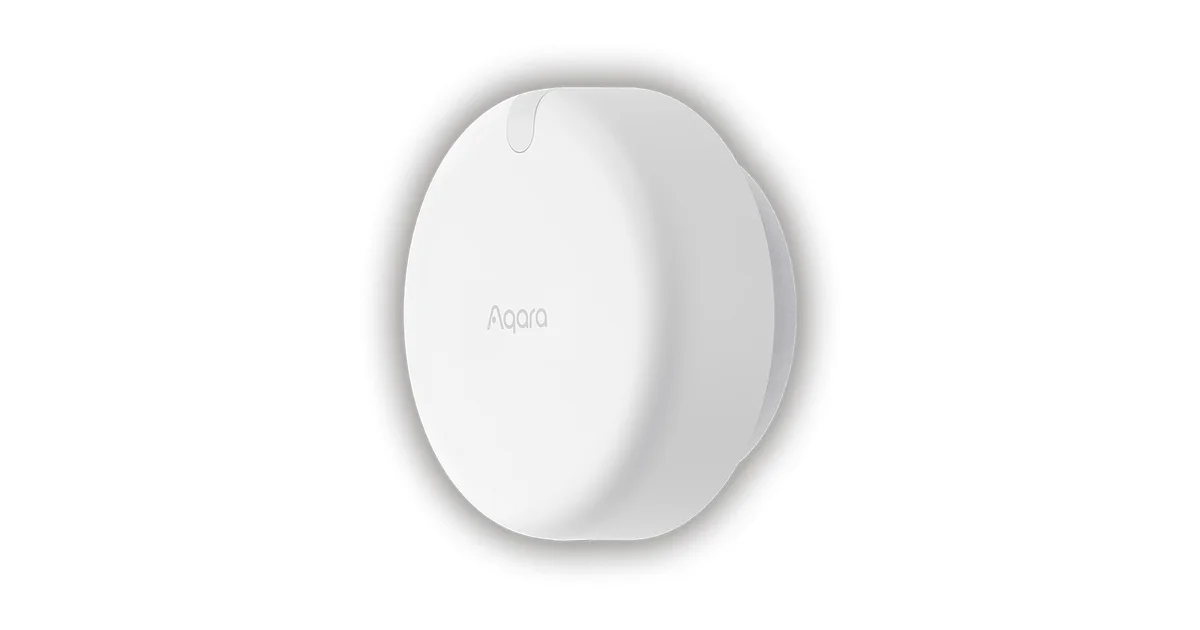
I have replaced a lot of PIR motion sensors over the years, and every single time it was for the same reason: I sat still and the lights went off. Reading on the couch, working at a desk, soaking in the bath. A passive infrared sensor only sees motion, so the moment you stop moving, as far as it is concerned you left the room. The Aqara Presence Sensor FP2 is the mmWave radar sensor that promised to fix that, and after months of running it in Home Assistant I have strong opinions about who should buy one and who should absolutely not.
This is not a spec-sheet review. It is what actually happened when I mounted this thing on a wall, wired it in, and tried to get reliable, zone-aware presence out of it for real automations my family lives with every day.
What mmWave Actually Does Differently
The FP2 uses 60GHz millimeter-wave radar to detect the tiny movements a PIR sensor misses: the rise and fall of your chest as you breathe, the small shifts of someone sitting on a couch. That is the whole pitch, and when it works it is genuinely a different category of device.
I mounted mine in the corner of my living room, angled down across the seating area. The first evening I sat dead still on the couch through an entire movie, and the presence entity in Home Assistant stayed on the whole time. My old PIR would have blinked off inside two minutes and killed the lights. That single test is the reason people put up with everything else about this sensor.
But radar is not magic. It detects motion of any kind, which means a ceiling fan, a fluttering curtain, or a robot vacuum crossing the room will all register as presence if they land inside a zone. Getting reliable results is less about the hardware and more about how carefully you carve up the room, which brings us to the part nobody warns you about.
The Setup Is Rougher Than It Should Be
Here is the thing Aqara does not put on the box: the FP2 is provisioned through the Aqara Home app over HomeKit, not through a clean Home Assistant integration. You pair it in the app, and only then can you bring it into Home Assistant. That already rubs a lot of local-first people the wrong way, and I get it.
The FP2 needs 2.4GHz WiFi, and it is picky about it. On a congested network or if your router shoves it onto a band-steered SSID, provisioning fails with unhelpful errors. I had to temporarily stand up a clean 2.4GHz-only SSID to get mine to join, and I have seen the same complaint dozens of times in the r/homeassistant threads. If your first pairing attempt fails, it is almost always the WiFi, not a dead unit.
Once it is on WiFi, though, the local-first payoff is real. In Home Assistant you add the FP2 through the built-in HomeKit Device integration, and every zone, the overall presence sensor, and the light sensor all show up as native entities. From that point on the data never touches Aqara’s cloud. It runs entirely on your local network, which is exactly what I want out of a sensor that is watching my living room.
Getting Zones Right Is the Whole Game
The FP2’s headline feature is that a single sensor can divide one room into up to 30 zones and report presence in each one independently. You draw the zones on a grid in the Aqara app, and each becomes its own binary sensor in Home Assistant. That is powerful and also where most people’s frustration comes from.
The problem is calibration. mmWave radar sees a 2D map of the room, and to place zones accurately you walk the room while the app tracks your position, then draw boxes around where you actually sit and stand. If your boxes are sloppy, presence bleeds between zones or drops in the gaps. My first attempt had the couch zone and the walkway zone overlapping, so walking to the kitchen kept the couch reading occupied. I spent a genuinely annoying evening re-walking and re-drawing until it behaved.
The other calibration trap is anything that moves on its own. My ceiling fan sat inside a zone and kept it permanently occupied until I redrew the boundary to exclude the blade sweep. Same story for a curtain near a vent. If you have a robot vacuum, expect it to trip presence every time it crosses a zone. Once the zones are dialed in and the moving-object traps are excluded, it is rock solid. Getting there takes patience most product reviews gloss over.
What I Actually Automate With It
Once the zones settle down, the automations you can build are the reason this sensor earns its keep. Here are the three that made the FP2 stick in my house.
The first is couch-aware lighting. My living room lamps come on when the seating zone reports presence and stay on as long as anyone is sitting there, motionless or not. They only fade off after the whole room clears for a few minutes. This is the exact scenario every PIR failed, and it is the single most-noticed automation in the house because nobody ever has to wave an arm at the ceiling anymore.
The second is a desk-occupancy zone in my office. When the desk zone is occupied during work hours, Home Assistant sets my status, bumps the desk lamp, and holds the office at a comfortable temperature. When I get up and the zone clears, it eases back. It replaced a stack of PIR-plus-timer hacks that never felt right.
The third is edge-of-bed presence for a gentle bedroom routine, which is where mmWave’s stillness detection really shines. A body lying still is invisible to PIR but obvious to radar. The FP2 knows someone is in bed, so overnight motion elsewhere in the room does not trigger the wrong scene.
If you want to compare the FP2 against DIY radar options, my ESPHome mmWave presence sensor build with the LD2410 covers the fully local, no-app alternative, and my Zigbee motion map with Aqara sensors shows how cheaper PIR fills the gaps the FP2 does not need to.
The Reliability Question Everyone Asks
Search the FP2 and you will find two camps: people who call it the best presence sensor they own, and people who call it trash. Both are telling the truth, and the difference is almost always setup and network.
The trash reviews cluster around two failure modes. One is a flaky 2.4GHz connection, where the sensor drops off WiFi and presence goes stale. If your FP2 keeps disconnecting, give it a dedicated 2.4GHz SSID with a strong signal and the problem usually vanishes. The other is zones that were never properly calibrated, so presence seems random. That is a configuration issue, not a hardware defect, but it feels identical to a broken sensor when you are living with it.
When mine misbehaved, it was WiFi every single time. Since I moved it to a clean 2.4GHz network with good signal, it has been reliable for months. I would not call the FP2 plug-and-play, and I understand why impatient buyers bounce off it. But dismissing it as trash usually means the setup work never got done.
Price and the Whole-House Problem
A single FP2 runs around $80, and that is the number that decides whether this sensor makes sense for you. For one important room where you sit still a lot, a living room, an office, a bedroom, it is money well spent. The stillness detection genuinely solves a problem cheaper sensors cannot.
The trap is trying to cover your whole house with them. At $80 a room, an eight-room house is $640 of presence sensors before a single bulb, and that is when people start eyeing the ESPHome LD2410 build at a fraction of the cost, or the cheaper Zigbee Aqara FP1E that drops the zone map to get half the price and a far easier setup. My honest recommendation is to deploy the FP2 surgically in the two or three rooms where stillness detection actually matters, and use cheaper Zigbee PIR or DIY radar everywhere else. Nobody needs 30-zone tracking in a hallway.
The Bottom Line
The Aqara Presence Sensor FP2 is the most capable room-presence sensor you can buy today, and when it is dialed in it does something no PIR can: it keeps the lights on while you sit perfectly still. That alone is worth it for the one or two rooms where you actually live.
But it earns its polarizing reputation honestly. The setup runs through the Aqara app and HomeKit, it demands a solid 2.4GHz WiFi connection, and the zone calibration will test your patience before it rewards it. Push through that and you get a rock-solid, fully local sensor. Skip the setup work and you get one of the frustrated one-star reviews.
Buy it for the rooms that need it, budget cheaper sensors for the rest, and give the WiFi and zones the attention they demand. Do that and the FP2 will quietly run the best presence automations in your house. Treat it like a plug-and-play motion sensor and you will hate it. It is that simple, and that is the honest take.