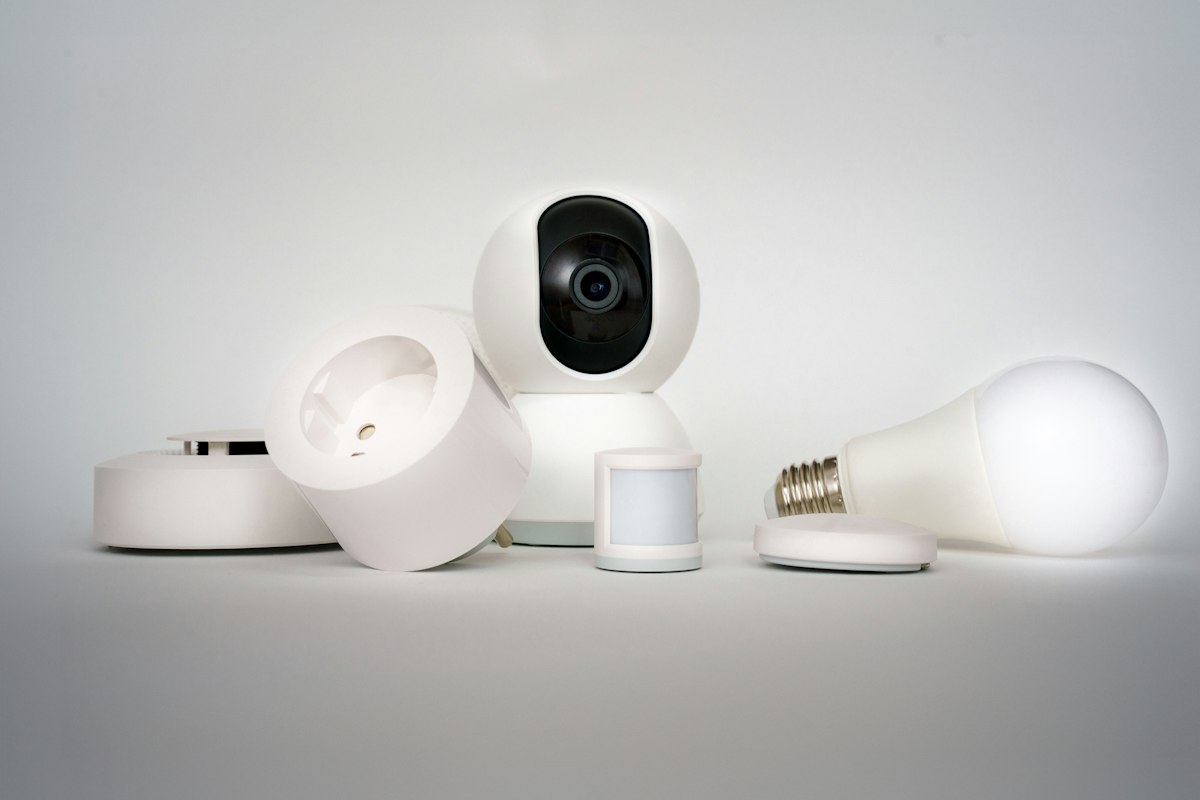
I have an embarrassing confession. For two years I had presence sensors in my office, a fancy mmWave sensor in the living room, motion sensors in three hallways, and door contacts on every exterior door. And I still did not have a clear answer to a simple question: which rooms are people in, right now?
The data was all there. It was just scattered across thirty entities with different state names, different timeouts, and different “off” semantics. So I sat down on a rainy Sunday and built what I should have built years ago: one consolidated motion map for the whole house, backed by cheap Aqara Zigbee sensors and a single Home Assistant template entity that tells me, for each room, whether someone is in it.
The result has been weirdly transformational. Half the automations I had stitched together over the years collapsed into “if this room is occupied, do X.” The other half got deleted because I realized I did not actually need them. Here is the build.
The Hardware
The whole stack costs less than $250 to outfit a normal house, and most of that is sensors you buy a few at a time.
- Coordinator: a Sonoff ZBDongle-E (also on Amazon). This is the EFR32MG21 dongle, not the older CC2652 dongle. Avoid the old one. The E variant has better range and far fewer mesh quirks.
- Motion sensors: Aqara motion sensors, the P1 round ones if you can find them. They run about $20 each, last roughly two years on a CR2450, and are tiny enough to magnet onto a doorframe.
- Door/window contacts: Aqara door and window sensors on every interior door I cared about, plus the front and back exterior doors. About $13 each.
- A USB 3.0 extension cable. Do not skip this. Plugging a Zigbee coordinator directly into a USB 3 port on a mini PC causes USB 3 noise interference that quietly destroys your range. A six foot USB extension cable and moving the dongle a foot away from the host fixes it. I learned this the slow, frustrating way.
I run Home Assistant on a small N100 mini PC, the same setup I migrated to from a Pi 4 last year.
The Stack
I use Zigbee2MQTT, not ZHA. Both work, ZHA is fine, and if you are starting fresh on a small network ZHA is the easier path. I picked Z2M years ago because it has better device support and the Frontend lets me rename, configure, and debug devices without leaving the browser. That call has aged well.
The pieces:
- Sonoff coordinator plugged into a USB 3 port via an extension cable, dongle physically a foot away from the host and away from the Wi-Fi router.
- Zigbee2MQTT add-on configured to use that USB device by its
/dev/serial/by-idpath. Always by-id, never by/dev/ttyUSB0. The path is stable across reboots. - Mosquitto MQTT broker for Z2M to publish to.
- Home Assistant MQTT integration, which auto-discovers every device Z2M publishes.
Once that is running, every sensor I add shows up in Home Assistant within seconds of being paired. The pairing flow is “long-press the button until the LED blinks fast, then accept it in the Z2M frontend.”
The Naming Convention That Made Everything Click
Before I added a single sensor, I made one rule: every motion sensor and every door contact gets named for the room it covers, not the sensor itself.
binary_sensor.motion_kitchenbinary_sensor.motion_hallway_upstairsbinary_sensor.contact_front_doorbinary_sensor.contact_pantry
Not binary_sensor.aqara_motion_3 or binary_sensor.0x0017880108abcdef_occupancy. The default names are useless and the room-keyed ones make the templates that follow trivial to write.
If you have an existing install with default-named entities, rename them now. It takes an hour, you will thank yourself for the rest of your Home Assistant life.
The One Template Sensor That Runs Everything
This is the actual brain. For each room I have a single template binary sensor that combines motion, doors, and any presence sensor in that room into one “is anyone in this room” state.
template:
  - binary_sensor:
      - name: "Kitchen Occupied"
        unique_id: occupied_kitchen
        device_class: occupancy
        delay_off:
          minutes: 5
        state: >
          {{ is_state('binary_sensor.motion_kitchen', 'on')
             or is_state('binary_sensor.motion_kitchen_island', 'on')
             or (is_state('binary_sensor.contact_pantry', 'on')
                 and (now() - states.binary_sensor.contact_pantry.last_changed).total_seconds() < 60) }}
The trick is delay_off. Aqara motion sensors have a hardware-baked retrigger interval. Without delay_off, your “kitchen occupied” sensor flickers off the moment someone stops moving for ten seconds. With a five minute delay_off, the sensor stays on as long as new motion or a door event keeps re-arming it, and only goes off after five quiet minutes. That gives you the “someone has actually left” semantics you want for automations.
I have one of those template sensors per room: kitchen, living room, office, primary bedroom, kids’ rooms, both hallways, garage. About twelve of them total.
The Dashboard That Made It Real
I added a single Lovelace card with all the occupancy template sensors as a glance card with the occupancy icon. Green = someone here, gray = empty. That is it. No history, no graphs.
Two days after I built that card I realized I check it more than my main dashboard. It is the answer to “is anyone in the basement, or can I lock up?” and “did the kids actually go to bed or are they hiding in the playroom?” The data was always available; making it a single glance unlocked it.
The Automations That Came Out of It
Once I had reliable room-level occupancy as primitives, the automations got embarrassingly simple.
- Lights off in empty rooms.
When binary_sensor.kitchen_occupied turns off and the lights are on, turn them off.That replaced about six older automations that tried to do the same thing with raw motion sensors and timers, and got it wrong in different ways in different rooms. - HVAC by zone. I have a multi-zone HVAC, and now the zones get set to eco mode when the corresponding floor has been unoccupied for thirty minutes. I save about $40 a month in the summer.
- Last person out, the house locks. When every occupied sensor is off and the front or garage door has been opened in the last two minutes, the doors lock and the alarm arms. No more “did I lock the door” anxiety.
- No motion in the kids’ room past midnight = bedside light slowly fades off. They turn it on for monsters, fall asleep, and I do not have to remember to turn it off.
None of these are new ideas. What is new is that all of them are one-line automations now, because the hard work happens in the template sensor and the room-keyed naming convention.
What I’d Skip
A few decisions I tried and walked back.
- Putting motion sensors in bathrooms. Bad fit. People stand still in showers. Use a humidity sensor and the bathroom fan instead.
- Trying to use door contacts as the only occupancy signal in rooms with only one entrance. Sounded clever, broke the first time someone left and a kid walked in without re-triggering the door. Always combine with motion.
- mmWave presence sensors everywhere. The Aqara FP2 is genuinely magic in rooms where you sit, but they cost ten times what a motion sensor does. Use them in the living room and the office, use motion sensors everywhere else.
- Bumping the Zigbee channel without thinking. If you have Wi-Fi congestion problems, set the Zigbee channel and the 2.4 GHz Wi-Fi channels far apart on purpose. Z2M defaults to 11. I run on 25, away from my Wi-Fi on 6.
Battery Tracking, in One Template
Twelve sensors all on coin cells means twelve future “why did the hallway light stop turning on” moments unless you track battery. One more template sensor:
template:
  - sensor:
      - name: "Lowest Aqara Battery"
        unique_id: lowest_aqara_battery
        unit_of_measurement: "%"
        state: >
          {% set values = states.sensor
              | selectattr('attributes.device_class', 'eq', 'battery')
              | selectattr('entity_id', 'search', 'aqara')
              | map(attribute='state')
              | map('float', 100)
              | list %}
          {{ values | min if values else 100 }}
Then one automation that pings me when the lowest battery drops below 15 percent. I get a useful notification roughly once every two months. Compare that to the old way: notifications for every sensor that ever dropped below 20, ignored, then a dead sensor surprising me in October.
The Bottom Line
This is the single most useful thing I have done with Home Assistant in five years of running it, and the components are boring. Cheap Zigbee sensors, a $25 coordinator, one naming convention, and a dozen template binary sensors. The trick is treating “is this room occupied” as the primitive your automations are built on, not “did this specific sensor fire in the last thirty seconds.” Once you do that, automations stop being a tower of timers and start reading like English.
If you are setting up a Home Assistant install from scratch, do this first. Pick a Sonoff ZBDongle-E (also on Amazon), buy four Aqara motion sensors and a handful of door contacts, name everything by room, and write the template sensors before you write a single automation. The hour you spend on the naming convention will save you ten hours of debugging automations later.
If you already have a sprawling Home Assistant install with thirty sensors and a tangle of automations, set aside a Sunday and rebuild it the way I did here. You will delete more automations than you write, and the ones that survive will be the ones that actually matter.