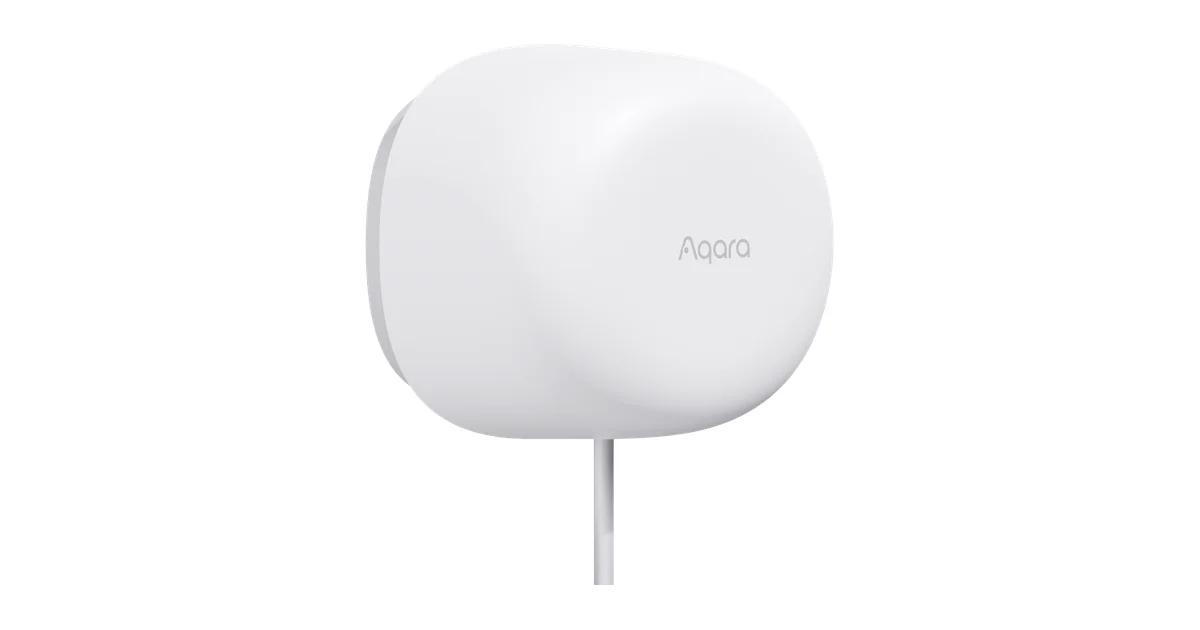
I spent months telling people the Aqara FP2 was the best room-presence sensor you could buy, with an asterisk the size of a house: the WiFi provisioning is a pain, the Aqara app is mandatory, and at $80 a room it never made sense to cover a whole house. The Aqara Zigbee Presence Sensor FP1E is Aqara’s answer to every one of those complaints, and after living with three of them across my house I think it is the presence sensor most Home Assistant users should actually buy.
This is not a spec-sheet review. It is what happened when I pulled a couple of FP2s off the wall, replaced them with FP1Es, and watched whether my family noticed the difference in the automations they live with every day.
What the FP1E Actually Is
The FP1E is a 24GHz millimeter-wave radar presence sensor. Like the FP2, it detects the micro-movements a passive infrared sensor misses: the rise and fall of your chest while you read, the tiny shifts of someone sitting still on a couch. That is the whole reason mmWave exists. A PIR sensor only sees gross motion, so it blinks off the moment you stop waving your arms around, which is why every PIR-driven lighting automation eventually plunges you into darkness mid-movie.
Where the FP1E splits from the FP2 is what it does with that radar data. The FP2 slices a room into up to 30 independent zones and reports each one separately. The FP1E does not. It reports one thing: is the room occupied, or is it clear. For a huge number of rooms that is exactly what you need, and giving up zones buys you three things I care about a lot more than a zone map.
The first is native Zigbee. The FP1E is a Zigbee 3.0 device, not a WiFi one. That single fact erases the FP2’s worst trait.
The Setup Is Everything the FP2’s Was Not
Here is the part that sold me. The FP2 provisions through the Aqara app over a finicky 2.4GHz WiFi connection, and if your network band-steers or your signal is weak, pairing fails with useless errors. I had to stand up a dedicated 2.4GHz SSID just to get FP2s onto my network.
The FP1E has none of that. It is a Zigbee sensor, so it pairs the way every other Zigbee device on your network does. I put my Zigbee2MQTT coordinator into pairing mode, powered up the FP1E, and thirty seconds later it was a device in Home Assistant with an occupancy entity, an illuminance sensor, and a fistful of configuration options. No Aqara app. No Aqara cloud. No WiFi at all. If you run Zigbee2MQTT or ZHA, you already know exactly how this goes.
That matters beyond convenience. A Zigbee presence sensor is a mesh device that sips power and reports over a protocol you fully control locally. There is no cloud dependency to break, no firmware phone-home, no app account. For a sensor whose entire job is watching a room you live in, local-only is the only acceptable answer, and the FP1E gets there by default instead of as a workaround.
AI Spatial Learning Is the Quiet Star
The FP1E’s marketing leans hard on “AI spatial learning,” which normally makes me roll my eyes. In this case it earns the label. When you first power the sensor in a room, it spends a day or two learning the static layout: the walls, the furniture, the ceiling fan, the curtains that flutter over a vent. Once it has that baseline, it stops treating those fixed and repetitive movements as a person.
This is the single biggest practical difference from a cheap radar module. On my old ESPHome LD2410 builds, a ceiling fan inside the detection cone would peg the sensor permanently occupied until I physically masked that region. The FP1E just learned the fan was there and ignored it. Same for the robot vacuum that used to trip my FP2 every time it crossed a zone. After the FP1E’s learning period, the vacuum stopped registering as a person almost entirely.
Aqara calls the pet-filtering piece TriD-Space, and it works better than I expected. My dog wanders through the living room constantly, and the FP1E does not flip the room to occupied when he is the only thing moving. It is not perfect, a large dog jumping onto the couch can still register, but for a $50 sensor the pet immunity is genuinely useful and it is on by default with no calibration from me.
The trade-off is patience. Right after pairing, before the learning settles, the FP1E can be twitchy: occasional false occupied states, slightly slow clears. Give it 48 hours in place before you judge it. Every one of mine calmed down after the first two days and has been steady since.
What I Actually Automate With It
The whole point of a presence sensor is the automations it unlocks, so here is what the FP1E runs in my house.
The first is couch-aware living room lighting, the exact scenario every PIR failed. The lamps come on when the room reports occupied and stay on as long as anyone is in there, motionless or not, then fade off a few minutes after the room clears. Nobody waves at the ceiling anymore. This is the most-noticed automation in the house, and the FP1E handles it as well as the FP2 did because a living room only needs one occupancy answer, not a zone map.
The second is a bathroom fan and light routine. The FP1E sees someone standing at the sink or sitting still, holds the light and exhaust fan on, and only shuts down once the room is genuinely empty. PIR was hopeless here because standing still at a mirror looks like an empty room to it. mmWave nails it.
The third is bedroom presence for a gentle overnight routine. A body lying still in bed is invisible to PIR but obvious to radar, so the FP1E knows someone is in bed and suppresses the wrong scenes when a partner moves around the room later. This is where mmWave stillness detection shines, and the FP1E does it for a third the cost of covering the same rooms with FP2s.
If you want to see how cheaper PIR fills the gaps a presence sensor does not need to cover, my Zigbee motion map with Aqara sensors walks through the layered approach I use everywhere the FP1E would be overkill.
FP1E vs FP2: How to Choose
This is the question everyone asks, so here is the honest cut.
Buy the FP2 only if you genuinely need multiple independent zones in one room. The classic case is a large open-plan space where you want the couch, the desk, and the walkway tracked separately so different areas trigger different automations. If you need that zone map, nothing cheaper does it, and the FP2 is still the tool.
Buy the FP1E for everything else, which is most rooms. If all you need is “is this room occupied,” the FP1E gives you that answer over clean local Zigbee, with better pet filtering, no WiFi headache, and no app. At around $50 versus the FP2’s $80, it is also the first mmWave sensor cheap enough that covering five or six rooms does not feel reckless. I replaced two of my three FP2s with FP1Es and did not miss the zones for a second in those rooms.
The FP1E also plays nicely with the rest of a Zigbee network. If you are already invested in good Zigbee coordinators and a solid mesh, adding FP1Es is trivial and they act as reliable end devices. Rolling out WiFi FP2s across a whole house, by contrast, means a pile of 2.4GHz clients your access points have to babysit.
Mounting and Power: The One Real Compromise
The FP1E’s only meaningful drawback is the same one the FP2 has: it is wired. It draws 5V over USB-C, so wherever you mount it needs a cable run to a USB power supply. There is no battery option, which rules out the discreet, hide-it-anywhere placement you get from a coin-cell PIR.
In practice this shaped where I put mine. A high corner of the room, angled down across the space, gives the radar the cleanest view, and I ran a thin USB-C cable down to an outlet or a nearby USB brick. Aqara includes a small stand and adhesive mount in the box, and the sensor is light enough that a single command strip holds it fine. For a permanent install I tucked the cable into the corner trim so it disappears.
The detection range is generous, rated to roughly 6 meters, which comfortably covers a normal living room or bedroom from one corner. Mount height matters more than people expect: too low and it misses a standing person’s torso, too high and it can over-read. Around head height or slightly above, angled down, is the sweet spot, and it took me one relocation per room to dial that in. Once placed, I never touched them again.
One nice detail: because the FP1E reports illuminance too, I get a free lux reading from the same sensor, which I fold straight into the lighting automations so lamps only fire when the room is actually dim. It is a small thing, but it means one $50 device replaces both a presence sensor and a light sensor.
The Bottom Line
The Aqara Zigbee Presence Sensor FP1E is the presence sensor I now hand to most people asking how to fix their PIR lighting. It does the one thing that matters, holding presence while you sit or lie perfectly still, and it does it over local Zigbee with no app, no cloud, and no WiFi provisioning nightmare.
You give up the FP2’s multi-zone tracking, and if you truly need a zone map the FP2 remains the answer. But for the ordinary job of knowing whether a room is occupied, the FP1E is better in every way I care about: easier to pair, smarter about pets and fans, and cheap enough to actually deploy across a house. Give it two days to learn the room, wire it somewhere discreet, and it will quietly run the best presence automations you have ever had. For the money, it is the easiest smart-home recommendation I have made all year.