At a Glance
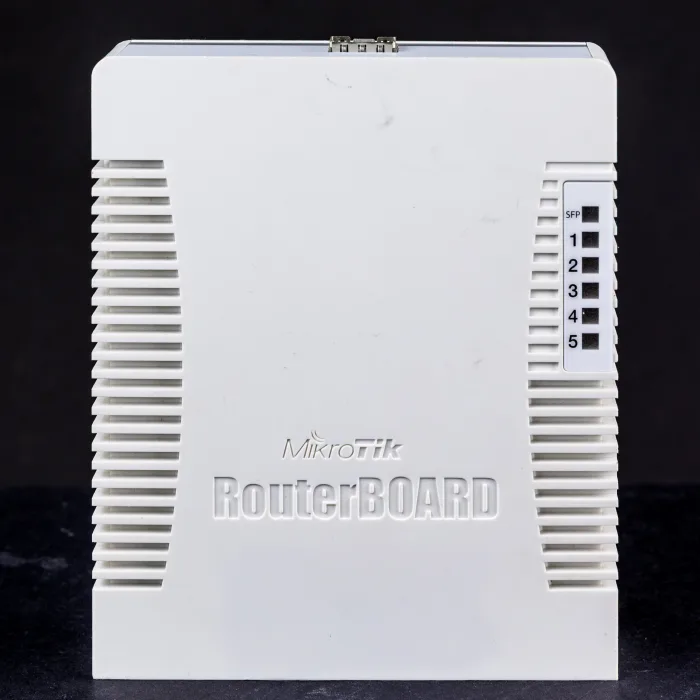
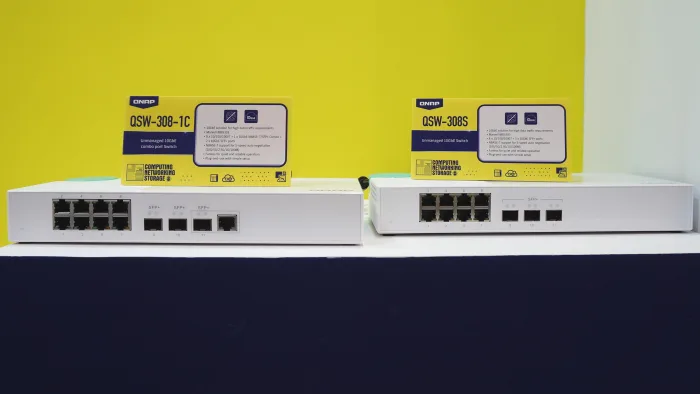
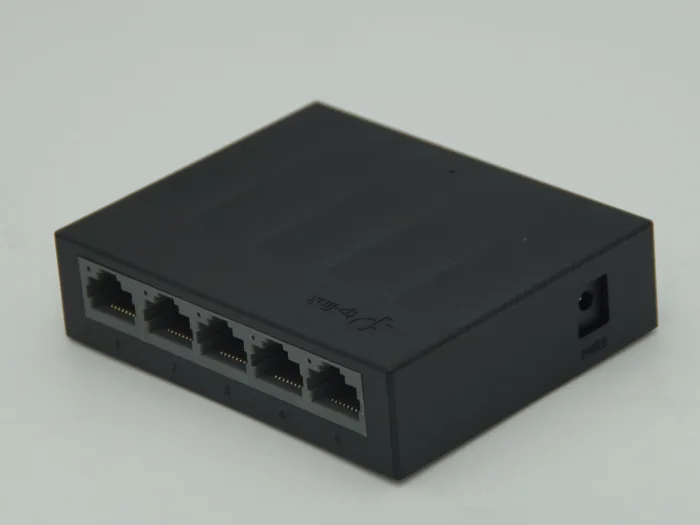
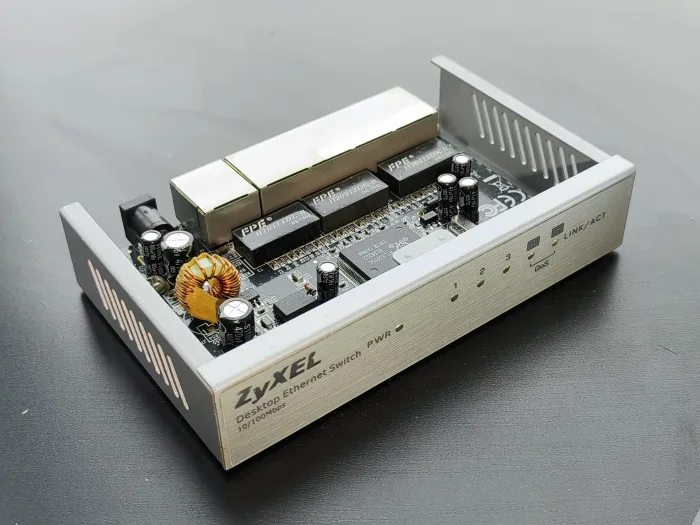
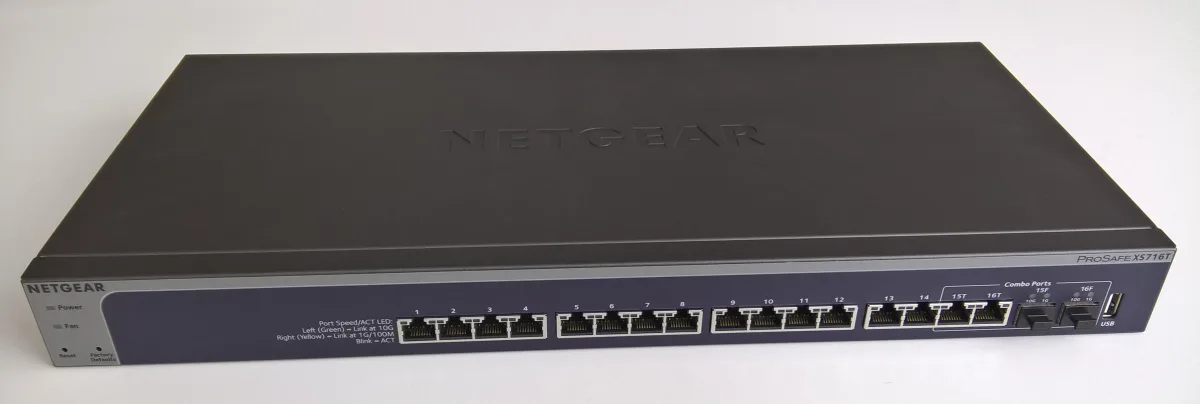
For years, 10 gigabit networking was the thing home labbers wanted and could not justify. The switches were loud enterprise units that cost more than the servers, drew a wall of power, and screamed like a jet engine. That era is over. You can now put real 10GbE into a home lab for around 150 dollars, silently, on a switch small enough to sit on a desk.
The unlock is SFP+, the small cage-and-module port that trades the heat and power of copper 10G for a cool, flexible fiber-or-DAC connection. This guide is the shortlist I would actually buy in 2026: five affordable 10GbE switches ranked by real value, how to choose between fiber and copper, and the cabling gotchas that catch people who only budgeted for the switch itself.
Why SFP+ Is the Right 10G for a Home Lab
The instinct is to want 10GBASE-T, the copper standard, because it uses familiar RJ45 ethernet and the cable you already own. Resist that instinct for the switch. Copper 10G ports run hot and hungry, several watts each, and that heat is exactly why affordable copper 10G switches almost always have a fan, and that fan is exactly the noise you were trying to escape.
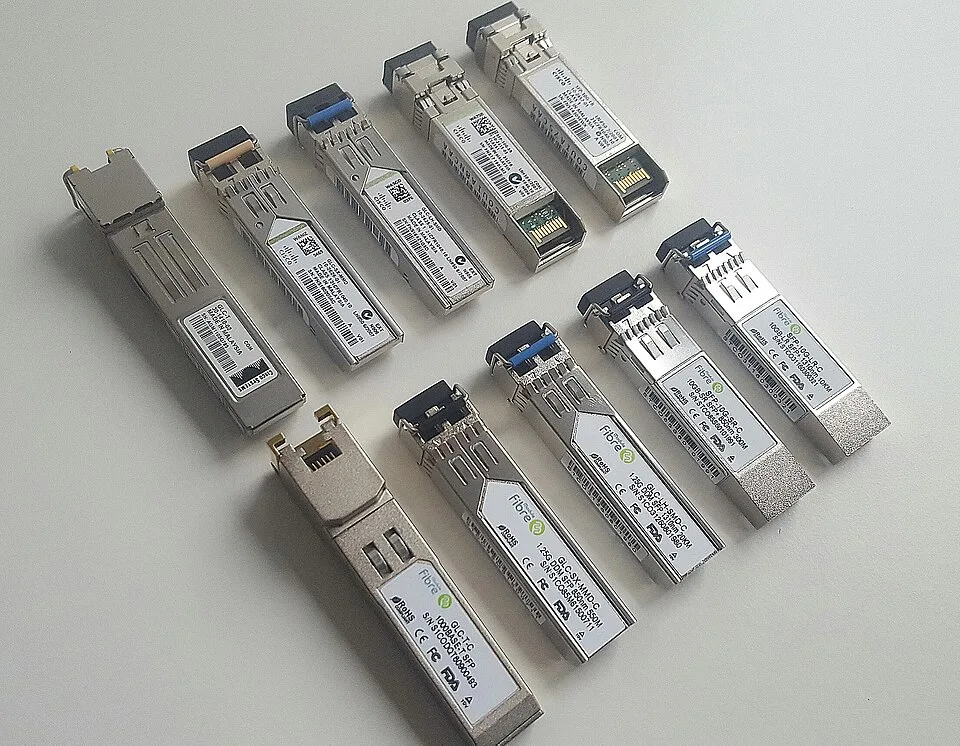
SFP+ sidesteps the whole problem. The ports sip power and stay cool, which is how a switch like the MikroTik CRS305 runs completely fanless and silent while giving you four 10G ports. You lose nothing in speed. You gain silence, lower power, and flexibility, because an SFP+ cage accepts whatever you plug into it: a cheap DAC cable for short runs, a fiber transceiver for long ones, or an SFP+ to RJ45 module for the one device that truly needs copper.
That flexibility is the quiet superpower. Your NAS and your Proxmox nodes sit near each other, so they get DAC cables for a few dollars. A device across the house gets fiber. And nothing runs a fan.
The Five I Would Actually Buy
MikroTik CRS305-1G-4S+IN: Best Value Overall
This is the switch that changed the math, and the one I recommend to almost everyone starting with 10G. The MikroTik CRS305 gives you four SFP+ 10G ports plus a gigabit management port, in a tiny fanless metal case; check current price before buying. It is silent, it barely sips power, and it runs either RouterOS for deep control or the simpler SwOS if you just want a switch.
Four 10G ports sounds small until you realize that is a NAS, two compute nodes, and an uplink, which is a complete fast core for most home labs. This is where I would start.
MikroTik CRS309-1G-8S+IN: Best for More Ports
When four ports is not enough, the CRS309 is the same idea scaled up: eight SFP+ 10G ports, still fanless, desktop or rack mountable. Check current price before buying. Same RouterOS or SwOS flexibility, same silence, double the fast ports. If your lab has grown past a couple of nodes and a NAS, this is the natural upgrade and it will outlast several rounds of hardware.
QNAP QSW-M408-4C: Best Copper and Fiber Combo
If you have a device that only speaks 10GBASE-T copper and cannot take an SFP+ card, the QNAP QSW-M408-4C solves it cleanly. It has four dedicated SFP+ ports plus four combo ports that accept either 10G copper RJ45 or SFP+, so you bridge both worlds in one web-managed switch without a pile of adapters. It is the most beginner friendly of the group thanks to a simple web interface, and worth considering for a genuinely mixed copper-and-fiber lab; check current price before buying.
TP-Link TL-SX105: Best Plug and Play Copper
Some people just want 10G copper with zero configuration, and that is a legitimate choice. The TP-Link TL-SX105 is five 10GBASE-T RJ45 ports, unmanaged, quiet, plug it in and it works. It is not SFP+, so you give up the fiber flexibility and the silence of a fanless unit, but if every device you own has an RJ45 10G port and you never want to think about VLANs, it is the simplest possible answer when its current price fits your budget; check current price before buying.
Sodola 8-Port SFP+: Best Rock Bottom Budget
If you need many 10G ports for the least money and can tolerate a little fan noise, a Sodola 8-port SFP+ switch delivers eight web-managed 10G ports. Check current price before buying. The tradeoff is honest: it has a fan, so it is not silent like the MikroTik units, and the management software is basic. But dollar for 10G port, nothing here is cheaper. It is the pick when port count matters more than silence.
The Cabling Cost Everyone Forgets
Here is the gotcha that catches first time 10G buyers: the switch price is not the whole price. Those SFP+ cages are empty. You have to put something in them, and that something costs money per link.
For short runs between gear sitting near each other, the answer is a direct attach copper cable, or DAC. It is a fixed cable with the SFP+ connectors molded onto both ends, no separate transceivers, and it is cheap and foolproof for runs up to a few meters. This is what you want between a NAS and a switch on the same desk or in the same rack.
For longer runs or a device in another room, you use fiber with a matching pair of SFP+ optical transceivers, one in each end. That costs more per link. And if you need to reach a copper-only device, an SFP+ to 10GBASE-T module exists but runs hot and is the priciest option per port, so use it sparingly.
Budget a DAC or a transceiver pair for every link when you price a build. A 150 dollar switch with four links might need another 40 to 80 dollars of cables and modules. It is still a bargain, but plan for it so you are not surprised at checkout.
How to Choose
The decision tree is short. If you want the best value and silence, buy the MikroTik CRS305 and use DAC cables between your nearby gear. If you have outgrown four ports, step up to the CRS309. If some of your devices are copper-only 10G and cannot change, get the QNAP combo switch so you do not fight adapters. If you never want to configure anything and everything is RJ45, the unmanaged TP-Link is fine. And if you just need the most 10G ports for the least money and do not mind a fan, the Sodola wins on price.
This 10G core sits above the rest of your network. Most of the house does not need it, which is why I pair a fast 10G island for the NAS and compute with a 2.5GbE backbone for everything else, and put the whole quiet stack in a mini rack. The satellite switches that hang off this core over an SFP+ uplink do not need to be expensive either; my YuanLey 8 port 2.5G switch review covers the cheap silent box I use for exactly that job.
Should You Skip Straight to 25G or 40G?
Every few months someone in a homelab thread argues you should buy used enterprise 40G gear off the auction sites instead of a modern SFP+ switch, because the per-port cost looks absurdly cheap. I have gone down that road, and for most people it is a trap.
The used 40G and 25G switches are cheap because they are loud, power hungry, and enormous. A used 40G switch can pull 150 watts at idle and sound like a hairdryer, which erases the entire reason you wanted a quiet fanless lab in the first place. The transceivers and breakout cables get exotic and finicky fast, and the software is enterprise-grade in the bad sense: powerful, but a steep learning curve for a home user who just wants storage to go fast.
SFP+ at 10G is the sweet spot for 2026 because it is the fastest tier that is still cheap, silent, and low power. Your NVMe NAS cannot saturate much beyond 10G anyway on real workloads, so the extra bandwidth of 25G or 40G sits unused while you pay for it in noise and watts every hour of every day. Buy the tier your storage can actually use, keep it silent, and put the money you saved toward more drives or another compute node.
The Bottom Line
Affordable, silent 10GbE is finally real, and for a home lab the winner is clear. The MikroTik CRS305 is the switch I would buy first; check current price before buying. It has four fanless 10G ports, low power, and the flexibility of SFP+ to use cheap DAC cables where you can and fiber where you must. Step up to the CRS309 for more ports, reach for the QNAP if you are stuck with copper 10G devices, and only consider the noisy budget Sodola if raw port count per dollar is all that matters.
Remember to budget for the cables, not just the switch, and remember what 10G actually does: it removes the gigabit bottleneck between your NAS and your compute, and nothing else. Wire that one fast island, leave the rest of the house on slower ports, and you get the entire benefit for the least money and noise.