Samsung is putting a price on the SmartThings API. According to the SmartThings blog post announcing the change, the company is adding paid commercial tiers plus a $4.99 a month plan for non-commercial, individual developers, with coverage from outlets like Gadget Hacks pointing to an October 2026 rollout. The r/homeassistant thread about it was exactly what you would expect: a lot of people realizing that the SmartThings integration quietly running in their Home Assistant install is about to become a subscription.
I want to be careful here. Samsung’s exact enforcement details and how the Home Assistant SmartThings integration ends up authenticating are still things to watch, not things I am going to pretend to know. But the direction is clear, and it lines up with something I have believed for years: if a device can talk to your house locally, it should. For Zigbee devices sitting on a SmartThings hub, that is not a dream. It is an afternoon per room and a coordinator that costs about as much as five months of the new fee.
This is the plan I would follow to get Zigbee devices off SmartThings and onto Home Assistant without breaking the house. If you want the gear background first, my best Zigbee devices for Home Assistant guide is the pillar this builds on.
What the Fee Actually Touches
Before you rip anything out, figure out what the API change actually reaches. There are three very different ways a SmartThings device can show up in Home Assistant, and only one of them depends on Samsung’s API.
The SmartThings cloud integration. This is the common one. Home Assistant logs into your Samsung account and polls or subscribes to device state through Samsung’s cloud. Every command you send from Home Assistant goes out to Samsung and back down to the hub. This is the path the pricing change is aimed at, and it is the path I would retire.
Devices that also have a native integration. A lot of Wi-Fi gear that people “added through SmartThings” years ago has its own direct Home Assistant integration now. Philips Hue, Ecobee, Sonos, many TVs, and plenty of others fall into this bucket. For those, the fix is to add the native integration and delete the SmartThings copy of the entity. No new hardware.
Zigbee and Z-Wave devices paired to the SmartThings hub radio. These are the ones that feel locked in, and they are actually the easiest to free. The sensor on your door does not know or care that a Samsung hub is listening. It speaks standard Zigbee to whatever coordinator it is paired with. Move it to a coordinator Home Assistant controls and it becomes fully local, with no account, no API, and no monthly anything.
So step one is an inventory. Open the SmartThings app, go room by room, and write down every device along with one of three labels: native integration exists, Zigbee, or Z-Wave. Anything that is cloud-only and has no other path is a separate decision, and honestly, it is a good moment to ask whether that device earns its keep.
The Hardware You Need (It Is Not Much)
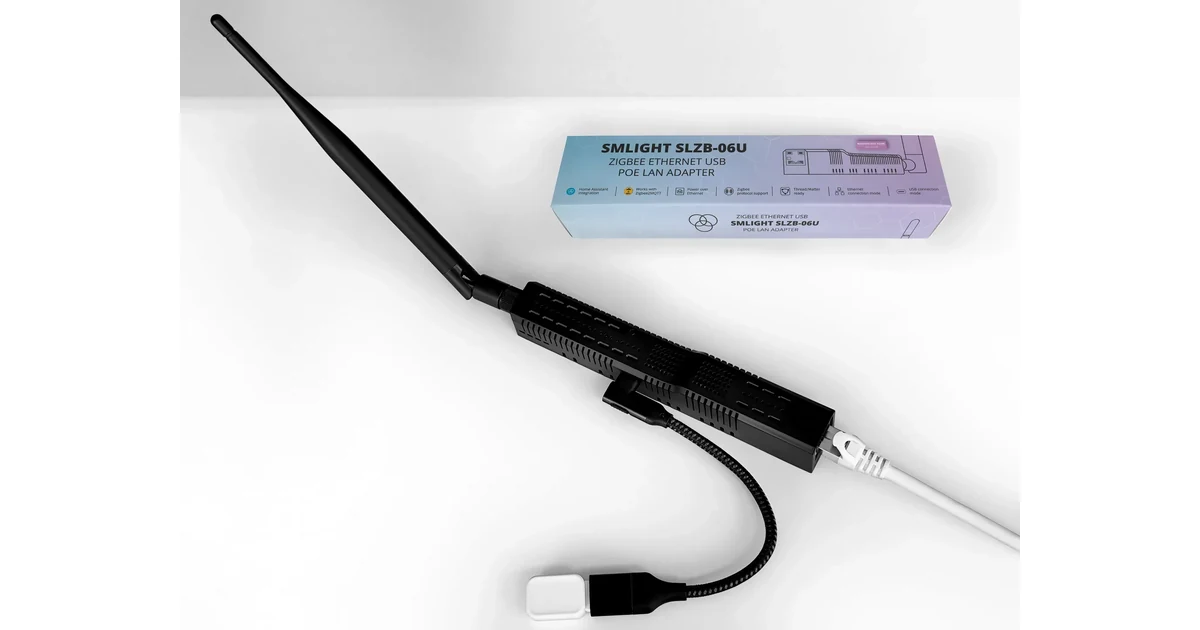
For Zigbee, you need exactly one thing: a coordinator Home Assistant can talk to directly. My default recommendation is still the SONOFF Zigbee 3.0 Dongle Plus-E (code JPK, also on Amazon). It is cheap, it runs on Silicon Labs silicon that both ZHA and Zigbee2MQTT handle well, and there are years of forum answers for anything odd you hit. If you would rather pay a little more for official support, the Home Assistant Connect ZBT-2 is the other good answer. I compare the two in depth in my Zigbee coordinator guide.
The second item is not optional in my book: a short USB 2.0 extension cable. USB 3 ports and drives throw off noise right in the 2.4 GHz band Zigbee uses. A coordinator plugged directly into the back of a mini PC is the single most common cause of the “Zigbee is flaky” complaints I see. A one to three foot cable fixes it for a few dollars.
Third, think about routers. On SmartThings, the hub plus your mains-powered devices formed the mesh. When you start moving devices, the new network begins nearly empty. If your first migrated devices are all battery sensors at the far end of the house, they will struggle. Move a couple of mains-powered plugs or switches first. A ThirdReality Zigbee smart plug in a central hallway is a cheap, useful backbone node that also does real work.
Pick ZHA or Zigbee2MQTT Before Device One
Do not start pairing and decide later. Switching stacks after fifty devices is a project of its own.
ZHA is built into Home Assistant. Plug in the coordinator, Home Assistant usually discovers it, click through, done. Devices show up as normal Home Assistant devices with no extra services to run. For a household coming from SmartThings, where the whole appeal was that it just worked, ZHA is the closest feel.
Zigbee2MQTT runs as a separate add-on or container and talks to Home Assistant through an MQTT broker. It has a larger device support list, a great web UI with a network map, and more knobs for odd devices. The cost is two more services to keep alive.
My rule: if you do not already run MQTT, pick ZHA. If you own a pile of off-brand sensors or already have Mosquitto running, pick Zigbee2MQTT. I go much deeper on this in my ZHA vs Zigbee2MQTT guide.
Channel Planning: Let Both Networks Live for a While
The safest migration is not a big-bang cutover. Leave the SmartThings hub running and build the new Home Assistant network next to it. Two Zigbee networks can coexist fine, but they should not sit on top of each other or on top of your busiest Wi-Fi.
Check which Zigbee channel your SmartThings hub is using (it is visible in the SmartThings advanced web app under the hub details). Then check your Wi-Fi 2.4 GHz channels. Zigbee channels 15, 20, and 25 are the classic choices because they fall in the gaps between Wi-Fi channels 1, 6, and 11. Pick one that is clear of both the hub and your access points, and set it on the new coordinator before pairing anything. Changing channels later works, but some older devices handle it badly. My Zigbee channel plan post walks through the reasoning.
The Room-by-Room Move
This is the part that actually takes time. I do one room per session, and I never leave a room half migrated overnight.
- Note the automations that touch the room. Screenshot the SmartThings routines and any Home Assistant automations that reference those entities. You will rebuild them against new entity IDs.
- Move mains-powered devices first. Plugs, in-wall switches, and bulbs are routers. Getting them onto the new network first gives every later battery device a strong parent.
- Remove the device from SmartThings. Delete it in the app. Some devices leave cleanly when removed. Others need a manual factory reset afterward.
- Factory reset it. This is device specific. Most Aqara sensors want a long press on the reset button until the LED blinks. Most plugs want a five to ten second hold. Bulbs often want a power cycle sequence. The manufacturer manual or the Zigbee2MQTT device page will tell you.
- Pair it near its final spot. Put Home Assistant in pairing mode and trigger the device where it will live, not on the desk next to the coordinator. Pairing on the desk can create a route that falls apart once it moves.
- Rename it right away. Give it a sensible name and area in Home Assistant before you move on. Future you will thank present you.
- Rebuild the automations for that room and test them while you are standing there.
Battery sensors sometimes take a few minutes to report their full state after pairing. Do not panic if a temperature reading is blank at first. Wake the device with a button press and give it a minute.
What Will Not Move Cleanly
Honesty section. Not everything comes along for free.
- SmartThings branded sensors. Older Samsung SmartThings multipurpose and motion sensors are Zigbee and generally pair to Home Assistant, but some features (like the multipurpose sensor’s vibration and tilt) depend on quirks in ZHA or converters in Zigbee2MQTT. Check the device page before counting on every attribute.
- Hub-specific features. SmartThings scenes, Edge drivers, and routines do not export. You rebuild them. For most homes that is a few dozen automations, and the Home Assistant versions usually end up simpler.
- Z-Wave. Same idea, different radio. You need a Z-Wave controller in Home Assistant and you exclude each device from SmartThings, then include it in Z-Wave JS. If you have a lot of Z-Wave, budget a second weekend.
- Presence and phones. If you used SmartThings phone presence, swap to the Home Assistant Companion app. It is better anyway.
How Long It Took, Realistically
For a typical house with twenty to forty Zigbee devices, plan on two or three evenings. The first room is slow because you are learning reset procedures and deciding on naming. By the third room you are pairing a device every couple of minutes. The real time sink is automations, not devices, so it pays to simplify while you rebuild instead of copying every old routine one to one.
Once the last Zigbee device is off, delete the SmartThings integration from Home Assistant entirely. If you have nothing left that needs it, unplug the hub. One less cloud dependency, one less account, and no monthly fee to remember.
Keep the New Network Healthy
The mistakes that bite people after a migration are the same ones that bite anyone running Zigbee. Keep the coordinator on its extension cable. Make sure every far corner of the house has a mains-powered router nearby. Back up the coordinator (ZHA and Zigbee2MQTT both support this) so a dead dongle or a rebuild is not a re-pair-everything event. If you ever need to swap coordinators later, my guide to migrating a Zigbee coordinator without re-pairing covers that path.
A month in, open the network map and look for battery devices with weak links. A single extra plug in the right hallway fixes most of them.
The Bottom Line
Samsung charging $4.99 a month for personal API access is not the end of the world, but it is a clear signal about where cloud-dependent smart homes are headed. For Zigbee devices, you do not have to pay it. A SONOFF Zigbee Dongle Plus-E on a short USB 2.0 extension cable, a choice between ZHA and Zigbee2MQTT made up front, a clean channel, and a room-by-room move gets every Zigbee device in your house running locally, faster and more reliably than it ever did through the cloud. Do the native integrations first, the Zigbee devices second, Z-Wave last, and unplug the hub when you are done.