At a Glance
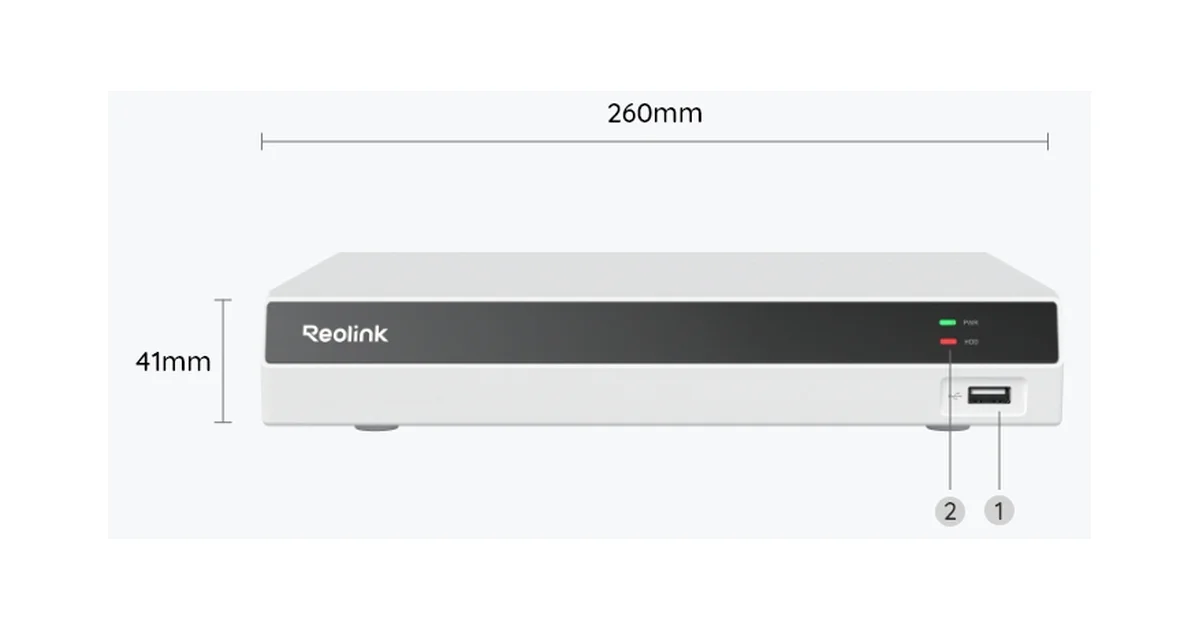
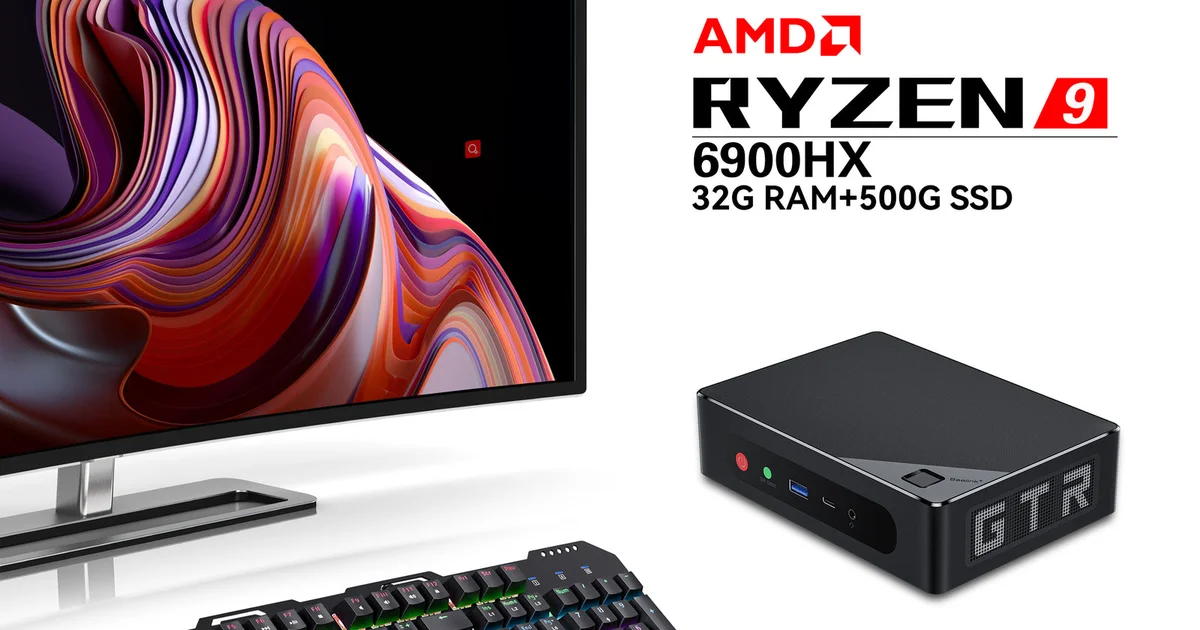
I have run the exact same four Reolink PoE cameras two completely different ways. For the first stretch they fed a Reolink RLN8-410 NVR, the little black box that ships with a hard drive and records everything with almost no thought required. Then I tore that out, put the cameras on a PoE switch, and ran them through Frigate on a mini-PC with a Google Coral for AI detection. Both setups are fully local. Neither one sends a frame to the cloud or costs a dollar a month. But they are not the same product, and the people who ask me “should I get the Reolink NVR or set up Frigate” are usually asking the wrong question.
The right question is what you actually want out of your cameras, because these two things are good at almost opposite jobs. This is the honest breakdown after living with both.
What Each One Actually Is
A Reolink RLN8-410 is a network video recorder. It is a purpose-built appliance with eight PoE ports on the back, a hard drive inside, and firmware whose entire job is to record camera streams to that drive and let you scrub back through them. You plug cameras into it, plug a monitor and mouse into it, walk through a setup wizard, and fifteen minutes later you have a working 24/7 security system. There is no computer to maintain, no operating system to patch, no container to babysit. It just runs.
Frigate is software. It is an open-source NVR with real-time AI object detection that you install, usually in Docker, on a Linux host you provide. It ingests the same RTSP streams a Reolink NVR would, but instead of just dumping them to disk, it runs every frame past a neural network that decides whether it is looking at a person, a car, a dog, or a windblown leaf. It then publishes those detections to Home Assistant over MQTT so you can automate on them. Frigate is not an appliance. It is a project.
That difference, appliance versus project, is the whole story. Everything else follows from it.
Setup and Day-One Experience
The Reolink NVR wins this the way a microwave beats a sous-vide rig for reheating soup. You screw the cameras to the wall, run the Ethernet back to the NVR, plug in an HDMI monitor, and the wizard finds every camera and starts recording. My RLC-820A and RLC-810A cameras were live and recording before I had finished my coffee. There is genuinely nothing to configure if you don’t want to. Motion detection, night vision, and continuous recording are all on by default.
Frigate is a different weekend. You need a host, and the right host is an Intel N100 mini-PC with 16GB of RAM. You install Docker, write a config.yml that describes every camera by its RTSP URL, define detection zones as polygons in a coordinate system, tune your object filters, and almost certainly add a Google Coral TPU once you go past two cameras so your CPU isn’t pinned at 100 percent. My first Frigate config took an evening to get right and a second evening to get good. It is not hard in the sense of being impossible. It is hard in the sense that it asks you to understand what you are building.
If setup speed is your only axis, stop reading and buy the NVR.
Detection: The Real Difference
Here is where the appliance falls behind. The Reolink NVR does motion detection, and the newer cameras do onboard person and vehicle detection, but it is pixel-change and basic onboard AI, not the kind of scene understanding Frigate does. In practice that means the NVR still throws false alerts at headlights sweeping the driveway, at heavy rain, at a spider building a web six inches from the lens at night. Reolink has improved its smart detection a lot, and on a good camera it is genuinely usable, but it is a closed system. You get the filters Reolink gives you and no more.
Frigate is a different class of thing. It runs a real object-detection model on every frame, and with a Coral TPU it does that in about six milliseconds per frame. You define zones as polygons, so “person in the driveway” and “person on the porch” are separate events. You set confidence thresholds per object. You can require an object to appear in a zone for a minimum time before it counts. The result is a false-positive rate so low that when Frigate alerts me, something is actually there. After a month I stopped second-guessing its notifications, which is the highest compliment you can pay a camera system.
If you have ever muted a camera app because it cried wolf too many times, that is the problem Frigate solves and the NVR mostly does not.
Home Assistant and Automation
The Reolink NVR integrates with Home Assistant, and it is fine. You get camera entities, some motion binary sensors, and snapshot access. What you do not get is the rich, per-zone, per-object event stream that makes real automation possible.
Frigate was built for this. Every detection lands in Home Assistant over MQTT as a structured event with the object type, the zone, the confidence, a snapshot, and a clip. That means I can write an automation that turns on the porch light only when a person, not a car, enters the porch zone after sunset, and sends my phone a photo of exactly who it saw. I can announce “someone is at the side gate” on my Home Assistant Voice speakers without a single cloud call. None of that is practical with the NVR’s coarser sensors.
If your cameras are part of a wider smart home and you want them to drive automations, Frigate is not close, it is the only real answer.
Reliability and the “It Just Works” Factor
The NVR wins reliability decisively, and this is the argument I make to friends who are not tinkerers. It is a sealed appliance doing one job. It does not get a bad Docker update, it does not fill its boot drive with logs, it does not go down because you were editing the config at 11pm and fat-fingered a YAML indent. My RLN8-410 ran for months without a single reboot or thought. When the power blipped it came back recording on its own.
Frigate is only as reliable as the box you run it on and the care you take with it. Mine is rock solid now, but getting there meant a UPS, a read-mostly SSD strategy so I wasn’t burning through flash, and the discipline to test config changes instead of hot-editing production. That is fine for me. It is not fine for a system your family expects to just work while you are traveling.
Cost
On paper the NVR is cheaper to start. A 2TB RLN8-410 is around $230 and includes the recording drive and the PoE ports in one box, so with cameras you have a complete system. Frigate needs a mini-PC at roughly $180, a Coral TPU at around $60 when you can find one, storage, and a separate PoE switch since the mini-PC has no PoE ports. Add it up and Frigate is the more expensive entry point.
But that mini-PC is not a single-purpose box. Mine also runs Home Assistant, a couple of add-ons, and other containers. If you were going to run a Home Assistant server anyway, Frigate’s marginal cost is just the Coral and the switch, and suddenly the math flips. The NVR is cheaper as a standalone appliance. Frigate is cheaper as one more service on hardware you already own.
The Setup I Actually Run: Both
Here is the thing nobody tells you when they frame this as either-or. The best answer for me was both, and it costs almost nothing extra to do it.
Put your cameras on a managed PoE switch instead of plugging them into the NVR’s built-in ports. Now the cameras live on your regular LAN, and any number of things can read their RTSP streams at once. Point the RLN8-410 at them for bulletproof, appliance-grade 24/7 recording that never depends on my tinkering. Point Frigate at the same streams for smart detection and Home Assistant automations. The NVR is my black box that always has the footage. Frigate is my intelligence layer that decides what is worth waking me up for.
When I rebuilt my Frigate host last month, my continuous recordings never stopped, because the NVR did not know or care. That redundancy is worth the price of a switch. If you want the deeper dive on the Frigate side of this, I wrote a full Frigate plus Coral build log that walks through the mini-PC, the config, and the Home Assistant wiring step by step. And if you are still choosing cameras, my best Frigate-compatible cameras guide covers which Reolink and non-Reolink models actually behave.
The Bottom Line
If you want a security camera system and not a hobby, buy the Reolink RLN8-410, plug in your cameras, and never think about it again. It is cheaper as a standalone box, more reliable, and set up in fifteen minutes. That is the right call for most people, and there is no shame in it.
If you already run Home Assistant, enjoy the tinkering, and want detection smart enough that you actually trust your notifications, run Frigate on an N100 mini-PC with a Coral. It is more work and more parts, but it is a genuinely smarter system that becomes the eyes of your whole smart home.
And if you can swing it, do both. Cameras on a PoE switch, NVR for dumb-but-perfect recording, Frigate for the brains. That hybrid is the setup I actually run, and after months with all three configurations, it is the one I would not give up.