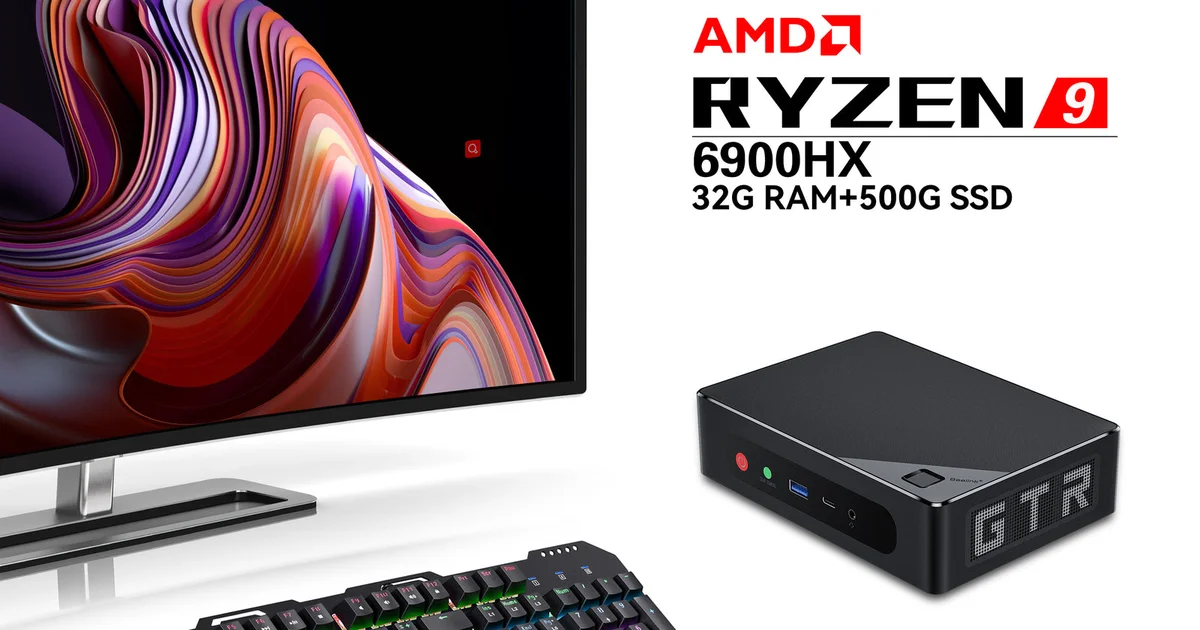
I have talked a lot of people out of buying a $600 four-bay NAS. Not because those boxes are bad, but because most people who think they need one actually need a quiet, low-power computer that shares some disks over a fast network, and you can build exactly that for a fraction of the price. This is the build log for the one I run: a Beelink EQ12 N100 mini PC turned into a silent 2.5GbE NAS that idles at under 10 watts, cost me under $300 all in, and has served every file in my house for the better part of a year without a hiccup.
This is not a theoretical parts list. It is what is sitting on my shelf right now, why I chose each piece, the mistakes I made, and the real transfer numbers I get. If you have been eyeing a Synology and wincing at the price, read this first.
Why I Skipped a Real NAS
A prebuilt NAS gives you a tidy box, hot-swap bays, and a polished web UI. What it also gives you is a slow, underpowered ARM or Celeron CPU, locked-down firmware, and a price that assumes you will never learn Linux. The moment you want to run a few containers, a reverse proxy, or anything the vendor did not bless, you are fighting the appliance.
An N100 mini PC flips that. For roughly the price of a bare diskless two-bay NAS you get a genuinely modern quad-core CPU, 16GB of DDR5, an NVMe boot drive, dual 2.5GbE, and a full x86 box that runs any Linux you want. The Beelink EQ12 I used is the canonical example, but the Beelink, GMKtec, and Aoostar N100 boxes are all the same idea. The N100 sips power, idling around 6 to 10 watts, and it is fast enough to saturate a 2.5GbE link while transcoding a stream and running a dozen containers on the side.
The one thing a mini PC does not give you is a stack of internal drive bays, and that is the real design constraint. I will come back to how I solved that, because it is where most of the thinking in this build went.
The Parts List
Here is exactly what is in mine and what each piece costs roughly:
- Beelink EQ12, Intel N100, 16GB DDR5, 500GB NVMe for around $180. This is the whole computer. The NVMe is the boot and app drive, and the dual 2.5GbE ports mean I can put one on the LAN and one directly to my desktop later if I want. 16GB of RAM is plenty for OpenMediaVault plus a healthy container stack.
- A powered USB 3.0 dual-bay drive dock for around $40. This is where the storage lives. The critical word is powered: it has its own barrel-jack power supply so the drives are never starved, unlike bus-powered enclosures that brown out under load. Look for one with an ASMedia or JMicron chipset and UASP support.
- Two NAS-rated hard drives, whatever capacity fits your budget. I run a pair of shucked 8TB CMR drives I already had. Buy CMR, not SMR, for a NAS. A NAS drive search filtered to CMR is the safe path.
- A 2.5GbE switch if your existing one is gigabit, which is the actual bottleneck most people miss. My 2.5GbE upgrade guide walks through the cheap managed options.
Total for the compute plus dock, not counting drives you may already own, lands comfortably under $300. That is the whole pitch.
The USB Storage Question, Honestly
Let me address the objection I know is coming, because I had it too: USB storage for a NAS sounds like a recipe for corruption. It can be, if you do it wrong. Done right, it is completely reliable, and I have a year of uptime to back that up.
The rules I follow: use a powered dock, never a bus-powered one. Use a dock with a known-good chipset that supports UASP so you get proper SCSI command queuing instead of slow legacy mass-storage mode. Do not run ZFS over USB, because ZFS wants direct disk access and USB abstracts away exactly what ZFS needs to see. And plug the dock into a rear USB 3.0 port directly, not through a hub.
Follow those and USB 3.0 gives you about 400 MB/s of theoretical bandwidth, far more than the ~200 MB/s a spinning disk sustains, so USB is not your bottleneck and neither is the disk saturating 2.5GbE the real limit. If you want internal SATA instead, some mini PCs have a 2.5-inch bay, but you are then limited to slow laptop drives or expensive high-capacity 2.5-inch disks. The powered USB dock lets me run full-size 3.5-inch NAS drives, which is the right call for capacity per dollar.
The Software: Why OpenMediaVault
I went back and forth on this and landed firmly on OpenMediaVault over TrueNAS Scale for a box like this. TrueNAS is superb, but it is built around ZFS, and ZFS on an N100 with 16GB of non-ECC RAM over USB drives is fighting the tool’s design. ZFS wants ECC memory, direct SATA access, and matched drives in a vdev. None of that describes a mini PC with a USB dock.
OpenMediaVault is Debian under a clean web UI. It happily runs on modest hardware, formats my drives as EXT4, and shares them over SMB and NFS with a few clicks. Because it is just Debian, I have full apt access, and the OMV-Extras plugin drops in Docker and Portainer so my container stack lives right on the same box. Installation is a standard Debian netinstall followed by the OMV install script, and you are in the web UI in about twenty minutes.
My setup: the NVMe holds Debian, OMV, and all my Docker volumes. The two USB drives are one big data pool, one for active shares and one that receives a nightly rsync snapshot of the first, so I have on-box versioned backups in addition to my offsite. SMB shares handle the Windows and Mac clients, NFS feeds my Proxmox mini PC and media boxes. It is boring and it just works, which is the goal.
Real-World Speed
Numbers, because a build log without them is marketing. All of this is over 2.5GbE through a managed switch, measured with real file copies, not synthetic benchmarks.
Large sequential transfers, like moving a folder of video files from my desktop to the NAS, run at a steady 270 to 285 MB/s. That is essentially 2.5GbE line rate, and it is limited by the network, not the disk or the USB dock, exactly as it should be. A single 20GB file lands in a little over a minute. Reading back is the same. This is roughly triple what the same setup did on the gigabit switch it replaced, and the difference is immediately obvious when you are shuffling large media around.
Small-file performance, thousands of tiny files, is slower and always will be on spinning disks, landing in the 40 to 80 MB/s range depending on the file sizes. That is a hard-drive reality, not a fault of this build, and it is why my container app data lives on the NVMe rather than the spinning pool. Power draw sits at 8 to 11 watts at idle with the drives spun down, climbing to about 22 watts under a full transfer with both disks active. Over a year that is a couple of dollars of electricity, versus the space heater some people call a home server.
What I Would Change
Two honest notes after a year. First, if I were buying drives fresh instead of using ones I had, I would seriously consider a mini PC with a real internal SATA or a proper DAS enclosure with more bays, purely for tidiness. The USB dock works flawlessly but it is a second box with its own power brick, and a cleaner single-chassis solution has appeal. Second, I would spec a box with an NVMe slot to spare so I could add an SSD cache or a second app drive. The EQ12 has one slot, and it is full. Neither of these is a real complaint, just the things I think about when someone asks what I would do differently.
The Bottom Line
You do not need to spend $600 on an appliance to have a fast, quiet, reliable NAS. An N100 mini PC, a powered USB dock, a pair of CMR drives, and OpenMediaVault gets you a silent, 8-watt-idle, 2.5GbE-saturating file server for under $300, with a full x86 Linux box underneath that you actually own. Mine has run for a year without a single unplanned reboot, serves every device in the house at line rate, and doubles as my container host.
If you have the drives already, the whole project is an afternoon and the price of the mini PC and a dock. Pair it with a cheap 2.5GbE switch so the network is not the bottleneck, install OpenMediaVault, and you have the NAS most people should have built in the first place. It is the most useful $300 in my entire home lab.