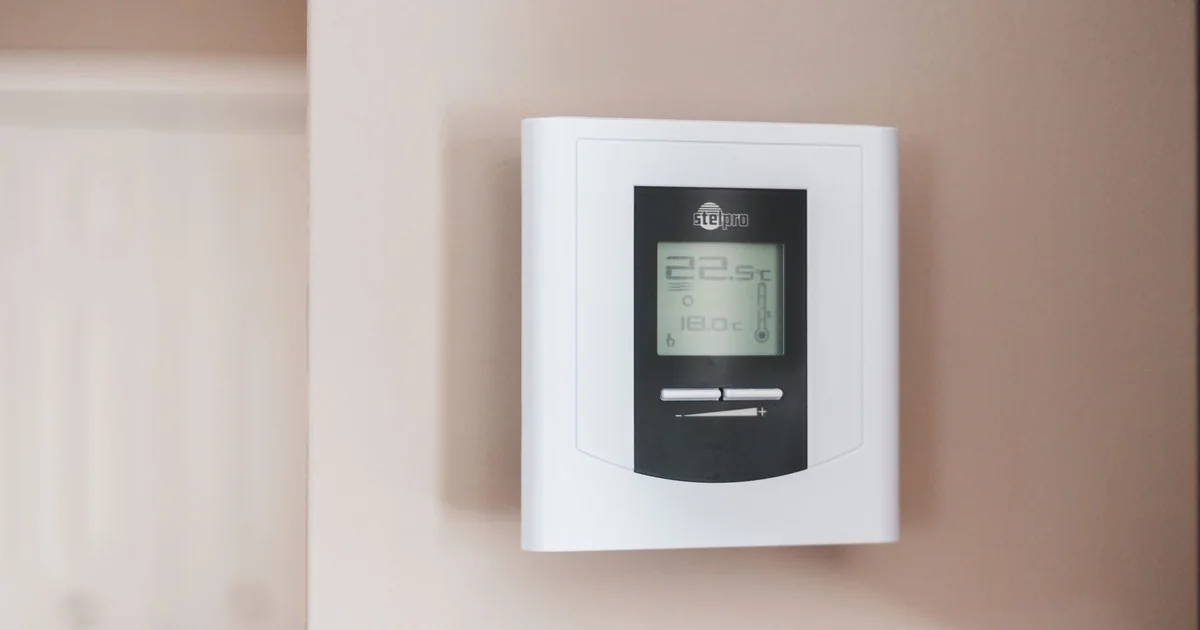
A thermostat saying “heating” is not proof that the house is getting warmer. It only proves that the thermostat requested heat. The furnace may have tripped, the boiler may be out of fuel, a breaker may be open, or the heat source may be running without moving enough warmth into the room.
That distinction is the foundation of useful heating monitoring in Home Assistant. The goal is not to declare a furnace failed after one cold reading. The goal is to identify a pattern early enough for a person to investigate, while being honest about what the system actually knows.
This is a focused companion to my Home Assistant winterization guide. That guide covers leaks, freezers, outages, and the broader safety plan. Here I am concentrating on the hardest signal: heating demand without a convincing temperature response.
Measure demand and outcome separately
A good heating alert needs at least two kinds of information. The first is demand: is the thermostat asking for heat? The second is outcome: is the room warming, holding steady, or falling?
A thermostat entity may expose hvac_action: heating, a call-for-heat binary sensor, or a mode and preset that imply demand. The exact entities depend on the thermostat integration. Do not assume that an entity named “heating” means the burner, compressor, or circulator is physically running. Treat it as a request unless the equipment provides a trustworthy run-state signal.
For outcome, use a temperature sensor located in the room that matters. A sensor beside the thermostat can miss a cold bedroom, basement, garage, or exterior-wall pipe. My Zigbee temperature sensor guide covers the hardware decision. Placement matters more than a premium specification sheet.
The alert becomes meaningful when those signals disagree: heat has been requested for long enough that the room normally would have recovered, but temperature is still dropping or has not moved toward the set point.
Learn the normal recovery curve first
Do not start by choosing “30 minutes” because a forum post used it. Houses differ. A small well-insulated room may recover quickly. A large older house may take much longer after an overnight setback. A heat pump behaves differently during a defrost cycle than a gas furnace. Outdoor temperature, wind, doors, and solar gain all change the curve.
Use a history graph for several ordinary heating cycles. Record the room temperature, target temperature, heat demand, outdoor temperature, and any equipment run state available. You are looking for a range, not laboratory precision. If the room normally gains two degrees in 30 minutes during similar weather, a flat or falling line during active demand is suspicious. If recovery normally takes 90 minutes, a 30-minute critical alert will be noise.
Start with a warning that gives someone time to investigate. Escalate only when the pattern persists or a second signal agrees. A warning should say that the room is not recovering. It should not claim that the furnace failed when Home Assistant has no evidence for that diagnosis.
Use a warning and a critical state
I prefer two stages. The warning says: check the house. The critical state says: someone needs to respond now.
A warning might require heat demand for 30 minutes, room temperature below the target by a meaningful margin, and no upward trend. A critical alert might require another 20 minutes of continued demand plus a falling temperature, a low-temperature threshold, or a second sensor confirming the condition.
The numbers are building-specific. Use a helper for each zone’s warning state so the recovery message can close only an alert that actually opened. Add hysteresis to recovery. If the warning threshold is 60 F, do not close it at 60.1 F for one reading. Require the room to remain above a safer recovery value for a sustained period.
The notification should include:
- room and sensor name
- current temperature and target
- how long heat demand has been active
- recent temperature direction
- outdoor temperature if available
- the last time the sensor reported
That turns a notification into a decision aid. “Heating alert” forces the person to open the dashboard. “Basement is 54 F, target is 68 F, heat demand has been active for 48 minutes, and temperature fell 1.2 F” tells them where to start.
Stale data must be a separate alarm
A comfortable temperature from six hours ago is not current information. Every heating monitor needs a stale-data path for the temperature sensor, thermostat, and Home Assistant host if possible.
Use the reporting behavior of the device to choose the timeout. A mains-powered sensor that reports every minute can be stale after several minutes. A sleepy battery device may need a longer interval. The important part is that the timeout is based on observed operation and that the alert identifies the blind spot.
Do not convert an unavailable temperature to zero. Do not let a template silently fall back to the last known value while the safety automation continues. An unavailable sensor should suspend the “room is safe” conclusion and create a maintenance alert.
Battery level matters too. Replace batteries before a forecasted cold snap, especially in a sensor mounted in a difficult space. A low battery warning that is allowed to sit for weeks is not monitoring.
Keep thermostat control local and boring
If the thermostat requires a cloud account to maintain its schedule, the house has a resilience problem. A cloud integration can be convenient for remote changes, but the local thermostat should continue protecting the house when the internet is down.
For compatible low-voltage systems, the Resideo T6 Pro Z-Wave thermostat is one purchase path to investigate. Verify the wiring, HVAC compatibility, regional model, and current integration before buying. The point is not that one thermostat fits every system. The point is that local control is part of freeze protection, not merely a privacy preference.
Home Assistant should not fight the thermostat. Avoid automations that change the set point every few minutes based on a noisy sensor. Use a schedule or helper for a deliberate away mode, then let the thermostat enforce its own minimums. Put an upper and lower bound on any automated set-point change. Keep a physical or local fallback available.
Never make a heating-failure automation turn equipment off as its response. Detection and notification are safe defaults. Equipment control belongs in a separate, carefully tested automation with a clear reason.
Add outdoor context without making it the authority
Outdoor temperature, wind, and weather alerts make a heating warning easier to interpret. They should not replace the indoor sensor. A weather service can be delayed, wrong for the exact property, or unavailable when the internet is down.
A local weather station is useful for context and pre-storm preparation. My Home Assistant weather-station comparison explains why local data paths differ between Ecowitt, Tempest, and Ambient Weather. Use outdoor readings to adjust expectations and suggest a check before a hard freeze. Use the indoor sensor near the vulnerable room to decide whether that room is actually cold.
The same principle applies to forecasts. A freeze warning can notify the household to inspect exposed plumbing and confirm the heating system is ready. It should not declare that every pipe is at risk because a forecast endpoint returned a number.
Test failure without creating a real emergency
Test the logic with a helper or a dedicated noncritical sensor. Cross the warning threshold, wait through the full delay, verify the notification, then restore the value and verify recovery. Exercise the stale-data path by making a test entity unavailable. Confirm that a low battery notification reaches the right place.
For a real thermostat, do not disable heat in freezing weather just to see if the alert works. Use history from a supervised maintenance test or a safe simulation. If the integration supports a diagnostic state, test the notification layer separately from the equipment layer.
Write the human response down. Who visits the house? Who has the key? Where is the breaker and manual thermostat control? Who is the HVAC contact? The automation is incomplete if the only next step is “look at the dashboard.”
Common mistakes that make these alerts useless
The first mistake is using one sensor for the whole house. The second is alerting on a thermostat state without checking temperature. The third is using an instantaneous threshold. The fourth is ignoring unavailable and stale states. The fifth is treating a cloud forecast as a local safety sensor.
The sixth is sending every event to every person. Start with a clear warning. Escalate only when the condition persists or becomes more dangerous. If the household receives false alarms every cold morning, someone will mute the channel before the real failure.
The final mistake is claiming certainty. Home Assistant can show evidence that heat demand and temperature response do not agree. It cannot inspect a flame, pump, breaker, or fuel supply unless the system exposes those signals. Phrase the alert around the evidence and let the person make the diagnosis.
The Bottom Line
Reliable heating monitoring is a disagreement detector. Compare thermostat demand with a correctly placed temperature sensor, learn the normal recovery curve, use sustained warning and critical states, and make stale data a separate failure. Add outdoor weather as context, not authority. Keep the thermostat and heating system safe without Home Assistant or the internet.
A good alert does not say “your furnace failed” when the system cannot know that. It says where the house is cold, how long heat has been requested, whether temperature is rising or falling, and what to check next. That is enough information to buy time without creating a new source of panic.