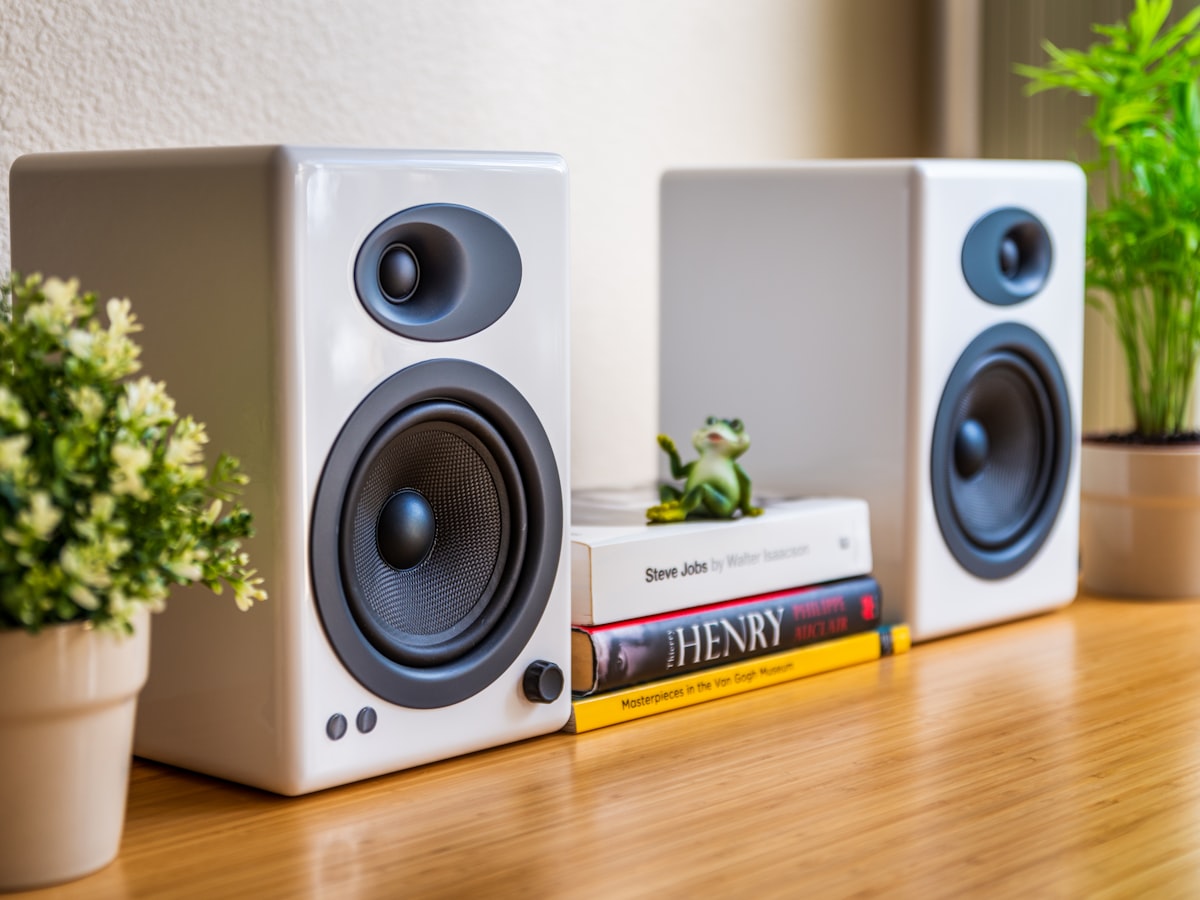
For two years I owned a pair of bookshelf speakers, a subwoofer, and a calibrated set of ears (sort of — I’m 36 and I still go to loud concerts, so let’s say “calibrated-ish”). I had read every audiophile thread on Reddit, watched every YouTube video on speaker placement, and convinced myself I was getting “pretty close” to a good sound. Pulled the speakers out from the wall, toed them in 15 degrees, sat at the listening position, swore the bass had tightened up.
Then I bought a miniDSP UMIK-1 for $90 and ran REW and discovered that my room had a 14 dB bass null at 78 Hz right where my head was, my left speaker was 3 dB louder than the right in the midrange, and my “tight” bass was actually two seconds of ringing in the 60 Hz region every time the kick drum hit.
This is the review of the mic that ended two years of self-delusion.
What the UMIK-1 Is
The UMIK-1 is a USB-powered calibrated measurement microphone. That’s the entire elevator pitch, but each word in that sentence is doing real work:
- USB-powered. No phantom power supply, no XLR interface, no audio interface needed at all. Plug it into your laptop. It shows up as a USB Audio Class 1 device. macOS, Windows, Linux, even an iPad with the Camera Connection Kit — all of them recognize it instantly.
- Calibrated. Every UMIK-1 ships from the factory with its own serial-number-specific frequency response calibration file. You download it from miniDSP’s site by typing in the serial number printed on the mic body. Drop the
.txtfile into REW’s mic preferences and REW subtracts the mic’s coloration from every measurement. This is the entire reason a $90 mic gives you better data than a $400 vocal condenser mic. - Measurement microphone. Not a singing mic. Not a podcast mic. The frequency response is engineered to be flat from ~20 Hz to ~20 kHz, with low noise and high overload tolerance. You can scream into it and it won’t clip; you can play a 20 Hz sine sweep through your subwoofer and it’ll faithfully report the result.
What You Actually Do With It
You install REW (Room EQ Wizard), plug in the UMIK-1, load the calibration file, point the mic at your speakers from the listening position, and tell REW to play a frequency sweep through your speakers and record the result.
What you get back is a chart. The X axis is frequency from 20 Hz to 20 kHz. The Y axis is dB SPL. The line on the chart is what your room sounds like.
If the line is a straight horizontal line at, say, 80 dB, your room is perfect and I hate you. If the line has a 12 dB spike at 60 Hz and a 14 dB null at 78 Hz and a slow downward slope from 1 kHz to 10 kHz, congratulations, you have a normal room. Now you know what to do about it.
That last sentence is the entire pitch. Now you know what to do about it. Without the mic, you’re guessing.
Hardware Wishlist
- The UMIK-1 itself. ~$90. Don’t bother with the UMIK-2 for home use, it’s overkill.
- A microphone boom stand. The UMIK-1 needs to be at exactly the height your ears sit at the listening position. Holding it by hand will introduce reflections off your body and the measurements will be garbage. A $40 K&M-clone boom stand is fine.
- A USB extension cable. The included cable is 6 feet. Your laptop is not 6 feet from your listening position. Get a 10 ft extension.
- A laptop with REW installed. REW is free at roomeqwizard.com. The full version. The “lite” version doesn’t exist anymore; the whole thing is free.
Setting It Up
- Find the serial number on the mic body. It’s laser-engraved in tiny print near the USB jack. Squint, write it down.
- Download the calibration file from minidsp.com/products/acoustic-measurement/umik-1 → “Download Calibration File.” Enter the serial. You get a
.txtfile named like7012345_90deg.txt. - Install REW. It’s a Java app. macOS users need to allow it in Security & Privacy the first time.
- In REW: Preferences → Mic / Meter → Load Calibration File. Point it at the
.txtyou just downloaded. Set “C-weighting compensation” off, set the mic angle to 0° (pointed at speaker) or 90° (pointed at ceiling) and load the matching calibration file — there are two per mic, one for each orientation. - Set REW’s output and input devices to your audio interface (or your laptop’s built-in DAC if you’re routing through the laptop), and the input to the UMIK-1.
- Set the SPL meter. REW asks you to calibrate the absolute SPL — you play a 1 kHz tone, measure it with a phone SPL meter app (NIOSH SLM on iOS is great), and type the dB value in. This isn’t strictly required for relative measurements but it’s nice to have.
The First Measurement
Put the mic on the boom stand at exactly the height your ears sit when you’re listening, exactly where your head is. Point it straight up if you’re using a 90° calibration file (best for measuring summed response from both speakers), or directly at one speaker if you’re using the 0° file (best for measuring a single speaker).
Hit “Measure” in REW. You’ll hear a frequency sweep play through your speakers (about 8 seconds long). Step out of the room or stay very still. The result drops into REW’s measurement panel.
When I did this for the first time, this was my left+right summed in-room response:
- A massive 12 dB peak at 42 Hz (room mode from the rear wall)
- A 14 dB null at 78 Hz (cancellation from the same wall)
- A 4 dB suckout at 200 Hz (Schroeder region weirdness from corner reflections)
- A 6 dB rise from 6 kHz to 10 kHz (the tweeter being too forward in my dead-walled room)
- A general downward trend from 100 Hz to 20 kHz of about 8 dB total (this is actually good, it’s the “Harman target” curve that listeners prefer)
In other words: my “tight bass” was actually a 12 dB resonance, my “smooth midrange” was a hole, and my “sparkly highs” were a tweeter rise. Every single subjective impression I had was either wrong or a compensation for a measurable problem.
What I Actually Fixed
I want to be honest about what REW + UMIK-1 can and can’t help with.
Things you can fix in software (with EQ):
- Smooth peaks and dips above ~80 Hz that are caused by the speaker, not the room
- The downward Harman tilt if you want a flatter response
- L/R balance errors if your speakers are mismatched or your room is asymmetric
Things you need physical treatment for:
- Bass resonances below 100 Hz (move the sub, add corner bass traps, or change speaker position)
- Ringing / long decay times (absorption panels at first-reflection points)
- Comb filtering from a nearby wall or desk (move the speaker, change toe-in, or absorb the reflection)
For my room, the fixes were:
- Moved the subwoofer. REW showed the 42 Hz mode was a function of the sub being in the corner. Moving it 18 inches along the front wall flattened the peak to 6 dB and partially filled in the 78 Hz null. This was a free fix and it bought me more improvement than any EQ would have.
- Added two corner bass traps. Knocked another 3 dB off the residual 42 Hz peak and shortened the decay time at 60 Hz from ~700 ms to ~350 ms. The kick drum stopped ringing.
- Pulled the speakers 4 inches further from the front wall based on REW’s “boundary distance” tool. Killed the 200 Hz suckout almost entirely.
- Switched my powered speakers’ tweeter trim from “flat” to “-1 dB” to deal with the 6 kHz rise. Took five seconds, did more for fatigue on long listening sessions than any cable upgrade ever would.
I did not apply any digital EQ. I could have — REW will generate a parametric EQ file you can load into a miniDSP unit or Roon — but the physical fixes got me close enough that I didn’t need to add another box to the chain. That’s a personal preference. Many people happily run REW-generated EQ profiles through Roon or a miniDSP 2x4 HD and get great results.
The “Wait That’s Not Better” Trap
The first time I measured the room after the fixes, I sat down and listened and thought “huh, this sounds…less impressive?”
It did. Because what I had been calling “impressive” was actually a 12 dB peak in the bass region tricking my brain into thinking the system had authority. With the peak flattened, the bass was tight and accurate and quieter. My ears expected the bloated peak and felt cheated.
Two weeks later I went back and listened to a measurement-free system at a friend’s place and it sounded honking and resonant and obviously wrong. My ears had recalibrated to the flatter response and now the bloat was audible as bloat instead of authority.
This is the dirty secret of room correction. The first 48 hours after you fix a room, you may dislike the result. Push through it. Your ears are wrong, the measurement is right.
What the UMIK-1 Doesn’t Do
A few things to set expectations:
- It’s not a vocal mic. Don’t try to record podcasts with it. The noise floor and the lack of any proximity effect will make you sound thin and hissy.
- It can’t do stereo measurements. It’s one mic. You measure left, you measure right, you can sum them in REW post hoc. If you want true binaural or stereo MLS, you need two mics (or the UMIK-X array, which is a different product entirely).
- It assumes you have a way to play the sweep. REW has to route audio to your speakers. If your speakers are wireless-only and there’s no way to feed them analog or digital from your laptop, you’re stuck. Most powered bookshelf speakers have a 3.5mm or RCA in. Most receivers do. Bluetooth-only speakers are out.
- The calibration file matters. People sometimes skip it. Don’t. The mic is flat-ish without the calibration but the file removes the last few dB of error in the top octave. Without it, you’ll be EQ-ing the mic, not the room.
Versus Built-In Room Correction
If your AV receiver has Audyssey, Dirac, or YPAO, you’ve already got some room correction. Is the UMIK-1 + REW better?
Yes, but it’s a different tool. Built-in room correction is automatic — it runs a sweep, generates an EQ filter, applies it, done. You get a flatter response without thinking about it. That’s great.
REW with a UMIK-1 is diagnostic. It tells you what’s actually happening in your room so you can fix it physically, not just paper over it with EQ. Audyssey can’t move your sub. REW shows you why moving the sub is the right call.
I run both. Audyssey on the home theater receiver for the surround channels, REW for the two-channel stereo where I care about accuracy. They’re complementary, not competing.
The Bottom Line
The miniDSP UMIK-1 is $90 and it’s the most consequential audio purchase I’ve made in a decade. Not because it changed the sound. Because it changed what I knew about the sound. Once you’ve measured your room, you cannot un-know that the 78 Hz null is there. And once you can’t un-know it, you’ll actually fix it.
If you own bookshelf speakers worth more than about $300, you’re leaving more than $90 of performance on the table by not measuring. If you’ve spent $500 on speaker stands and cables and isolation pucks but you’ve never run REW, you have your priorities exactly backwards.
Buy the mic, download REW, take an hour to learn the workflow. Stop guessing.
That’s the whole review.