At a Glance
The first time I moved a NAS to 2.5GbE, I made the mistake of shopping by port count. The switch had plenty of ports, a reassuring metal case, and a low price. It also had no useful uplink path, a noisy fan, and management features that disappeared behind a vendor app I did not want.
A good multi-gig switch is the center of a home lab. It connects the NAS, virtualization host, desktop, access points, cameras, and router while keeping the network understandable. That matters more than the number printed on the box. This guide is for the common upgrade from gigabit to 2.5GbE, especially when one or two devices also need 10GbE.
If you are upgrading a house rather than a rack, start with my 2.5GbE home network upgrade guide. The short version here is that Cat5e is usually enough for 2.5GbE, but the switch must have a sensible path for traffic leaving its local ports.
My short list
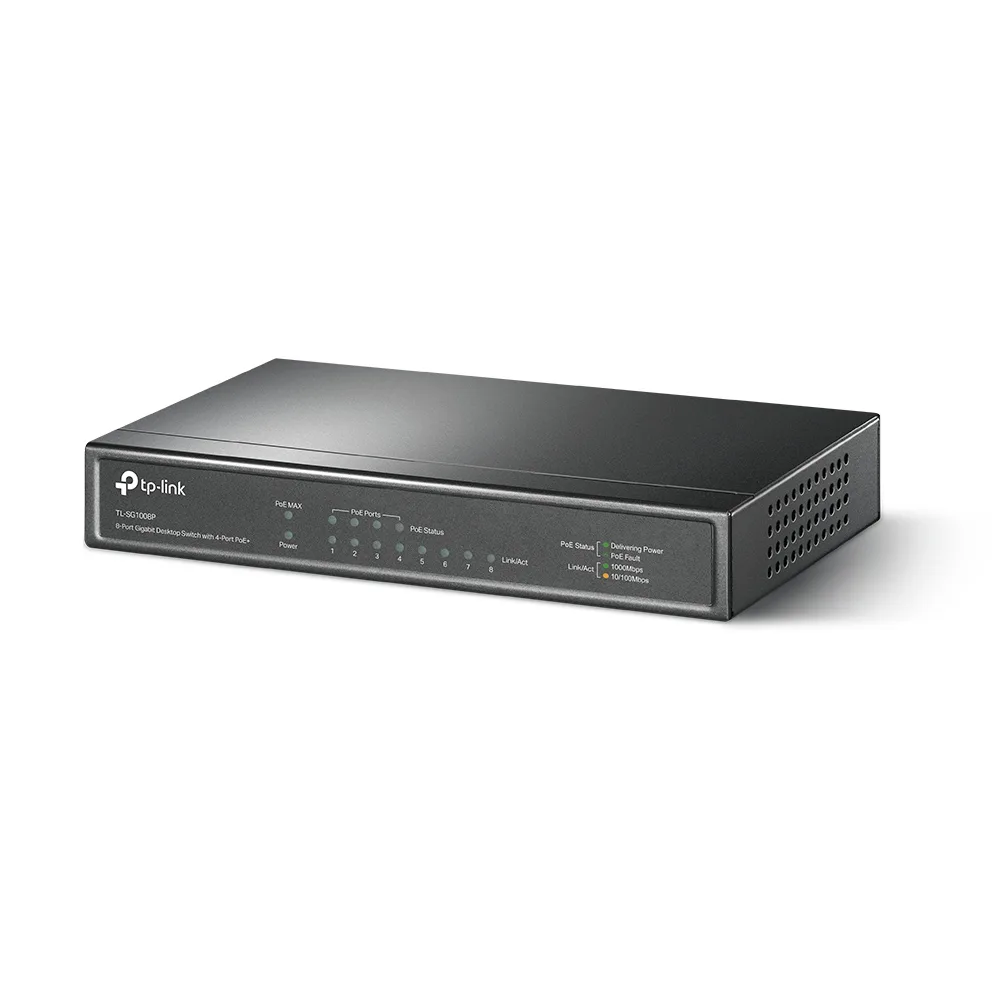
The TP-Link Omada option is the practical standalone pick. It gives you familiar managed features without forcing the whole house into one ecosystem. VLANs, link aggregation, and port statistics cover the needs of most labs.
The UniFi Pro Max is the pick for a UniFi household. The dashboard is the feature. It makes VLANs, clients, topology, and port profiles visible in one place, and that convenience is worth paying for when you already own a UniFi gateway and access points.
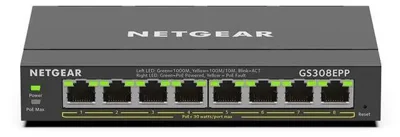
The NETGEAR smart-managed option is the least interesting and that is a compliment. It is a reasonable choice when you want a browser-managed switch with ordinary behavior and do not want a controller.
The SFP+ plus 2.5GbE class is the value play for a server-first lab. These switches can be inexpensive, but you need to inspect firmware quality, cooling, warranty, and the exact 10GbE compatibility before buying. Cheap is not the same as quiet or trouble-free.
The ports that matter
Count the ports you need today, then add two or four. A small lab often needs one port for the router, one for a NAS, one for a server, one for a desktop, and several for access points or cameras. Eight ports disappears quickly once you add a second server.
The uplink is more important than the last access port. If eight 2.5GbE devices share a single 1GbE uplink, they can still talk quickly to each other, but traffic to the rest of the network is constrained. That can be perfectly fine for a local NAS workflow, but it is not a whole-house multi-gig upgrade.
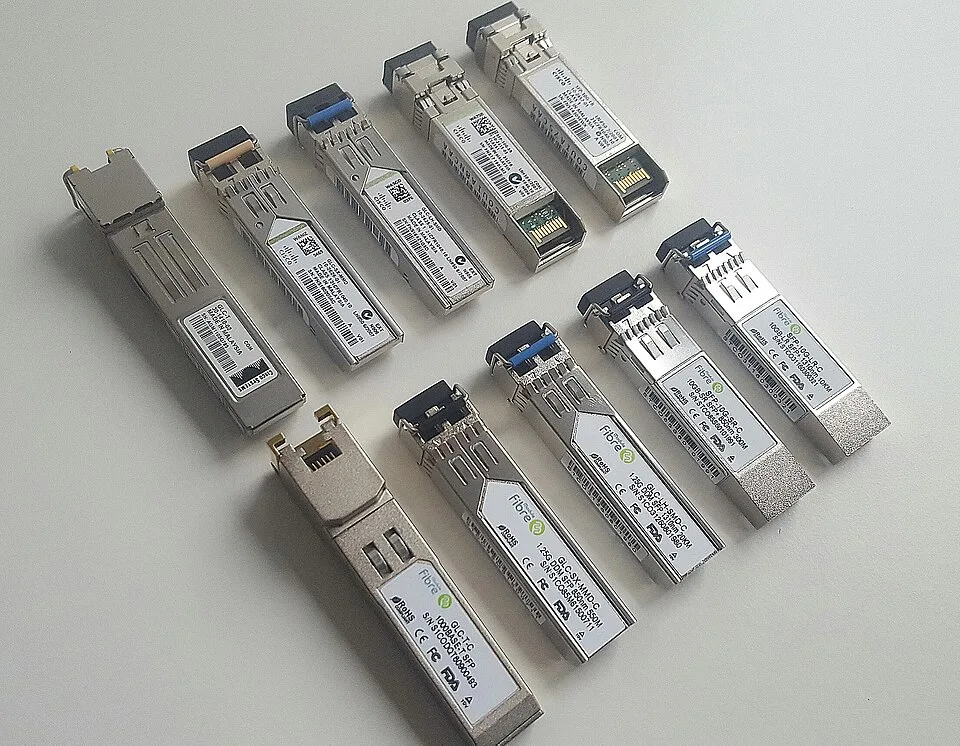
I prefer at least two SFP+ ports on a switch that will live in a rack. One can connect to the router or core, and the other can serve a NAS or another switch. SFP+ also gives you a 10GbE escape hatch without replacing the switch when a server outgrows 2.5GbE.
VLANs without the drama
A managed switch should support tagged and untagged VLANs, access and trunk behavior, and a management interface that you can reach after you make a mistake. I keep the management VLAN boring and document every trunk.
For a typical home lab, separate trusted clients, servers, cameras, IoT, and guest devices. The switch does not create your firewall policy; it carries the traffic. The router or firewall decides which VLANs can communicate. That distinction prevents a common failure where the switch appears configured but inter-VLAN access is still wide open.
Set profiles deliberately. An access point port may need several tagged networks and one native management network. A camera port may need one untagged camera VLAN and PoE. A NAS may need one ordinary access port, or an LACP bundle if you understand the workload and the switch supports it correctly.
PoE is useful, but not free
PoE is compelling for ceiling access points and cameras because one cable carries power and data. It is less compelling for a NAS hidden beside an outlet. Check the total PoE budget, not just the per-port maximum. Four cameras can consume a surprising amount of power when infrared LEDs turn on at night.
PoE also means heat. A fanless eight-port switch may be ideal in an office, while a fully loaded PoE switch may need active cooling. Look for the acoustic specification and read reports from owners who run the switch continuously. A switch that is quiet for ten minutes on a desk can be irritating in a rack beside a bedroom.
If you only need one or two powered devices, injectors can be the better answer. They cost less than paying for PoE on every port and let you place the heat elsewhere.
What I would buy for each lab
For a mixed network with a NAS, two servers, and several ordinary clients, I would buy the Omada-style standalone switch and put the router and NAS on its fastest uplink path. It is enough management for a real lab without adding another controller to maintain.
For a UniFi installation, I would stay inside UniFi and choose the Pro Max. The value is not that the packets are magically faster. It is that troubleshooting a port profile or VLAN is faster when the topology is already visible. Ecosystem consistency is a legitimate reason to choose it.
For a compact server shelf, I would consider the SFP+ class switch, but only after checking the exact transceiver and DAC compatibility. I would rather have a stable eight-port switch with two useful uplinks than a nominally faster box with a flaky web UI.
For a camera-heavy build, I would choose PoE only when the budget is large enough for the cameras, access points, and startup headroom. Size the switch for the worst case, including night vision, not the idle number on a product page.
Testing before you migrate everything
Install the switch beside the existing network and test one endpoint at a time. Check negotiated link speed at the client, copy a large file to the NAS, and measure both directions. A speed test to the internet does not prove that local traffic is working.
Then test VLAN isolation. Confirm that a camera cannot reach trusted clients, that guest WiFi cannot reach the management interface, and that Home Assistant can reach only the services it needs. Reboot the switch and confirm the configuration persists.
Finally, listen. Put your ear where the switch will live during a normal evening. Fan noise is a feature that never shows up in a throughput chart.
Do not confuse internet speed with local speed
A fast internet plan makes this upgrade tempting, but the switch still has to match the rest of the path. Your router needs a multi-gig LAN interface, the client needs a 2.5GbE NIC, and the server or NAS needs enough disks and CPU to serve data faster than gigabit. If any one link negotiates at 1GbE, that transfer will behave like a gigabit transfer.
I label each cable and record the negotiated rate after installation. This catches the boring failures: a port profile locked to one gigabit, a transceiver that does not negotiate, or a cable that was bent sharply behind the rack. It also gives you a baseline when a future update changes firmware or VLAN settings.
For file transfers, test from a wired desktop to the NAS and from the server to the desktop. Test a single large file and a directory of small files. Large sequential copies show the ceiling of the link; small files show the latency and storage overhead that users actually feel. Do not promise 2.5Gbps from a benchmark that measured only the switch backplane.
The small details that save a weekend
Reserve a management address before replacing the old switch. Export the configuration when the switch supports it, and keep a console or reset plan nearby. For a remote rack, confirm that the new switch boots with a usable default configuration before you move the uplink.
Keep the old switch powered and labeled until every VLAN and endpoint has passed its test. A rollback that takes five minutes is much better than troubleshooting a new switch while the household is waiting for WiFi, cameras, or the NAS.
The most useful switch is usually not the one with the most features. It is the one whose configuration you understand well enough to recover at midnight.
That is also why I favor a documented, boring configuration over clever port tricks. Future-you is part of the operations team.
Spend the saved troubleshooting time on backups and labels instead.
Good documentation is faster than any benchmark when the rack is dark.
The Bottom Line
The best 2.5GbE managed switch is the one with the right uplinks, enough VLAN control, and a noise profile you can live with. Choose Omada for flexible standalone management, UniFi for an existing UniFi network, and an SFP+ compact switch for a server-first lab. Add PoE only when the power budget earns its cost. The port number is the easy part; the network design is what makes the upgrade worthwhile.