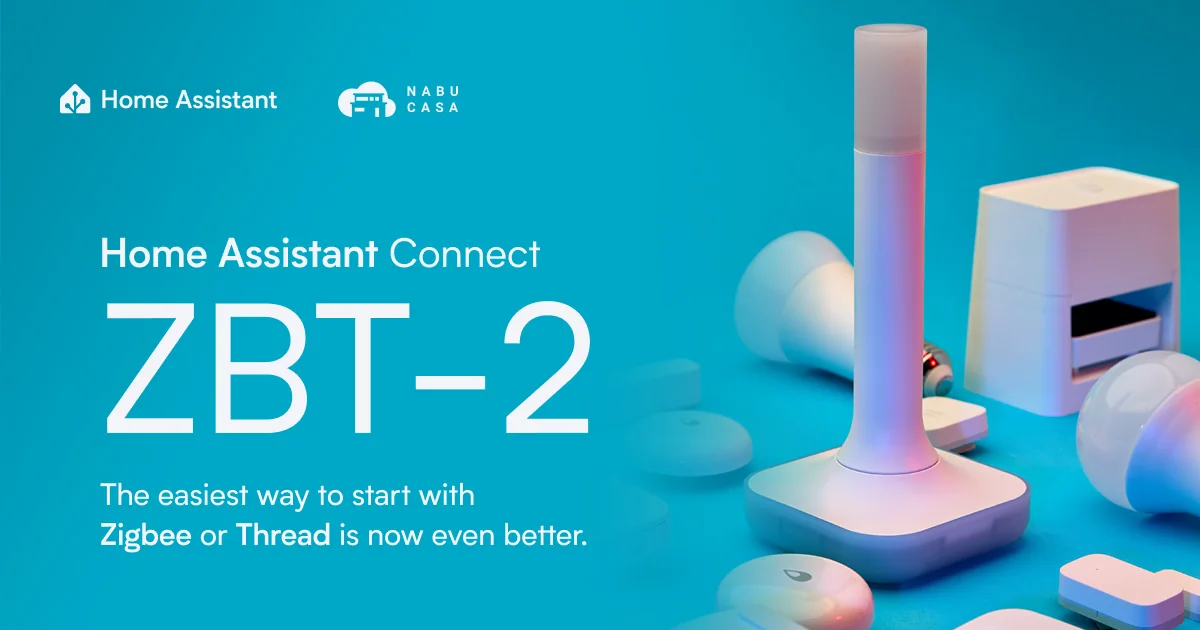
A second Zigbee coordinator sounds like the obvious answer when the first mesh is unreliable. It is not. A second coordinator creates a second Zigbee network, not a stronger version of the first one. Devices paired to the old network do not automatically use the new radio, and two coordinators cannot share one network as a simple hot standby.
That does not make a second coordinator useless. It makes the purpose important. I use one for a controlled test, a detached building with a deliberate boundary, or a migration project where I want to prove the replacement hardware before touching the production mesh. Recent Home Assistant discussions about moving from ZHA to Zigbee2MQTT keep circling this same safe pattern: build a small parallel test, move one class of device at a time, and never turn two unplanned networks into one mystery.
If your current problem is a weak signal, start with my Zigbee device placement guide and coordinator migration guide. A second radio is architecture, not a bandage.
What the second coordinator is actually for
A Zigbee coordinator is the root of a network. It forms or joins one network and manages the devices attached to it. A second coordinator forms another network with its own channel, network identity, device database, and automations. Think of it as adding a second small smart home, not adding a second Ethernet port.
That can be useful in three situations. First, a test network lets you evaluate a new adapter, firmware release, or integration without risking lights and locks. Second, a detached garage or workshop may benefit from its own network if the radio path is poor and the building has enough local devices to form a mesh. Third, a staged migration gives you a place to learn the new stack before moving important devices.
It is a poor answer when the only problem is a coordinator hidden behind a server. Move a USB coordinator away from USB 3 noise with a USB 2.0 extension cable, add powered routers, and inspect the channel before buying another root network.
Build the test boundary first
Before plugging in the second radio, write down what must remain untouched. The production coordinator, its serial path, its integration configuration, the production channel, and the device inventory are all part of the rollback plan. Take a current Home Assistant backup and save it somewhere independent of the host.
Then decide where the test integration will live. ZHA can run as a separate integration when it has a separate coordinator. Zigbee2MQTT can run as another service with its own data directory and adapter configuration. Do not point the test service at the production database or reuse the same coordinator path. A test that edits production state is not a test.
Give the new radio a clear name. I use names such as zigbee-test-usb and zigbee-production, not new and old. Hardware names survive longer than the reason for the experiment. If the coordinator is network-connected, reserve its address and keep the path wired. A wireless bridge adds another variable before you have tested the radio itself.
Pair only disposable devices
Start with a spare smart plug, a spare motion sensor, or another device that is easy to reset. Do not begin with a door lock, the only leak sensor, or a switch that controls the room where the family sleeps. Record the model, firmware, room, and reset procedure before pairing.
Pair one mains-powered device first when possible. It can act as a router and gives you a stable endpoint for testing. Then add one nearby battery sensor and one device at the edge of the intended coverage area. This small set answers more useful questions than a large pile of identical sensors: can the coordinator form a network, can a router carry traffic, and can a sleepy device report reliably?
Name test devices with a prefix. TEST garage motion is safer than Garage motion, because a test entity should never be mistaken for the one used by a production automation. Keep test entities out of dashboards that the household uses. The point is to learn without creating false confidence.
Test the radio before testing the mesh
First confirm the coordinator is visible to the integration and remains connected after a Home Assistant restart. Check the firmware version, adapter type, channel, and logs. A device that pairs once proves almost nothing if the serial connection loops after a restart.
Next test the physical placement. Put the coordinator in the location where you would actually use it, away from metal, access points, USB 3 storage, and the back of a server chassis. If it is a PoE or Ethernet unit, test the actual switch port and VLAN path. A coordinator that works on a desk beside Home Assistant may fail when moved to the garage because the network path is filtered or unreliable.
Then leave the test devices alone for a day. Trigger the motion sensor, switch the plug, and watch for unavailable periods and battery reporting. A network map immediately after pairing is only a snapshot. Reliability is the repeated behavior of the device when nobody is watching it.
Do not merge networks by accident
The most dangerous misunderstanding is that a second coordinator can be added to the first network as redundancy. It cannot. Pairing a sensor to the new coordinator moves that sensor to the new network. It does not give the old coordinator a backup route.
Do not run two integrations against the same coordinator. Do not restore a production backup into the test network and then start pairing random devices. Do not change the production channel because the test network looks better. Those actions erase the distinction that makes a parallel test safe.
If you need one house-wide mesh, keep one production coordinator and improve its placement and routers. A powered Zigbee plug or in-wall switch is usually the right tool for a coverage gap. A second coordinator is justified when the network boundary itself is intentional.
Detached buildings need a real design
A garage or workshop may be a reasonable second-network location, especially when the building has its own power, Ethernet, and a clear set of devices. Give the building a local coordinator and at least one powered router where coverage needs it. Keep the devices and automations clearly named by building.
The trade-off is control. A production automation that turns off every house light will not automatically include a device on the garage network. Home Assistant can coordinate both networks at the entity layer, but the radios remain separate. If the network link to the building disappears, its local Zigbee devices may keep talking to their local coordinator while Home Assistant loses visibility.
That is not necessarily bad. It is a failure mode you can design for. Decide which automations must run locally and which can wait for the controller. A garage door safety alert should not quietly depend on a long chain of network services.
When the test should become a migration
Only migrate after the test answers a specific question. If the new coordinator has better placement, stable firmware, and reliable device behavior, make a migration plan. If it merely looks newer, leave production alone.
For migration, inventory every device and automation, create both a full Home Assistant backup and the integration-specific backup, preserve the production channel and network identity when the supported workflow allows it, and keep the old coordinator untouched. Change one boundary at a time. Moving from ZHA to Zigbee2MQTT while changing coordinator hardware and channel is three experiments disguised as one.
Start with unimportant devices after the restore. Test a mains router, a nearby battery sensor, a distant sensor, and one real automation. Leave locks, leak sensors, and hard-to-reach devices until the network has passed a normal day. If the replacement fails, stop and roll back instead of making more changes while the evidence is fresh.
Keep the test reversible
Write down the result of each test, including the coordinator firmware, channel, device models, and the exact integration settings. A screenshot of a green status page is not enough. I want to know whether a restart, a cable move, and a short network interruption change the result. Keep the original configuration export with the production backup, and do not delete test data until you have decided whether the new radio earned a migration. The value of a parallel network is the evidence it produces, not the number of devices you can pair to it.
The Bottom Line
A second Zigbee coordinator is useful when you want a controlled test, a deliberate detached-building network, or a staging point for migration. It is not a hot standby, a range extender, or a free way to make one mesh more reliable.
Keep production untouched, use separate integration data, pair only disposable devices first, test the actual radio placement, and name the two networks so nobody confuses them. For a single whole-home mesh, one well-placed coordinator plus powered routers is simpler and usually better. Add a second coordinator only when you are willing to own the second network it creates.