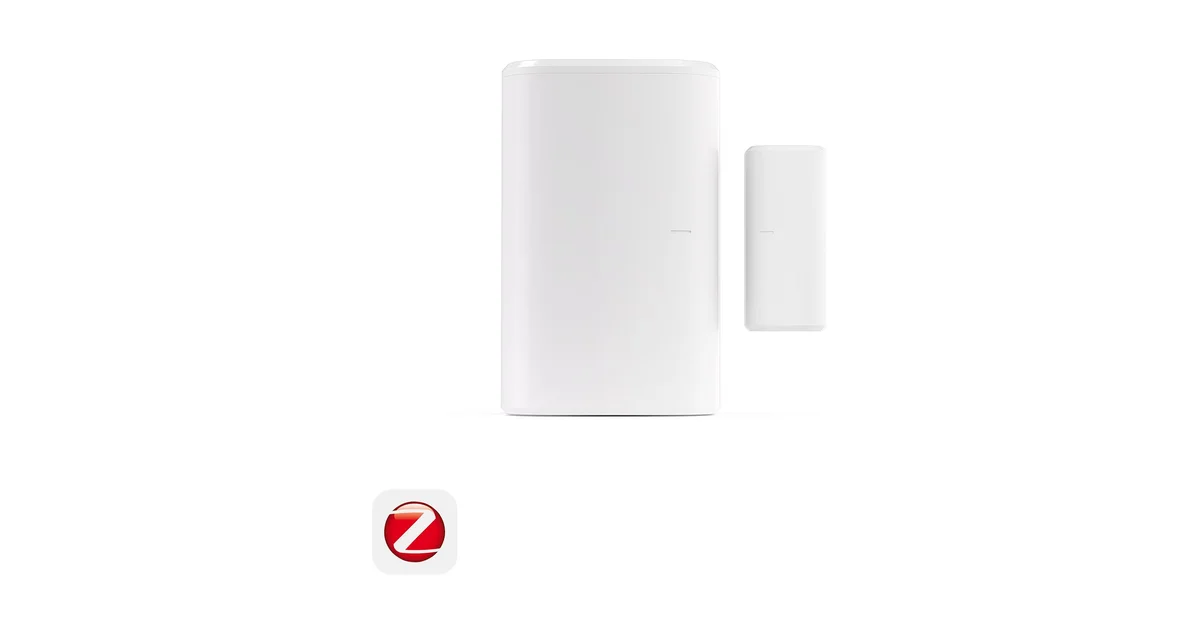
I have somewhere north of twenty Zigbee contact sensors in my house, and after cycling through three different brands over the years, the SONOFF SNZB-04P is the one I keep coming back to when I need one more. It is not the smallest, it is not the fanciest, and it does not have a screen or a fancy app. What it has is the exact combination that matters for a local Home Assistant setup: it pairs straight to your own coordinator, it runs for years on a coin cell, and it costs little enough that I stopped rationing them.
This is a hands-on review from actual daily use, not a spec-sheet reading. These sensors live on my exterior doors, my mailbox, a couple of windows, the liquor cabinet, and the crawlspace hatch. Some have been running untouched for over a year. Here is why the SNZB-04P earns its slot, and the honest places where something else might suit you better.
What it actually is
The SNZB-04P (also on Amazon) is a two-piece Zigbee 3.0 magnetic contact sensor. One piece holds the electronics and a reed switch, the other is a plain magnet. Mount them so they sit close together when the door or window is shut, and the sensor reports “closed.” Pull them apart and it reports “open.” That is the entire job, and it is a job that has not needed reinventing since the first alarm-panel door sensor in the 1970s.
What makes this the 2026 version worth caring about is what happens after the reed switch trips. The SNZB-04P is Zigbee, not WiFi and not some proprietary RF, so it joins the same mesh as the rest of your Zigbee gear and reports state in well under a second. It is battery powered by a single CR2477 coin cell, which is the physically large 24mm cell, and that size is the whole reason SONOFF can honestly claim a multi-year battery life. The “P” revision added a genuine tamper switch, so if someone pops the housing off the wall, that registers as its own event you can alarm on.
The build is unremarkable in the good way. White plastic, a small alignment mark on each half so you know how to line them up, and a peel-and-stick adhesive pad plus the option to screw the bracket down. It is a little chunkier than an Aqara sensor, which I will come back to, but on a door frame nobody has ever noticed it.
Why it lives on Home Assistant, not a SONOFF bridge
The Amazon listing and the box both say a SONOFF Zigbee Bridge is required. Ignore that. That instruction is for people who want to run the sensor through SONOFF’s eWeLink cloud app, and if you are reading a review on this site, that is not you.
The SNZB-04P is a standard Zigbee 3.0 device, which means it pairs directly to your own Zigbee coordinator running Zigbee2MQTT or ZHA with no SONOFF hardware and no SONOFF account anywhere in the path. I pair mine to a plain USB coordinator dongle, and within a couple of seconds Home Assistant exposes the contact state, the battery percentage, the link quality, and the tamper sensor as native entities. No cloud, no eWeLink, no “bridge required.”
Pairing is the usual Zigbee dance: put your coordinator in join mode, then hold the sensor’s pairing button until the LED blinks. It shows up fast and quirk-free. Unlike some Aqara gear, the SNZB-04P follows the Zigbee spec closely enough that I have never had it drop off a third-party coordinator or refuse to bind, which is a real and recurring headache with certain other budget brands.
Battery life that is actually good
Contact sensors are the classic battery-anxiety device, because you install a dozen of them in hard-to-reach spots and then dread the day they all start dying at once. The SNZB-04P mostly solves this by using a bigger cell than the competition.
Most tiny sensors use a CR1632 or CR2032, the small watch-battery coin cells. The SNZB-04P uses a CR2477, which holds roughly four to five times the capacity of a CR2032. Combine that with the low duty cycle of a device that only transmits when a door moves, and multi-year life is not marketing fluff, it is just physics. My oldest units are past a year and still reporting in the high 90s for battery percentage in Home Assistant.
Because battery is a native entity, you do not have to guess. I run a single automation that fires a notification when any battery sensor in the house drops below 15 percent, so I get a heads-up weeks before anything actually dies. Pair that with the SNZB-04P’s slow drain and battery maintenance basically disappears as a chore. When one does eventually need a cell, a CR2477 is a common, cheap coin cell you can grab at any hardware store.
The tamper switch is the underrated feature
The headline spec on the “P” revision is the tamper detection, and it is more useful than it sounds. Inside the housing there is a small switch that reads whether the sensor body is seated in its wall bracket. Pull the sensor off the wall and Home Assistant sees a tamper event, exposed as its own binary sensor separate from the open/closed state.
For a genuine security use, that matters. A plain contact sensor only knows if the door opened. A sensor with tamper also knows if someone tried to defeat it by prying the unit off the frame, and you can build an automation that treats “tamper while the house is armed” as its own alert, distinct from a normal door open. I use it on my exterior doors and the crawlspace hatch, both places where “someone is physically messing with this sensor” is information I want.
Even for non-security uses it is a handy nudge. If a sensor falls off its adhesive because the pad gave up in summer heat, the tamper event tells me to go re-stick it before it starts throwing phantom readings.
What I actually automate with it
A contact sensor is only as good as what you wire it into, and this is where running everything locally pays off. Because state lands in Home Assistant in under a second, these are the automations that have earned their keep in my house:
Presence and security. Every exterior door feeds an alarm-style automation. When the house is armed and a door opens, or a sensor reports tamper, I get an instant push notification and the outdoor cameras start recording. Because it is all local, there is no cloud round-trip adding lag between the door swinging and my phone buzzing.
Climate logic. A window sensor tied to my mini-split means that if a bedroom window is open, the automation refuses to run the AC in that room and nags me instead. That single automation has probably paid for the sensor several times over in wasted cooling.
Lighting and reminders. The mailbox sensor pings me when the flag door opens. The pantry sensor turns on a little light strip. And a “garage door left open at night” reminder uses a contact sensor on the walk-through door as one of its conditions. None of these are fancy, but all of them depend on a sensor that reports reliably and instantly, every single time, which is exactly what the SNZB-04P delivers.
If you want the broader map of what to build a local sensor network out of, this fits into my best Zigbee devices for Home Assistant guide, where contact sensors are one of the four device types I say everyone should start with.
Where something else might be better
I am not going to pretend this is the only sensor worth buying. Two honest caveats.
Size. If you are mounting on a slim window sash or somewhere the sensor will be at eye level in a nicely decorated room, the Aqara door and window sensor is noticeably smaller and less obtrusive. The tradeoff is that Aqara uses the smaller battery and has a reputation for being fussier on third-party coordinators. For hidden or utility spots, the SNZB-04P’s slightly larger body is a non-issue and I take the reliability instead.
Ecosystem. If you have deliberately standardized your whole house on a single brand for support reasons, mixing in SONOFF is a minor philosophical wrinkle, though in practice Zigbee is Zigbee and they all coexist on one mesh. I run SONOFF, Aqara, and Third Reality sensors side by side on the same coordinator without drama.
Neither of those is a dealbreaker for most people. They are just the two places I would tell a friend to think twice.
Buying it: SONOFF direct beats Amazon
Because this is a SONOFF product, I buy it direct from SONOFF with code JPK, where the pricing usually beats Amazon and you are buying straight from the manufacturer. The Amazon listing is the convenient fallback if you want it in a Prime box tomorrow or you are already adding other things to a cart. Either way, buy the multi-packs. You will use them faster than you think, and the per-unit price drops.
The Bottom Line
The SONOFF SNZB-04P is not exciting, and that is the highest compliment I can pay a contact sensor. It pairs directly to Zigbee2MQTT or ZHA with no bridge and no cloud, the CR2477 gives it battery life measured in years, the tamper switch adds real security value, and it is cheap enough that you can finally stop rationing sensors and just cover every door and window you care about.
I have three brands of contact sensor on my mesh, and when I need one more, this is the one I reach for. Buy a multi-pack from SONOFF with code JPK (or on Amazon), pair it to your own coordinator, and get on with building the automations that actually matter.