Home Assistant releases every month, and every release post promises you’ll care about a dozen things you won’t. 2026.3 is the opposite problem: it’s a “quiet” release that has a handful of changes that will affect how I use the system every single day. Let me tell you which ones actually matter.
Area Cleaning for Robot Vacuums Is Finally Useful
If you have a robot vacuum integrated with Home Assistant, you’ve probably fought with the zone cleaning setup. You map the vacuum’s rooms in the manufacturer’s app, and then you have to manually map those room IDs to Home Assistant areas. It was a mess — IDs change after remaps, the naming didn’t match, and you couldn’t just say “clean the kitchen” in an automation without looking up the internal room ID.
2026.3 fixes this properly. Home Assistant now lets you match your vacuum’s detected segments (the rooms it found during mapping) directly to HA areas. Once you’ve done the mapping once in the UI, you can use the vacuum.send_command service with area as the target — and it uses your actual HA area names.
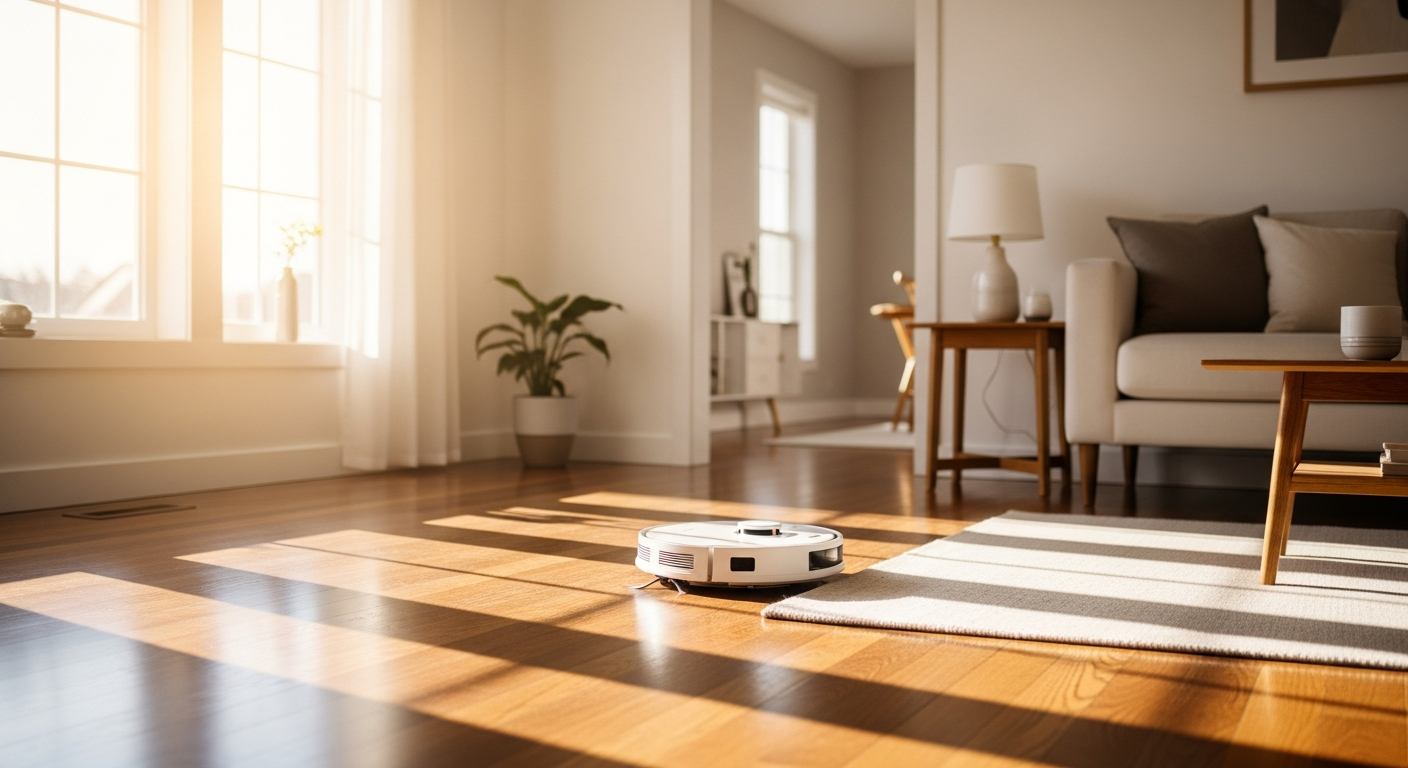
The practical impact: I can now trigger specific room cleaning from automations, voice assistants, and the new dashboard area cards. If someone tracks mud into the entryway, a button on the HA dashboard sends the vacuum there. If I’m cooking something messy, a voice command handles the kitchen cleanup while I’m still at the stove. It’s what people thought robot vacuums could do when they first got one.
What you need: The vacuum has to support segment cleaning natively (most Roborock and Dreame models do), and you need to be on 2026.3. The remapping in the HA UI takes maybe five minutes.
Continue on Error in the Visual Automation Editor
This one has been in the YAML automation syntax for years, but it’s never been in the visual editor. Starting with 2026.3, you can add continue_on_error: true to any automation step through the regular GUI.
Why does this matter? Complex automations break silently. You build a ten-step automation, one API call fails, and everything after it never runs — and you don’t know until you check the trace log hours later. continue_on_error lets the automation keep running past the failed step so non-critical failures don’t cascade into complete automation failures.
My most common use case: morning automations that check external weather APIs. Sometimes the API is slow or returns an error. Before continue_on_error, that failure would skip the rest of the sequence — lights wouldn’t come on, the WiiM wouldn’t start playing, nothing. Now the automation logs the error and continues.
If you have automations that call external services, webhooks, or anything that might occasionally fail — go add continue_on_error: true to those steps today. You don’t even need to rewrite anything, just open the step in the editor and enable it.
Energy Dashboard: Real-Time Badges and Water Sankey
Less exciting to most people, but worth knowing if you care about energy monitoring.
The Energy dashboard now shows real-time power badges — instead of only seeing aggregate kWh data for the day, you get a live “right now” view of your current consumption. If you have energy monitoring smart plugs feeding data into HA, you can watch your consumption change as appliances turn on and off.
There’s also a new Water Sankey chart for water monitoring, mirroring what the Energy dashboard already does for electricity. If you have a water flow sensor, this version gives you the same visualization layer for water use. Not a feature most people have hardware for yet, but the groundwork is there.
The badges are the immediately useful part. I have the Energy dashboard on a Home Assistant tablet panel near the kitchen, and the real-time view is a genuinely useful addition. You can see the HVAC kick on, watch the coffee maker spike, and know immediately when something’s drawing power unexpectedly.
Wake Word Detection on Android Phones (Experimental)
The headline feature that’s been getting traction on r/homeassistant: you can now use your Android phone as an always-on wake word detector for Home Assistant voice commands. The feature is experimental — it’s flagged as such in the release notes, and the Home Assistant team is honest that battery usage needs work — but for a dedicated device, it’s exciting.
The setup requires:
- Home Assistant 2026.3 or later
- Home Assistant Companion App on Android (latest version)
- A configured voice pipeline (either local with Whisper/Piper, or cloud-assisted)
Enable it in the Companion App settings under Voice. The phone listens locally for the wake word using an on-device model — no audio is sent to any server until the wake word triggers. Once triggered, it connects to your HA instance and processes the command through your configured pipeline.
Battery impact: the team is upfront that in testing, continuous wake word detection uses meaningful battery. On a phone you’re using as a primary device, I’d wait for a few more optimization passes. On a dedicated old Android phone mounted to a wall — this is a free voice assistant panel. Flash HA Companion on a $30 secondhand phone, enable wake word, and you have voice control in any room.
I’m testing this on an older Pixel that’s been gathering dust. Will report back.
New Integrations Worth Noting
2026.3 added a lot of community integrations that have been in the HACS store for years. A few highlights:
Ecovacs — official integration now, no more HACS workaround required. If you have Ecovacs vacuums or air purifiers, it’s time to migrate.
Miele — official integration for Miele home appliances. If you have Miele kitchen or laundry appliances with their cloud connect feature, they now appear natively in HA.
Midea — expanded support for Midea’s HVAC and appliance line. Big for anyone with Midea or Comfee equipment.
The broader trend: the HA team is aggressively officiating integrations that previously required HACS custom components. Each one that gets officialized means fewer “this integration broke after an update” situations. It’s less visible than headline features but it’s the kind of platform maturity that matters for reliability.
What to Do Right Now
If you haven’t updated to 2026.3 yet, here’s the priority list after you update:
- Map your robot vacuum’s segments to HA areas if you have one
- Review any automations with external service calls and add
continue_on_error: trueto those steps - Check the Energy dashboard for the new real-time badges if you have monitoring plugs
- Try the Android wake word feature on a spare device if you have one
The cumulative effect of these releases is a platform that keeps getting genuinely better without breaking what works. If you’re still running your smart home on a different platform and wondering if HA is worth the complexity — Home Assistant Green remains the easiest way to find out, and the platform right now is the best it’s ever been.
The Bottom Line
2026.3 isn’t a flashy release, but area vacuum cleaning, continue_on_error in the visual editor, and real-time energy badges are all things I’ll use every day. The Android wake word feature is experimental but genuinely promising. Update, run through the priority list above, and check the full release notes if you want to go deeper on the integration changes.
The direction HA is heading — more intuitive, more reliable, more accessible to non-technical users — is the right direction. The community is delivering and the core team is doing the work of reviewing and merging all of it. This is a healthy open source project in full stride.