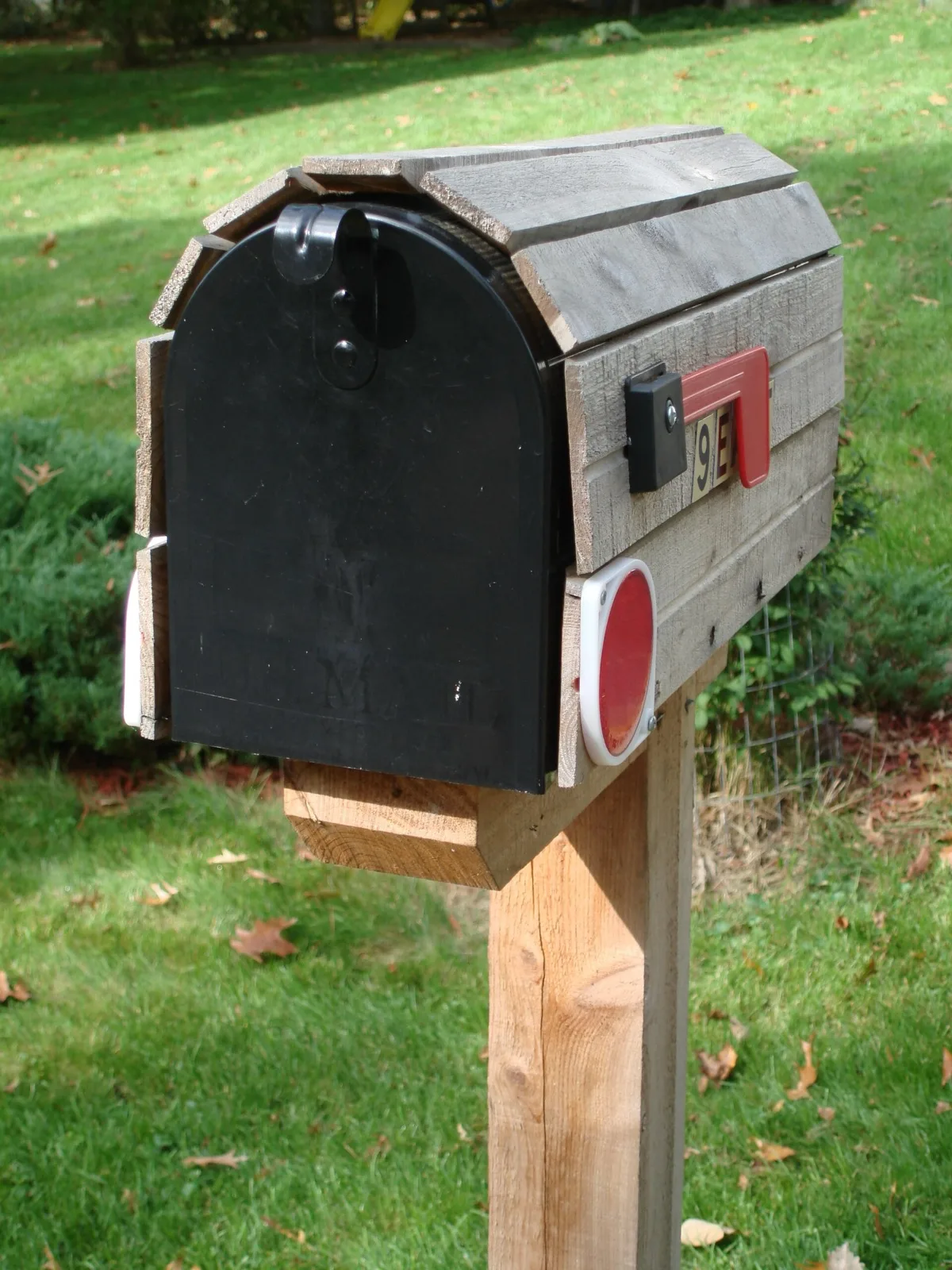
Our mailbox sits at the end of a longer driveway than I’d like to walk in February. For a year and a half I’ve been doing the thing where you glance out the window six times a day to see if the flag has flipped or whether the carrier has come yet. The carrier comes between 11am and 4pm. That’s a five-hour window I was spending walking out to an empty box.
I finally fixed it. Total parts cost: about $12. Total build time: a quiet Saturday afternoon. Total walks to empty mailbox since: zero.
This is a writeup of how it works, what’s inside it, and the handful of small things I’d do differently if I built another one.
The Idea
A mailbox sensor is the simplest possible IoT project: a magnetic reed switch on the mailbox door, an ESP32 microcontroller running ESPHome, a battery, and a Home Assistant automation that pushes a notification when the door opens. The trick is making it last more than a week on a battery, because powering a mailbox isn’t an option.
The whole design hinges on deep sleep. The ESP32 sits powered down 99.9% of the time, drawing microamps. When the reed switch closes (door opens), it wakes the ESP32 via an external pin interrupt, the chip boots, connects to WiFi, fires a single MQTT or API message to Home Assistant, and goes back to sleep. The wake-fire-sleep cycle takes about three seconds.
Done right, this runs for six to twelve months on a single 18650 lithium cell.
The Parts List
- ESP32 DevKit board (~$8 for a 2-pack). Any ESP32-WROOM dev board works. Avoid ESP8266 for this — its deep sleep current is fine but the boot time is longer and the antennae are worse.
- Reed switch sensor (~$7 for a pack). A normally-open magnetic reed switch with a matching magnet. Door-alarm style ones from any pack work fine.
- 18650 battery holder (~$6). The kind with leads, not the kind that solders to a board.
- TP4056 charging module (~$6 for a pack). Optional, but it lets you recharge the 18650 in place via USB-C instead of pulling it out.
- A single 18650 cell. Pull one from a dead laptop battery or buy a name-brand cell. Don’t buy the no-name 9999mAh ones.
- A weatherproof project box. I used a $5 IP65 ABS enclosure from a four-pack on Amazon. Mailboxes get hot, cold, and damp.
- A 47kΩ pull-up resistor for the reed switch input. (You can also use the ESP32’s internal pull-up, but an external one is more reliable for deep-sleep wake.)
If you’re starting fresh and don’t have a Home Assistant box, a Home Assistant Green gets you running in about ten minutes.
The Wiring
Three connections matter:
- Reed switch → GPIO33 and GND. GPIO33 is an RTC-capable pin, which is required for deep-sleep wake. (Pins 32–39 work; pins on the strapping rails do not.)
- 18650 + → ESP32 VIN (or 5V). The ESP32’s onboard regulator handles 3.0V to 5V fine. If you use a TP4056 with protection, wire it as the middle stage: cell → TP4056 → ESP32 VIN.
- 18650 − → ESP32 GND.
That’s the whole circuit. The reed switch is a passive component — when the magnet is near, the contacts close; when the magnet moves away, they open. Mount the switch on the mailbox body and the magnet on the door.
The ESPHome Config
This is the entire YAML. Drop it into your ESPHome dashboard, change the WiFi credentials, and flash.
esphome:
  name: mailbox-sensor
  on_boot:
    priority: -100
    then:
      - delay: 100ms
      - binary_sensor.template.publish:
          id: mailbox_door
          state: ON
      - delay: 2s
      - deep_sleep.enter:
          id: deep_sleep_1

esp32:
  board: esp32dev

logger:
  level: INFO

api:
  encryption:
    key: !secret api_key

ota:
  - platform: esphome

wifi:
  ssid: !secret wifi_ssid
  password: !secret wifi_password
  fast_connect: true
  power_save_mode: none

binary_sensor:
  - platform: template
    name: "Mailbox Door"
    id: mailbox_door
    device_class: opening

deep_sleep:
  id: deep_sleep_1
  wakeup_pin:
    number: GPIO33
    inverted: true
  wakeup_pin_mode: IGNORE_INVERTED_FOR_TOUCH

sensor:
  - platform: adc
    pin: GPIO35
    name: "Battery Voltage"
    attenuation: 12db
    update_interval: never
    filters:
      - multiply: 2.0
A couple of notes:
fast_connect: trueis the single most important line. It tells ESPHome to skip the WiFi scan and connect to the saved BSSID directly. This shaves about 1.5 seconds off every wake cycle, which adds up to significant battery savings over a year.- The 2-second delay before deep sleep is there so Home Assistant has time to receive the state change before the chip powers down. Less than 1 second and you’ll occasionally miss messages.
- Battery voltage on GPIO35 is optional but useful — wire a voltage divider (two 100kΩ resistors) from the battery to GPIO35 and you can see the cell voltage trend in Home Assistant over time.
The Home Assistant Side
The automation is trivial:
- alias: "Mailbox Door Opened"
  trigger:
    - platform: state
      entity_id: binary_sensor.mailbox_door
      to: "on"
  action:
    - service: notify.mobile_app_my_phone
      data:
        title: "📬 Mailbox"
        message: "Mail's here."
I also added a 4pm “no mail today” reminder that fires only if the mailbox door state hasn’t changed since 11am, so I’m not still checking out the window at 6pm.
What Tripped Me Up
A few small things cost me time:
- GPIO0 is a strapping pin. I wired the reed switch to GPIO0 first because it was on the corner of the board and convenient. The board refused to flash with the reed switch attached, because GPIO0 has to be high at boot. Lesson: use GPIO33.
- Boot loops on low battery. Below about 3.1V the ESP32 will brown out mid-WiFi-connect and reboot, which spins the battery down faster. The TP4056 module has a low-voltage cutoff that prevents this — use it.
- WiFi range. My mailbox is at the property line and the signal there was -82 dBm. Marginal but workable. If yours is weaker, drop a cheap WiFi extender on the porch.
- Magnet alignment. Reed switches are picky about magnet orientation. Test the alignment with the door fully open and fully closed before you screw the case shut.
Living With It
The notification arrives within about four seconds of the door opening — faster than the carrier walks back to their truck. With fast_connect enabled and the deep-sleep config above, the math works out to roughly six to twelve months per 18650 charge depending on mail volume and WiFi signal. A voltage divider on GPIO35 lets you watch the cell discharge curve in Home Assistant, and the TP4056’s USB-C input means topping it off is a five-minute job once a year.
The total cost of building this was a fraction of the price of a “smart mailbox sensor” product on Amazon, none of which connect locally to Home Assistant anyway, and most of which require a paid cloud subscription to do exactly the thing this $12 build does for free.
Build it.
The Parts, Again
- ESP32 DevKit board
- Reed switch sensors
- 18650 battery holder
- TP4056 charging module
- Home Assistant Green if you need a HA box