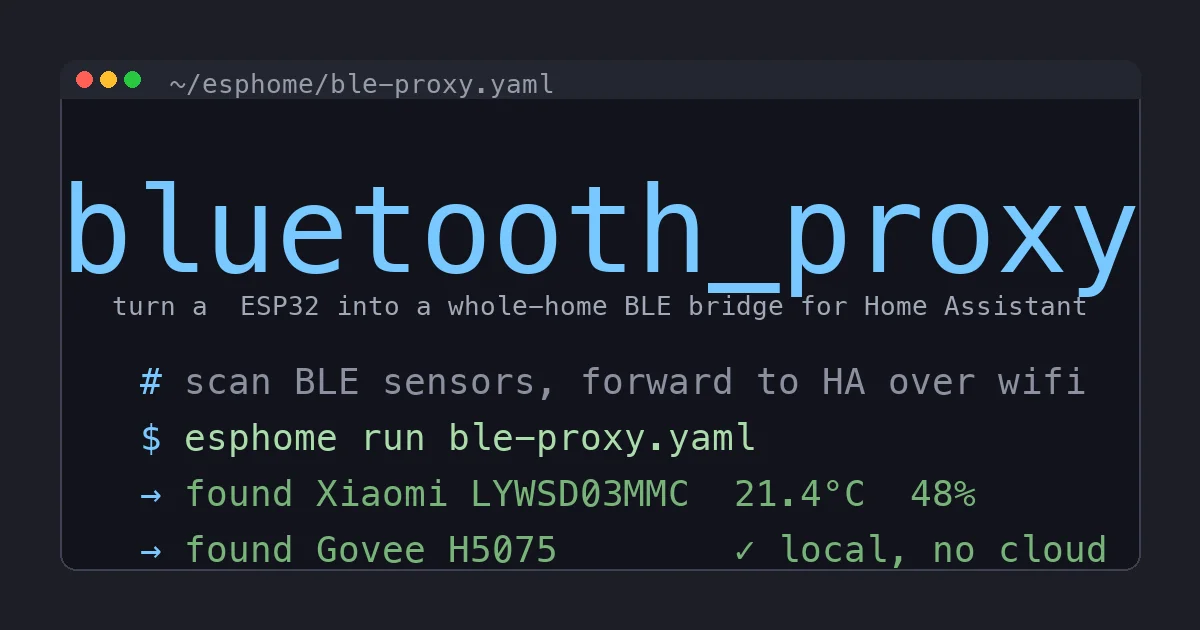
I have a drawer of cheap Bluetooth temperature sensors. Xiaomi LYWSD03MMC pucks I bought five at a time off AliExpress, a couple of Govee units from a Prime Day impulse, a SwitchBot Meter that came in a starter kit. Every one of them is a genuinely good little sensor. Every one of them also wanted me to install a vendor app, create an account, and let my fridge temperature take a round trip through someone’s cloud before it landed back on my own network.
For a while I just lived with the Home Assistant box’s built-in Bluetooth. That worked for exactly the two rooms nearest the server, and then fell apart. Sensors in the garage and the upstairs bathroom would connect, drop, reconnect, and eventually just go unavailable and stay there. I would walk past the server with my phone, the sensor would magically reappear for an hour, then vanish again.
The fix is one of the best-value builds in the entire Home Assistant ecosystem: turn a handful of $6 ESP32 boards into Bluetooth proxies. They scan for nearby BLE devices and forward everything to Home Assistant over Wi-Fi. Scatter a few around the house and suddenly every cheap sensor you own is rock solid, fully local, and completely free of vendor apps. This is the build log.
What a Bluetooth Proxy Actually Does
Bluetooth Low Energy has a range problem and a topology problem.
The range problem is obvious: BLE is a short-range radio, good for maybe 30 feet through a couple of interior walls. Your Home Assistant server sits in one spot, so anything more than a room or two away is a coin flip.
The topology problem is subtler. The Bluetooth radio in a Raspberry Pi or a typical mini PC is a single shared antenna that is also trying to do Wi-Fi, and its BLE stack on Linux (BlueZ) is, to put it kindly, temperamental. Pile a dozen sensors onto it and it starts dropping advertisements and timing out connections.
An ESPHome Bluetooth proxy solves both at once. The ESP32 is a dedicated little radio that does nothing but listen for BLE advertisements and shove them up to Home Assistant over your Wi-Fi network. Because it is cheap, you buy several and place one in each problem area. Home Assistant treats them as a single distributed Bluetooth adapter: a sensor talks to whichever ESP32 is closest, and HA stitches it all together. The sensor does not know or care which proxy heard it.
The key word is proxy. The ESP32 is not pairing with your sensors or storing anything. It is a relay. All the decoding, all the state, all the history lives in Home Assistant on your hardware. Nothing touches a vendor cloud, ever.
The Hardware
This is a cheap build, which is most of the appeal.
- One or more ESP32 boards. A plain ESP32 DevKit WROOM-32 is the workhorse, often under $6 each in a three-pack. The WROOM-32 has the full dual-core chip and a decent PCB antenna. This is the one to buy if you are not sure.
- For a tidier install, the M5Stack ATOM Lite. It is a thumb-sized cased ESP32 that powers off USB-C and disappears behind furniture. I use these where a bare dev board would look like a science project.
- A USB power supply and cable for each proxy. Any phone charger works. The board draws about a watt.
- The BLE sensors you already own, or want to own. The usual suspects that Home Assistant decodes natively: the Xiaomi LYWSD03MMC thermo-hygrometer (the famous cheap one), the SwitchBot Meter, and the Govee H5075.
A word on which ESP32 to avoid. Skip the ESP32-C3 for proxy duty unless space forces your hand: it is a single-core chip with a weaker antenna and I have seen it struggle in a busy RF environment. And do not grab an ESP32-S2, which has no Bluetooth radio at all and will leave you very confused. The plain dual-core WROOM-32 or the ATOM Lite are the safe picks.
Total for a three-proxy whole-home setup: about $20 in boards plus chargers you probably already have in a drawer. That is the entire bill of materials to make every BLE sensor in your house reliable.
Step 1: Flash ESPHome the Easy Way
You do not need to install anything or touch a command line for the first flash. Home Assistant’s ESPHome add-on has a web flasher, but the genuinely magic path is the official Bluetooth Proxy installer at the ESPHome website. Plug the ESP32 into the computer you are reading this on, open the installer page in Chrome or Edge (it uses Web Serial, which Firefox and Safari do not support), pick the Bluetooth Proxy firmware, and click install. Three minutes later the board is running and broadcasting for your Wi-Fi credentials over a setup hotspot.
If you would rather own the config from the start (I would, because I like to tweak the scan settings), install the ESPHome Device Builder add-on in Home Assistant, create a new device, and flash it once over USB. After that first flash, every future change goes over Wi-Fi. You never plug it in again.
Step 2: The Config
Here is the entire ESPHome config for a Bluetooth proxy. This is not a trimmed-down example, this is the whole thing:
esphome:
  name: ble-proxy-living-room

esp32:
  board: esp32dev
  framework:
    type: esp-idf

# pull these from your ESPHome secrets file, never inline
wifi:
  ssid: !secret wifi_ssid
  password: !secret wifi_password

api:
  encryption:
    key: !secret api_key

logger:
ota:

esp32_ble_tracker:
  scan_parameters:
    interval: 1100ms
    window: 1100ms
    active: true

bluetooth_proxy:
  active: true
That is it. The two blocks that matter are esp32_ble_tracker and bluetooth_proxy. The tracker does the listening, the proxy does the forwarding. Setting active: true on both lets the ESP32 send out scan requests, which is what makes connectable devices and certain sensors show up, not just passive beacons.
The one knob worth knowing about is the framework. I set type: esp-idf rather than the older Arduino framework because the IDF framework gives the BLE stack more headroom and noticeably better reliability for proxy duty. If your board fails to compile on IDF for some reason, Arduino still works, but try IDF first.
Use a secrets.yaml for your Wi-Fi credentials and the API key, the way the config above references them with !secret. Do not paste real credentials into the device YAML. ESPHome reads them from the secrets file at compile time and they never live in the per-device config you might later share or commit.
Step 3: Home Assistant Finds It Automatically
This is the part that still feels like cheating. Once the proxy is on your network, Home Assistant’s ESPHome integration auto-discovers it. You click confirm, and from that moment HA’s Bluetooth integration treats the ESP32 as a remote adapter.
Now walk a Xiaomi LYWSD03MMC into range of that proxy. Within a minute or so Home Assistant pops a discovery notification: it has decoded the sensor’s advertisements and is offering to add temperature, humidity, and battery entities. No Xiaomi app. No account. No firmware flashing on the sensor itself (the stock firmware beacons just fine, though custom firmware like ATC or PVVX makes them even chattier). You click add, name it, and you have a fully local temperature sensor feeding Home Assistant.
The Govee H5075 and SwitchBot Meter work the same way. They broadcast their readings in formats Home Assistant understands out of the box, so the proxy forwards the beacons and HA does the rest. I have a Govee in the wine fridge and a SwitchBot in the crawlspace, both reporting through proxies two rooms away, both completely independent of their vendor clouds.
Placement: One Proxy Is Not Enough
The single most common mistake is treating this like a one-and-done. People flash one proxy, put it next to the router, and wonder why the far bedroom is still flaky.
Think of proxies the way you would think of Wi-Fi access points. You want overlapping coverage. My layout in a roughly 2,000 square foot two-story house:
- One downstairs, central, near the living room.
- One upstairs, central, in the hallway.
- One in the garage, which is RF-isolated from the house by a fire wall and needs its own.
Three proxies, total cost under $20, and every sensor in the house has a strong receiver within 25 feet. Coverage gaps simply vanish. If you have a detached structure or a basement that swallows signal, add one there too. They are cheap enough that the right answer to “should I add another proxy” is almost always yes.
A placement tip that took me too long to learn: get the ESP32 off the floor and away from large metal objects. A proxy sitting behind the steel case of a desktop PC or inside a metal media cabinet will underperform a proxy hung on a wall with a piece of mounting tape. Height and line-of-sight matter more than you expect for a 2.4GHz radio.
The Gotchas Nobody Mentions
Connectable versus passive. Most cheap thermo-hygrometers broadcast passively, which any proxy hears effortlessly. But some devices (certain locks, and the LYWSD03MMC on specific firmware) require an active connection, and each ESP32 can hold only three active connections at once. For a house of beacon-style sensors this never bites. If you start adding BLE locks and connectable devices, spread them across multiple proxies.
Do not run it as a Wi-Fi range extender too. The temptation is to load up one ESP32 with a bunch of other ESPHome jobs. Resist it for your proxies. A Bluetooth proxy does best when the BLE stack has the whole chip to itself. Keep proxy boards single-purpose and put your sensors and relays on different ESP32s.
The 2.4GHz Wi-Fi requirement. The ESP32 only does 2.4GHz Wi-Fi, not 5GHz. If your network hides the 2.4GHz band or uses band steering aggressively, the proxy may refuse to connect. Make sure a 2.4GHz SSID is reachable where you want to place each board.
IDF framework first. I said it above but it is worth repeating because it fixes the majority of “my proxy keeps disconnecting” complaints on r/homeassistant. Use framework: type: esp-idf. The Arduino framework’s BLE handling is measurably less stable under proxy load.
What This Replaces, and What It Does Not
This build kills the need for the Xiaomi Home app, the Govee Home app, the SwitchBot app, and the various flaky Bluetooth integrations that depend on them. Every sensor becomes a first-class local Home Assistant entity with full history, automations, and dashboards, and none of it phones home.
It does not turn your BLE sensors into Zigbee or Z-Wave. Bluetooth is still Bluetooth: lower range per hop, no true mesh routing between sensors, and battery devices that you will eventually have to feed coin cells. If you are buying sensors fresh and reliability over a large area is the only goal, a Zigbee thermo-hygrometer on a good coordinator is still the more robust long-term answer. But you almost certainly already own a pile of BLE sensors, and this is how you make them genuinely useful without buying anything new except a couple of $6 boards.
The Bottom Line
An ESP32 Bluetooth proxy is the rare home automation upgrade that costs almost nothing, takes twenty minutes, and immediately fixes a problem that has annoyed you for months. For the price of a sandwich you get whole-home BLE coverage, you evict three vendor apps from your phone, and you pull every cheap temperature sensor you own fully onto your own hardware where it belongs.
If you have a drawer of Bluetooth sensors that never quite worked reliably, or you have been avoiding cheap BLE gear because of the app tax, this is the build. Buy a three-pack of ESP32 boards, flash the proxy firmware, place them like Wi-Fi access points, and watch every unavailable sensor in your house come back to life. It is the highest reliability-per-dollar build I have done in Home Assistant, and once it is in place you stop thinking about it entirely, which is exactly what good home automation should do.