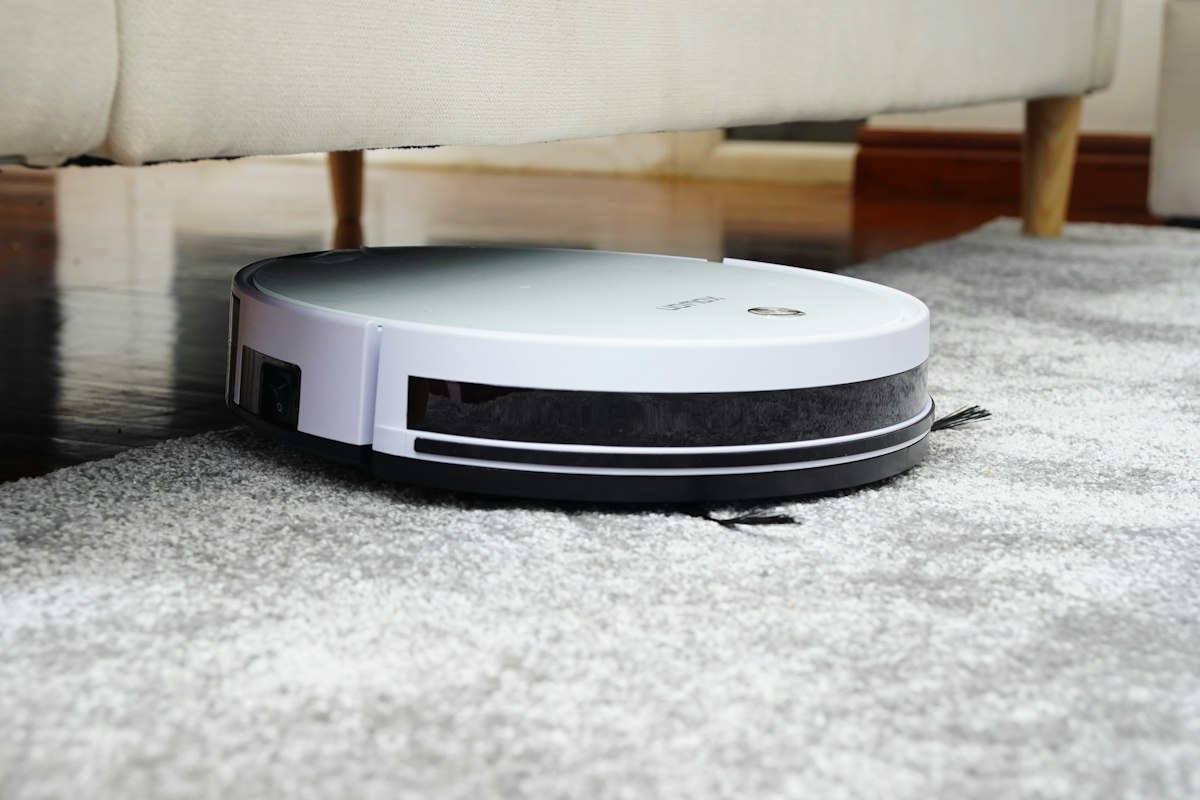
Home Assistant 2026.3 shipped a feature I’ve been waiting for since I first put a robot vacuum in my HA setup: native area cleaning. You can now tell your vacuum to clean specific rooms using Home Assistant’s own area names — no vendor-specific segment IDs, no custom scripts, no separate app.
This changes the robot vacuum calculus for Home Assistant users. The best robot vacuum for HA is no longer just “which one has the best HA integration” — it’s “which one supports area cleaning AND has the best HA integration.” Let me break down what’s worth buying right now.
How HA 2026.3 Area Cleaning Works
Quick context if you haven’t updated yet. Before 2026.3, sending a robot vacuum to clean a specific room in Home Assistant required either:
- The manufacturer’s app (bypassing HA entirely)
- The Roborock integration’s
send_commandservice with vendor-specific room segment IDs buried in your floor map - Community scripts that scraped the Roborock API to figure out which segment ID corresponded to which room
It was annoying. It broke when you remapped. New users gave up and just used the app.
2026.3’s vacuum.clean_area action works like this:
- Open the vacuum entity → Settings → Map vacuum segments to areas
- Match your vacuum’s floor plan segments to your HA areas (Kitchen, Office, Living Room, etc.)
- Done. Now you can automate: “when I leave the house, clean the kitchen and living room”
HA detects if your vacuum remaps itself and creates a repair notification so you can update the mapping. The action is consistent across Roborock, Ecovacs, and Matter-compatible vacuums. Voice control integration is the obvious next step — it’s clearly coming.
The Best Robot Vacuum for Home Assistant: Roborock S8 MaxV Ultra
I’ll save you the hedging: if you want the best Home Assistant robot vacuum experience in 2026, buy the Roborock S8 MaxV Ultra.
Roborock’s HA integration is the best in the category. It’s been officially maintained for over two years, it’s local (no cloud dependency for most features), and it exposed segment-based room cleaning before any other brand had reliable support in HA. With 2026.3, it now supports the new vacuum.clean_area action on top of everything it already did.
What the S8 MaxV Ultra brings to the table:
10,000 Pa suction. This is the number Roborock leads with, and in practice it means the S8 MaxV Ultra picks up pet hair from carpet without multiple passes. I have two dogs and hardwood/carpet mix throughout the house. Single pass pickup is noticeably better than the previous-gen S8 Max (~8,000 Pa).
ReactiveAI 3.0 obstacle avoidance. The MaxV models have front-facing cameras plus structured light sensors for obstacle detection. It avoids dog toys, cables, shoes, and the various debris fields that accumulate in a lived-in house. Not perfect — it still occasionally gets confused by certain dark-colored objects — but good enough that I run it unsupervised.
FlexiArm edge cleaning. A side brush that extends to reach corners and edges. Corners are traditionally where robot vacuums leave debris. The FlexiArm actually reaches the baseboard, which is more than most vacuums at this price do.
Auto-refill and auto-drain dock. The dock connects to your home’s water supply and drains the dirty water tank automatically. Setup requires running water lines to wherever the dock lives, which is a real commitment — but if you do it, the mop pads clean themselves and the clean water tank never runs out. This is the feature that turns “vacuum/mop robot” from a hands-on device into a genuinely hands-off one.
Full HA integration. The Roborock integration exposes: vacuum entity with start/pause/stop/return, segment-based room cleaning (and now clean_area), map entities, sensor entities (dust bin level, water tank, battery), and select entities for fan speed and mop intensity. You get the full picture.
Price: Around $800-900 depending on sales. That’s real money for a robot vacuum.
The Mid-Range Pick: Roborock S8 Max Ultra
If the MaxV Ultra price is hard to swallow, the Roborock S8 Max Ultra is the right step down.
It’s the same auto-empty, auto-refill, auto-drain dock. Same core HA integration with area cleaning support. What you give up:
- Suction drops from 10,000 Pa to 8,000 Pa (still excellent for most floors)
- ReactiveAI 3.0 becomes PreciSense LiDAR navigation without the front camera — very good navigation, but less sophisticated real-time obstacle avoidance
- FlexiArm side brush is not present
For homes without pets or mostly hard floors, the S8 Max Ultra is arguably the smarter purchase — the difference in suction performance is most visible on carpet with pet hair. Smooth floors? You won’t notice. At roughly $600-650, it’s the value pick in Roborock’s lineup.
Budget Pick: Roborock Q Revo MaxV
The Roborock Q Revo MaxV comes in around $500-550 and gives you: area cleaning, self-empty dock, mop capability, and solid HA integration. The dock doesn’t auto-refill or auto-drain — you manually refill the water tank and empty the dirty water — but the core functionality is all there.
If you’re not ready to run water lines to your robot vacuum dock, or you just want a capable HA-integrated vacuum at a lower entry price, this is the one to look at.
What About Ecovacs?
Ecovacs got area cleaning support in HA 2026.3 too, and their flagship — the Deebot X11 OmniCyclone — is technically competitive. The HA Ecovacs integration has improved a lot in the last year.
My honest take: Roborock’s HA integration is still more reliable and more feature-complete. The Roborock integration has been battle-tested longer, exposes more entities in HA, and the community support for troubleshooting Roborock issues is better. If you already have an Ecovacs and it’s working, great — 2026.3 area cleaning will work for you. If you’re buying new specifically for the HA integration, Roborock is the safer choice.
Setting Up Area Cleaning After You Upgrade to 2026.3
Here’s the actual workflow once you have a supported vacuum and HA 2026.3:
Step 1: Make sure your floor map is finalized. The segment mapping only works if your vacuum has a stable floor plan. Run a full mapping session, clean it up in the manufacturer’s app, and don’t change it unless you’re prepared to redo the HA mapping.
Step 2: Map segments to areas. Go to Settings → Devices & Services → [Your Roborock integration] → [Your vacuum entity] → Settings icon → “Map vacuum segments to areas.” You’ll see your vacuum’s segment names on the left and HA areas on the right. Match them up.
Step 3: Test with a script or service call. In Developer Tools → Services, call vacuum.clean_area with your vacuum entity and an area name. Verify it actually sends the robot to that area.
Step 4: Build your automations. My current setup:
- When I leave home: clean kitchen and dining room
- Every Monday morning: clean the whole first floor
- When my Nest doorbell detects a package: don’t run (this prevented a few “vacuum chases FedEx driver while I’m away” incidents)
The automation YAML looks like:
action: vacuum.clean_area
target:
  entity_id: vacuum.roborock_s8_maxv_ultra
data:
  area_id:
    - kitchen
    - dining_room
The area_id values are your HA area slugs, not your Roborock segment names. HA handles the translation.
The Bottom Line
HA 2026.3 made robot vacuums significantly more useful as smart home citizens. The vacuum.clean_area action is clean, consistent across brands, and works with your existing HA area structure.
The Roborock S8 MaxV Ultra is the best choice if you want the most capable robot with the tightest HA integration. The S8 Max Ultra is the smarter value play for most households. And the Q Revo MaxV is the right answer if you want area cleaning at a budget that doesn’t require running water lines.
If you’ve been putting off getting a robot vacuum because the Home Assistant integration felt too hacky — that era is over. Go update to 2026.3 and then go shopping.