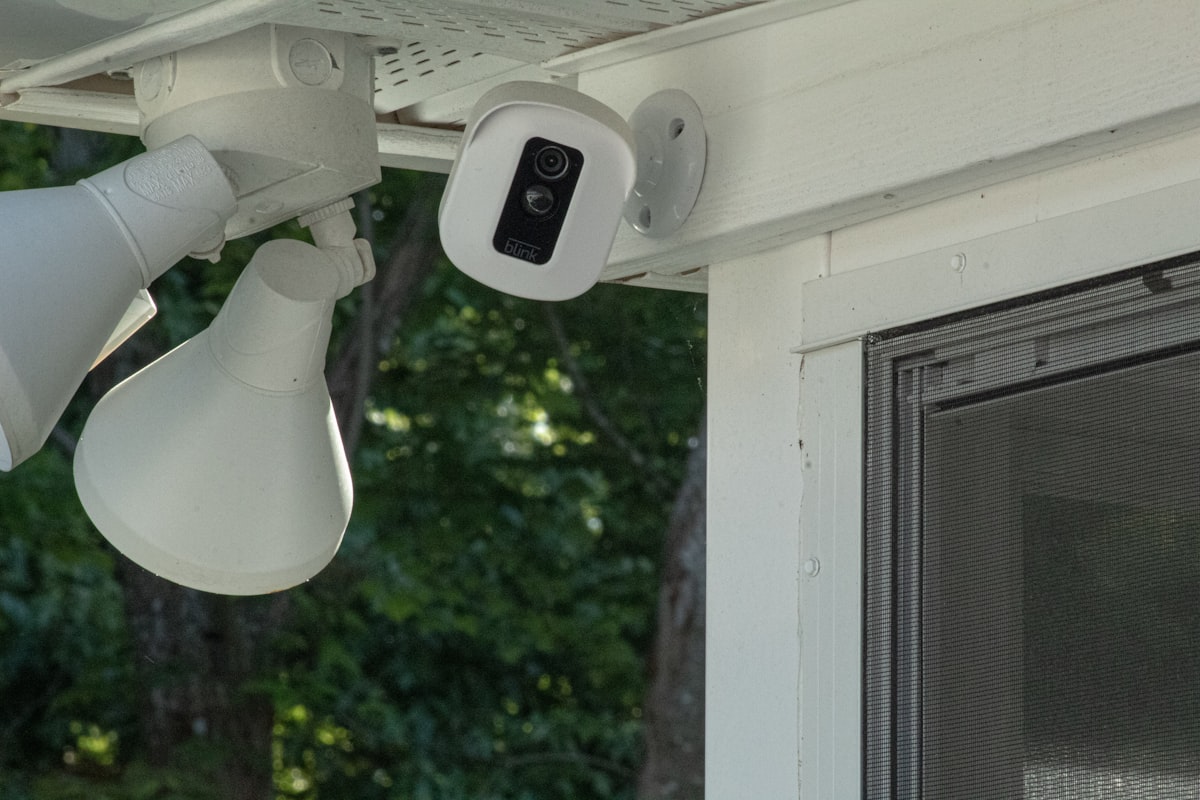
Most outdoor security cameras sold in 2026 are designed to lock you into a subscription. The hardware is cheap and the recurring revenue is the product. If you’re running Home Assistant, that’s exactly the wrong trade — you already have a place to store recordings, run motion detection, and automate around events. What you want from a camera is a clean RTSP stream, optional ONVIF, and ideally local AI detection on the camera itself.
Here are the cameras that actually deliver that in 2026, with the trade-offs spelled out.
Best All-Around: Reolink RLC-823A 16X
The Reolink RLC-823A 16X is the camera I recommend to most Home Assistant users right now. PoE-powered, 4K resolution, real 16x optical zoom, integrated spotlight, two-way audio, and — critically — full local RTSP and ONVIF support without any cloud account required.
The on-camera AI handles person, vehicle, and animal detection without phoning home. Those events surface in Home Assistant via the official Reolink integration as proper sensors you can automate against. No “wait for the cloud to push a notification” delay — the camera tells HA directly when a person walks into the frame.
Things I like:
- PoE. One cable for power and data. No batteries to charge, no Wi-Fi flakiness in your back yard.
- Local recording to a NAS or microSD. No subscription required for continuous recording.
- Spotlight + siren. Useful for actually deterring someone, not just recording them.
- Real optical zoom. Most “zoom” cameras are digital crops. This is genuine glass moving.
The trade-off: it’s expensive (~$300) and Reolink’s mobile app is mediocre. You won’t care, because you’ll be using Home Assistant.
For a cheaper PoE pick, the Reolink RLC-820A (~$80) is the same general feature set without the zoom or spotlight. Still 4K, still PoE, still RTSP-friendly. If color night vision matters more to you than 4K, my Reolink CX410 review covers the budget PoE camera I now reach for first on a Frigate build.
Best Budget: Amcrest IP5M-T1179EW
The Amcrest IP5M-T1179EW is the camera I keep recommending to people on a budget who still want local-first, ONVIF-compliant outdoor coverage. It’s a 5MP turret-style PoE camera that’s been a community favorite for years because it does exactly what it should and nothing it shouldn’t.
What you get:
- Genuine ONVIF compliance. Works with every NVR and integration that supports ONVIF.
- PoE. One cat6 run from your switch, no extra power adapter.
- Solid night vision for the price tier.
- A proper IP67 weatherproof rating that holds up over years.
What it lacks: no on-camera AI worth using, no spotlight, no two-way audio. If you want events without an external NVR or Frigate, the Reolink is the better pick. But if you’re running Frigate for your AI detection (which most people running serious HA camera setups eventually are), the Amcrest’s clean RTSP stream is exactly what Frigate wants — and the camera itself stays cheap.
Best for Pro Setup: UniFi Protect G5 Pro
If you’re already running UniFi networking gear, the Ubiquiti G5 Pro is the obvious choice. It’s a 4K bullet camera with on-device AI, integrated IR, and the UniFi Protect ecosystem — but more importantly, it now exposes a proper RTSP-S stream that Home Assistant can pull directly via the UniFi Protect integration.
Why it’s worth the premium:
- Best-in-class video quality in this price tier (~$450).
- Smart detections (person, vehicle, package, animal) all run locally on the UDM/UNVR, never the cloud.
- HA integration is excellent. Every smart event is a sensor. Every camera is a stream. Every doorbell event is an automation trigger.
- Power over Ethernet, IP66, audio in/out, IR illumination.
The catch: you need a UniFi Protect host (UDM Pro/SE/Max, UNVR, etc.) running for any of this to work. If you’re not already on UniFi, the price of admission is $400+ before you even buy a camera.
If you have UniFi gear, the G5 Pro is the camera. If not, start with Reolink.
Best Wireless: Aqara Camera Hub G5 Pro
If running cable to your camera location is impossible, the Aqara Camera Hub G5 Pro is the wireless outdoor pick that doesn’t compromise on local control. It supports RTSP, integrates with Home Assistant via the official Aqara integration, doubles as a Zigbee 3.0 hub for outdoor sensors, and supports HomeKit Secure Video if that’s part of your stack.
It’s not battery-powered — it needs a wall outlet — but Wi-Fi-only outdoor cameras give you a lot more placement flexibility than PoE.
Things to know:
- 2K resolution (not 4K).
- Wi-Fi 6 support matters because Wi-Fi cameras are bandwidth-hungry.
- On-camera AI for person, vehicle, pet, and package detection.
- Doubles as a Zigbee hub for outdoor sensors (motion, contact, light), which is genuinely useful if you have an unheated detached garage or shed.
I’d still take a PoE camera over Wi-Fi any day, but the G5 Pro is the best wireless option for HA users in 2026.
What About Ring, Arlo, and Nest?
Skip them. All three require subscriptions to access useful features, none expose a real local RTSP stream, and the “Home Assistant integration” for each is a fragile reverse-engineered shim that breaks every few months. If you’ve already bought one, the scrypted project does heroic work to make them more usable — but you’re constantly fighting the manufacturer.
The whole point of running Home Assistant is to escape that. Buy a camera that wants to be open.
Setup Tips for Outdoor Cameras
A few things that consistently bite people:
- Run cat6 even if your camera is Wi-Fi. PoE-capable cabling now means you can swap to a PoE camera later without rewiring.
- Use a dedicated VLAN for cameras with no internet access. They don’t need it. Frigate and HA can still see them on your management VLAN.
- Mount at 9–10 feet. High enough to be hard to grab, low enough to capture face detail.
- Avoid pointing at the sun. Backlit faces are unidentifiable. Aim across or with the sun.
- Set up Frigate if you have a coral USB or a half-decent CPU/GPU. The local AI detection is dramatically better than what most cameras do on-device, and it integrates with Home Assistant as native sensors and snapshots.
My Pick
For 2026:
- PoE installation possible, want the best: Reolink RLC-823A 16X.
- Tight budget, running Frigate anyway: Amcrest IP5M-T1179EW.
- Already on UniFi: G5 Pro.
- No way to run cable: Aqara G5 Pro.
The cameras that work best with Home Assistant are the ones that don’t need Home Assistant to be useful. They expose standard streams, support standard protocols, and let you store and analyze the footage wherever you want. Buy one of those. Avoid anything that asks for a monthly fee.