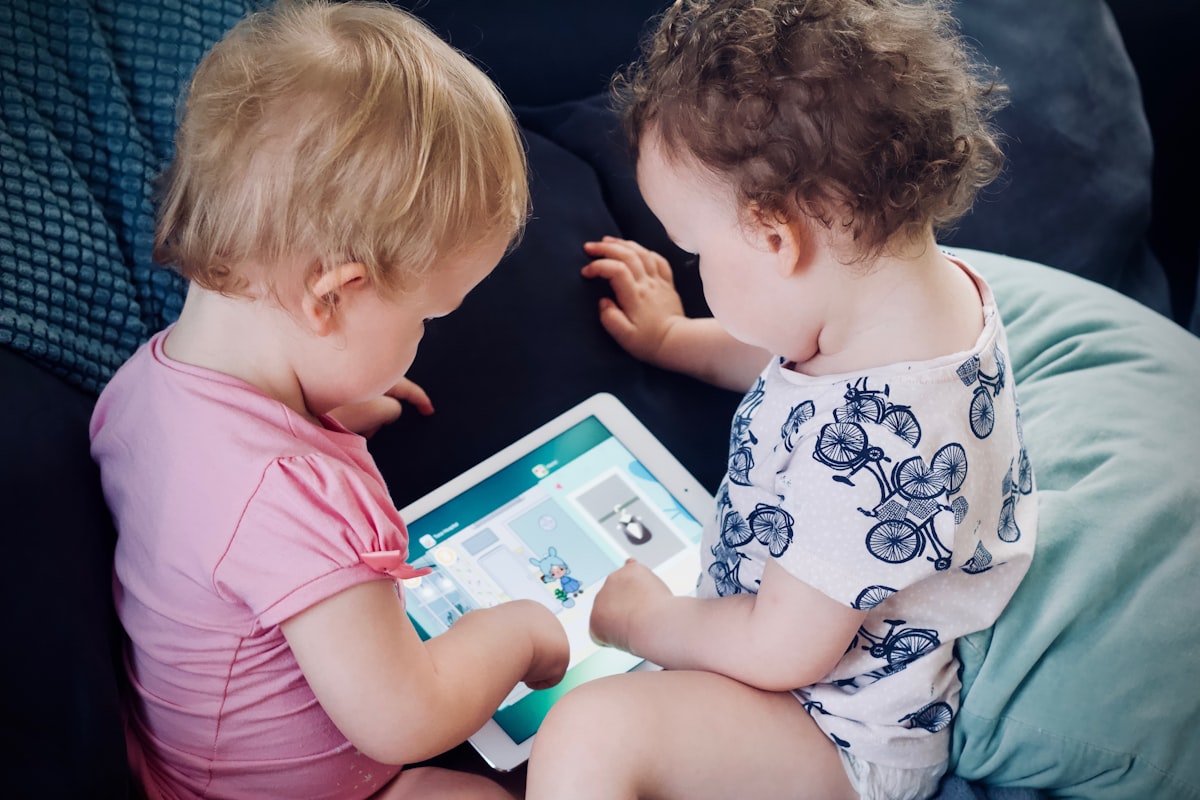
Every parent of an under-twelve has the same conversation eventually, somewhere between the school bus stop and the dinner table: when do we give them a phone? Some friends are giving their seven-year-olds a Gabb. Some are holding out for high school. Some skipped a phone and went straight to an Apple Watch with Family Setup. Every option has a community of true believers and a stack of articles defending it.
Here is the position we landed on, and why it has worked better than I expected.
No individual devices for our kids until middle school. One shared family iPad instead, locked down hard, kept in the kitchen.
That is the whole policy. I’ll defend it.
The Problem With “Just Give Them a Phone”
The standard play is: give the kid their own device — a Gabb, a Pinwheel, a Bark Phone, a hand-me-down iPhone with parental controls — and trust the controls to do the work. The pitch is “they need to learn responsibility eventually” and “they can text us when they need a ride.” Both reasonable.
The problem is that once a device is theirs, three things happen that I underestimated.
It lives in their room. Even with the best intentions and a “no phones in bedrooms” rule, an owned device migrates. It charges on the nightstand. It gets stashed under the pillow. Eventually it’s the last thing they see at night and the first thing they reach for in the morning. The research on adolescent sleep and bedroom phone access is unambiguous: it’s bad. We can argue about screen time but we can’t argue about sleep.
It becomes a private space. A kid’s own device is, by definition, theirs. Even if you have full parental controls, even if you read every message, the psychological relationship is “this is my thing.” Conversations become things they have alone, with no friction. For middle and high schoolers that might be developmentally appropriate. For an eight-year-old, it removes the natural overhearing-the-conversation pattern that has shaped childhood for fifty thousand years.
The controls erode. Apple Screen Time has known bypasses. Gabb adds features and then walks them back. Kids talk to each other and learn workarounds in a week. The notion that you can ship a child a device and trust the software to keep them safe is a moving target, and the kid has more time and more motivation than you do.
What a Family iPad Actually Looks Like
We have one 10th-generation iPad in a chunky kid-rated case (any of the OtterBox Kids or Speck Case-E Run options work — the point is impact-rated, not the brand). It lives on a charging stand on the kitchen counter. That’s its home. When it’s not in use, it’s there. When it’s in use, it’s in the kitchen, the living room, or the dining table — never in a bedroom, never behind a closed door.
The configuration that makes this work:
- Set up as the child’s own Apple ID account, but logged into the iPad as a kid in Family Sharing. Screen Time, Communication Limits, Content Restrictions, Downtime — all configured at the Family level from my phone.
- Downtime from 7:30 p.m. to 7:30 a.m. The iPad becomes a brick during sleep hours regardless of what app it’s in.
- Approved apps only. Anything outside the allow list requires a request that pings my phone. Sometimes I approve, sometimes I don’t. The friction is the feature.
- No app store. The store is hidden. New apps go through me.
- No browser, mostly. Safari is restricted; specific allowlisted sites work. For schoolwork that needs the open web, we sit with them.
- Content & Privacy → Communication Safety on. It blurs nudity in messages and warns the kid before sending or receiving certain content.
This is roughly an hour of one-time setup on a Saturday morning. The Apple documentation walks through every screen. None of it is fragile, and none of it requires a third-party app.
The Things It Solves
Sleep. It’s not in their room. They cannot doomscroll at 11 p.m. because the device is on a stand in a room they are not in.
Visibility. When they use it, they use it where we can see what’s happening. We don’t have to invade their privacy because they don’t have a private digital space yet — they have a family one, with us. That feels right for the age.
Shared rituals. Movies on a Friday night, a chess app, FaceTimes with grandparents, school reading apps, Yoto-style audiobooks before bed: these all happen on the family iPad. The device is associated with the family doing things, not with me alone in my room.
One conversation, not seven. We have one device’s worth of rules to enforce. Not three iPhones, two iPads, two Apple Watches, and a Switch. Reducing surface area reduces the number of fights.
The Things It Doesn’t Solve
Honest list, because I don’t want to oversell this:
Texting friends. Kids in upper elementary increasingly have group chats. A shared family iPad with no SIM is not how anyone is hanging out in those chats. We’ve decided this is fine for now — there is enough in-person play, and the social cost has been smaller than I feared. It will become a real issue around twelve. We will solve it then. Probably with an Apple Watch on Family Setup, possibly with a Gabb-class device. Not with a smartphone.
Coordinating after-school logistics. This is the one parents always cite as “but they need a phone.” It’s a real problem and it is also a solvable problem without giving the kid a phone. Our solutions: pre-arranged pickup spots, the school office phone (still works in 2026), Apple Watch with cellular for the older kid when they started afterschool activities.
Older siblings. This whole policy has an expiration date. Somewhere around sixth grade the balance flips. The risk is no longer “device too much, too soon”; the risk is “child too isolated from how their peer group actually communicates.” We’re working out our exit ramp now. The shared iPad got us cleanly to fifth grade. That’s a win.
What Made It Work
A few specific things made this stick that wouldn’t have been obvious going in.
Picking the cheap iPad, not the Pro. The base 10th-gen iPad is enough for everything a kid does on it, has plenty of battery to skip a midday charge, and is cheap enough that a broken one is a $329 problem instead of a $1,000 one. Buying an iPad Pro for a young kid creates anxiety that suppresses use, which suppresses the family-bonding upside we wanted in the first place.
A serious case. Get something chunky and kid-rated. A naked iPad in a kid’s hands is a fragile object; a chunky impact-rated case turns it into a tool. The handle/stand built into kid cases also encourages on-the-counter use over carry-it-around use, which reinforces the whole policy.
Saying yes a lot. This is the one nobody talks about. If the answer to every app request is “no,” kids learn to stop asking and start working around the system. We say yes a lot — to most games their friends are playing, to most YouTube channels they like — within the rules of “in shared space, during the day, with downtime in the evening.” Yes-by-default-no-when-it-matters is what makes the controls feel collaborative instead of adversarial.
Putting it on a stand. This is dumb but important. An iPad on a charging stand on the counter has a visible default position. When it’s not in use, it’s docked. That makes “go put the iPad away” a real, completable instruction. A loose tablet on a couch is forever drifting; a docked one has a home.
The Bottom Line
I’m not a screen-time hardliner. I work on a computer for a living. The family iPad on the kitchen counter is not a moral judgment about devices — it’s a logistical decision about what to optimize for at a specific developmental stage.
Right now, for our kids, we want: shared experiences over private ones, visibility over independence, ritual over impulse, and a device they don’t think of as theirs. The shared family iPad serves all four. An individual phone, even a locked-down one, doesn’t.
In two years, this calculus will change. That’s fine. The right policy at age eight is the wrong policy at age fourteen and that’s just how parenting works. But until then, one iPad in a chunky case on the kitchen counter is doing a remarkable amount of work for very little money.