I have spent most of my career in bash, with a multi-year detour through zsh and Oh My Zsh that I eventually quit because the framework was doing more than I could explain. When I tore that setup down, I rebuilt a deliberately minimal zsh and told myself I was done shopping for shells.
Then fish shipped version 4.0, rewrote its entire engine from C++ to Rust, and enough people I trust switched that I gave it a real trial instead of the usual fifteen-minute tour. Six months later it is my login shell on every machine I own. This is the honest review, written from daily use rather than a weekend of enthusiasm.
What Fish Actually Is
fish is the “friendly interactive shell,” and the name is the whole pitch. Where bash and zsh ship as blank, capable engines that you spend weeks configuring into something pleasant, fish ships pleasant. Autosuggestions, syntax highlighting, and smart tab completion are all on the moment you install it, with no plugins, no framework, and no two-hundred-line config file copied from a stranger’s dotfiles.
The trade fish makes for that experience is the headline controversy: it is deliberately not POSIX-compatible. Its scripting language is its own thing, cleaner than bash but different, which means some of your muscle memory and a lot of internet one-liners do not paste in unchanged. Hold that thought, because it is the one real cost and I will come back to it.
The 4.0 Rewrite Is the Reason This Review Exists
fish 4.0 landed in late February 2025, and the big news was invisible if you only looked at the surface: the entire shell was rewritten from C++ to Rust. As of this writing the project is already at 4.7.1, with something like ten releases in the eighteen months since, which tells you the rewrite did what rewrites are supposed to do and freed the maintainers to move fast.
Here is the thing about a good rewrite: you should not feel it. I went from fish 3 to fish 4 and nothing in my daily use broke. Same commands, same config, same behavior. What I got underneath was a memory-safe codebase, genuine multithreading where the C++ version had fought against it, and a foundation the maintainers can actually extend. The autosuggestion and syntax-highlighting engines were always fish’s crown jewels and always heavily threaded, and Rust let them push that further without the concurrency landmines C++ kept handing them.
A rewrite you do not notice is the highest compliment you can pay one. I noticed it exactly once, when I read the release notes, and never again in normal use. That is the goal and they hit it.
The Out-of-Box Experience Is the Whole Argument
Install fish, open a new shell, and start typing a command you have run before. As you type, the rest of the line appears in grey ahead of your cursor, pulled from your history. Hit the right arrow and it completes. This is autosuggestion, and in fish it is not a plugin you install, it is just how the shell works the first second you run it.
Then watch the colors. Valid commands are one color, invalid ones another, so a typo in a command name is visibly wrong before you ever press enter. Strings, paths, options, and flags all get their own highlighting. Quotes that are not closed are obvious. This is real-time syntax highlighting, also built in, also zero config.
Tab completion is the third pillar and it is the smartest of the bunch. fish reads your installed man pages to generate completions for commands it has never been told about, so flags and options for tools complete correctly even when nobody wrote a completion script for them. Tab through the options for a command and you get descriptions next to each one, pulled straight from the man page.
I want to be precise about why this matters, because “it has nice defaults” sounds minor. The comparison is not fish-with-defaults against zsh-with-defaults. It is fish-with-defaults against the heavily-plugin’d, carefully-tuned zsh setup that took me an afternoon to build and a maintenance tax to keep working. fish gives you most of that on install with nothing to maintain. The most capable shell out of the box is also the one with the least configuration, and that inversion is the whole reason it is worth switching.
Abbreviations Beat Aliases and I Did Not Expect to Care
This is the feature I went in indifferent about and came out evangelizing.
Everyone has shell aliases. You type gco, it secretly runs git checkout, you save keystrokes. The problem with aliases is they lie to you. Your history fills with gco instead of the real command, so when you copy a line out of history into a script or a teammate’s terminal, it breaks, and you never actually learn the underlying command because you never see it.
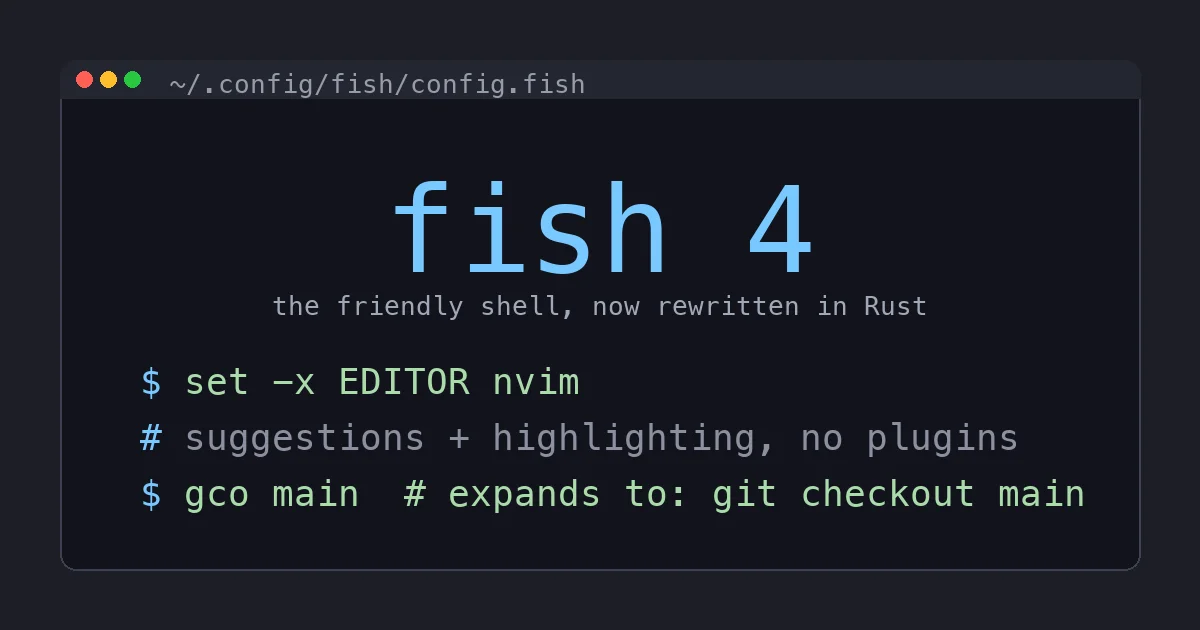
fish has aliases too, but its better idea is abbreviations. You define gco to expand to git checkout, and when you type gco and hit space, fish replaces it inline, right there on the command line, with the full git checkout before you run it. You see the real command. Your history stores the real command. You stay fluent in the actual tool instead of memorizing private shorthand. It is a tiny mechanical difference that fixes a real problem I had lived with for a decade without noticing.
The Scripting Language Is Better, and That Is the Catch
fish’s scripting language is, on the merits, nicer than bash. Functions are real functions with a clean function name ... end block. Conditionals read like a normal language. There is no [[ ]] versus [ ] versus (( )) quoting minefield, no forgetting that a stray space around an = breaks an assignment, no array syntax that looks like line noise. If you have ever spent twenty minutes debugging a bash script that turned out to be a quoting issue, fish scripting feels like relief.
The catch is the flip side of that same coin. fish is not POSIX-compliant, and the wider world runs on bash. So the moment you paste a clever one-liner from Stack Overflow with && chains, $(...) substitutions, and bash-isms, it may not run unchanged in fish. The translations are usually small, and fish’s versions are usually clearer, but you do have to do them. Setting an environment variable is set -x VAR value, not export VAR=value. Command substitution is (command), not $(command).
In practice this bothers me far less than I feared, for one reason: I do not write production scripts in my interactive shell’s language. My scripts start with #!/usr/bin/env bash and run in bash regardless of what my interactive shell is, exactly as they should for portability. fish is what I type into all day. bash is what my scripts are written in. Keeping those two jobs separate makes the POSIX tax nearly disappear, because the only fish syntax I actually need is the handful of interactive things, and those I learned in a day.
Where it does bite is install scripts. Every so often a tool’s one-line installer assumes your login shell is bash or zsh and does something that fish does not like. The fix is usually to run that one installer in bash -c and move on, but it is a real papercut and an honest con.
Living In It For Six Months
The day-to-day is the best endorsement I can give. I stopped thinking about my shell, which for a tool you touch a thousand times a day is the highest praise there is.
Startup is instant even though my config has grown, because fish does not load a plugin framework, it just starts. The funced and funcsave workflow for editing functions live in the shell and persisting them is genuinely pleasant. The web-based configuration at fish_config for picking colors and prompts is a nice touch I used exactly once and never needed again. And the defaults are good enough that my entire config.fish is short enough to read in one screen and, crucially, short enough that I understand every line in it, which is the exact thing I could never say about my Oh My Zsh setup.
The community ecosystem is smaller than bash or zsh, and I will not pretend otherwise. There are fewer guides, fewer Stack Overflow answers, and for a genuinely niche problem you sometimes end up reading the fish docs or source rather than finding a pre-chewed answer. But the docs are excellent, and the surface area of problems is small precisely because there is so little to configure.
Who Should Switch and Who Should Not
Switch if you want a great interactive shell with no configuration project attached, if you are a beginner who wants the most help the terminal can give you, or if you are a veteran tired of maintaining a tower of zsh plugins. The defaults are better than most people’s tuned setups and there is nothing to keep running.
Think twice if your daily work is writing shell scripts in your interactive shell and you need POSIX behavior at the prompt, or if you live inside an ecosystem of bash-assuming tooling you cannot easily wrap. Even then, the split-brain approach of fish-interactive plus bash-scripts works for most people, so “think twice” rarely becomes “do not.”
The Bottom Line
fish 4 is the unusual tool that is simultaneously the friendliest shell for someone who has never opened a terminal and a legitimately better daily driver for someone who has used one for fifteen years. The Rust rewrite gave it a foundation to keep improving without giving you a single regression to relearn, and the out-of-box experience still embarrasses shells that need an afternoon of configuration to match it.
You pay one tax, the POSIX-compatibility gap, and for an interactive shell I have found it almost free in practice as long as you keep writing your actual scripts in bash. fish is free, it is open source, and it is the first shell in years that made me stop tuning my terminal and start just using it. After the Oh My Zsh years, that turned out to be exactly what I wanted.